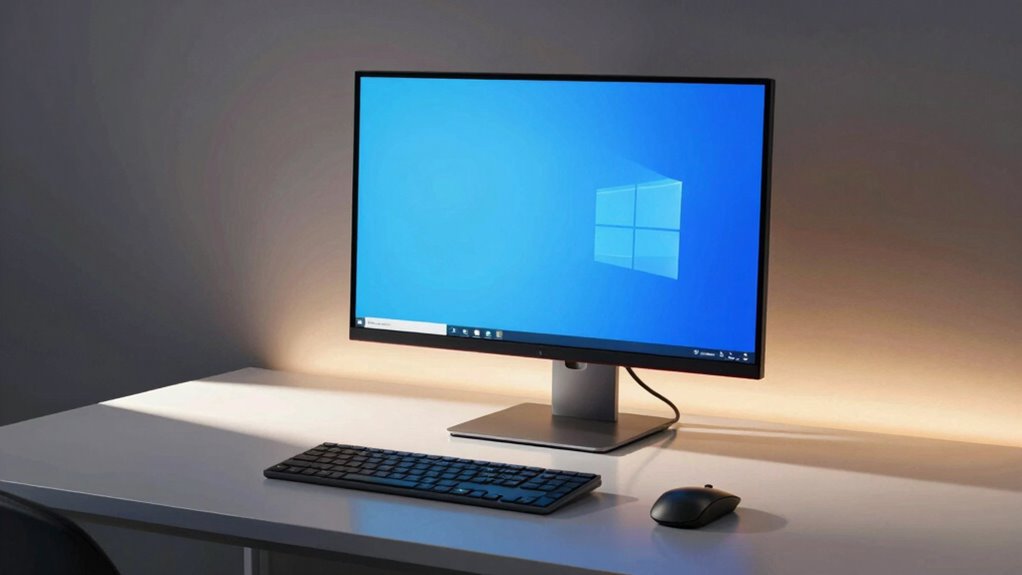

Monitor light bars can help by boosting your workspace lighting and reducing eye strain, provided you position them correctly and adjust their brightness. When placed improperly or set too high, they can cause glare and reflections on your screen, leading to discomfort and distraction. To get the benefits without the drawbacks, you need to balance placement and settings carefully. If you keep these tips in mind, you’ll find ways to improve your workspace—more details await just ahead.

Prime made for students and young adults
- Fast, free delivery for dorm and study essentials
- Prime Video and Amazon Music included
- Member-only deals
Key Takeaways
- Proper placement and adjustable brightness help monitor light bars enhance visibility without causing glare.
- Incorrect positioning or excessive brightness can reflect off screens and increase eye strain.
- Targeted, downward or side lighting minimizes reflections and shadows, improving comfort during extended use.
- Choosing light bars with customizable settings allows users to balance illumination and avoid glare.
- Awareness of monitor setup and light bar placement ensures they provide benefits while preventing glare issues.
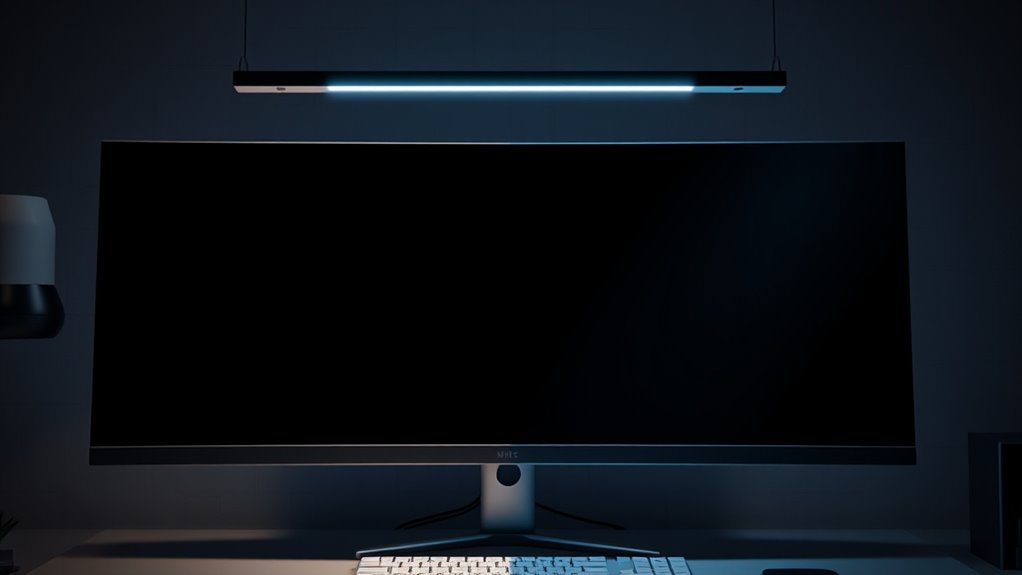
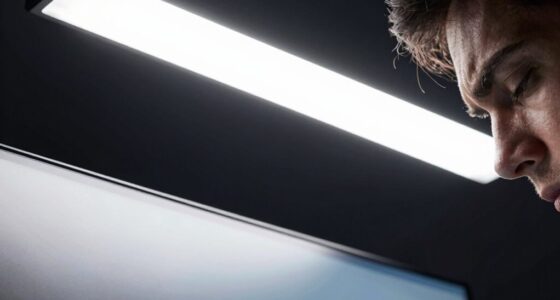
Have you ever struggled with glare or inadequate lighting while working at your monitor? If so, you’re not alone. Many people face challenges in creating a comfortable workspace, especially when it comes to proper lighting. Monitor light bars have gained popularity as a solution, offering a sleek way to improve visibility and reduce eye strain. Their ergonomic design is tailored to direct light precisely where you need it, minimizing reflections and shadows that can cause discomfort. When chosen thoughtfully, these light bars not only enhance functionality but also add to the aesthetic appeal of your workspace. They come in various styles and finishes, allowing you to select one that complements your desk setup, making your environment look clean, modern, and organized. The ergonomic design of monitor light bars ensures that they provide even, adjustable lighting without creating hotspots or glare that strain your eyes. Unlike traditional desk lamps that often produce harsh light or cause unwanted reflections on your screen, these bars are designed to sit comfortably atop or beside your monitor, focusing light downward or sideways. This targeted illumination means you don’t have to worry about stray light bouncing into your eyes or distorting your view of the screen. Plus, many models feature touch controls or adjustable brightness settings, giving you the flexibility to customize lighting conditions based on your needs, whether you’re working late into the night or during daytime hours. The aesthetic appeal of monitor light bars is also a significant advantage. They seamlessly integrate into modern workspace setups, offering a minimalist look that enhances your desk’s overall appearance. You can find options with sleek metallic finishes, slim profiles, and slimline designs that blend effortlessly with your monitor and accessories. This stylish integration means you don’t have to sacrifice beauty for function; you get both. However, it’s vital to recognize when a monitor light bar might create glare instead of eliminating it. Improper placement, a poorly designed light bar, or overly bright settings can reflect off your screen, causing more eye strain rather than alleviating it. To avoid this, ensure that the light is positioned correctly and that its brightness can be adjusted to suit your environment. Additionally, understanding monitor setup requirements can help you optimize the placement and effectiveness of your light bar. When used properly, a monitor light bar becomes an invaluable tool that enhances your work environment without compromising visual comfort. It’s a thoughtful addition that combines ergonomic benefits with aesthetic appeal, making your workspace both functional and visually pleasing. So, if you’re considering one, pay attention to the design and placement to guarantee you get the most benefit without the drawbacks of glare.
monitor light bar with adjustable brightness
As an affiliate, we earn on qualifying purchases.
As an affiliate, we earn on qualifying purchases.
Frequently Asked Questions
Do Monitor Light Bars Affect Sleep Quality?
Monitor light bars can affect your sleep quality by causing sleep disruption and impacting your circadian rhythms. If the light is too bright or emits blue wavelengths, it may delay melatonin production, making it harder for you to fall asleep. To minimize this, use softer, warmer lighting or turn off the light bar before bedtime. Managing light exposure helps maintain healthy sleep patterns and supports overall well-being.
Are There Specific Light Bar Brands Recommended for Reducing Glare?
Did you know that some brands are specifically designed to reduce glare and improve visual comfort? For glare reduction, consider brands like BenQ and ASUS, which offer light bars with adjustable brightness and anti-glare features. These options help minimize reflections and eye strain, making your workspace more comfortable. When choosing a light bar, look for those with customizable settings and high-quality diffusers to guarantee maximum glare reduction and enhanced focus.
How Do Light Bars Impact Energy Consumption?
Light bars generally improve energy efficiency by providing targeted lighting, which can reduce overall power consumption. When you use them correctly, they help illuminate your workspace without overusing energy. However, if set too brightly or placed improperly, they may increase power consumption unnecessarily. To optimize, choose energy-efficient light bars with low power consumption ratings, and adjust brightness levels to balance visibility with energy savings.
Can Light Bars Be Adjusted for Different Screen Sizes?
Yes, light bars can be adjusted for different screen sizes. You can customize their placement and brightness to match your screen’s dimensions and lighting needs. Look for models with adjustable brightness and flexible mounting options to guarantee compatibility with various screens. This way, you create ideal lighting without causing glare, enhancing your viewing experience. Always check the product’s specifications for screen compatibility before purchasing.
Are Light Bars Suitable for Use With Gaming Monitors?
You’ll find light bars are a game-changer for gaming monitors, transforming your setup into an immersive wonderland. They’re perfect for ambient lighting, reducing eye strain and enhancing focus. Just make sure you adjust the color temperature to match your screen for maximum comfort. Be cautious, though—poor positioning or overly bright settings can create glare, so experiment with placement to avoid disrupting your gaming experience.
As an affiliate, we earn on qualifying purchases.
Conclusion
In the end, monitor light bars can be your best friend or your worst enemy. When used thoughtfully, they reduce eye strain and create a cozy workspace. But if you’re not careful, they can cause glare and discomfort, turning your setup into a headache. Remember, it’s all about balance — don’t put all your eggs in one basket. With a little attention, you’ll find the perfect lighting setup that keeps you focused without losing your cool.
monitor light bar for glare reduction
As an affiliate, we earn on qualifying purchases.
As an affiliate, we earn on qualifying purchases.
LED monitor light bar for workspace
As an affiliate, we earn on qualifying purchases.
As an affiliate, we earn on qualifying purchases.
Halloween Picks
halloween
As an affiliate, we earn on qualifying purchases.