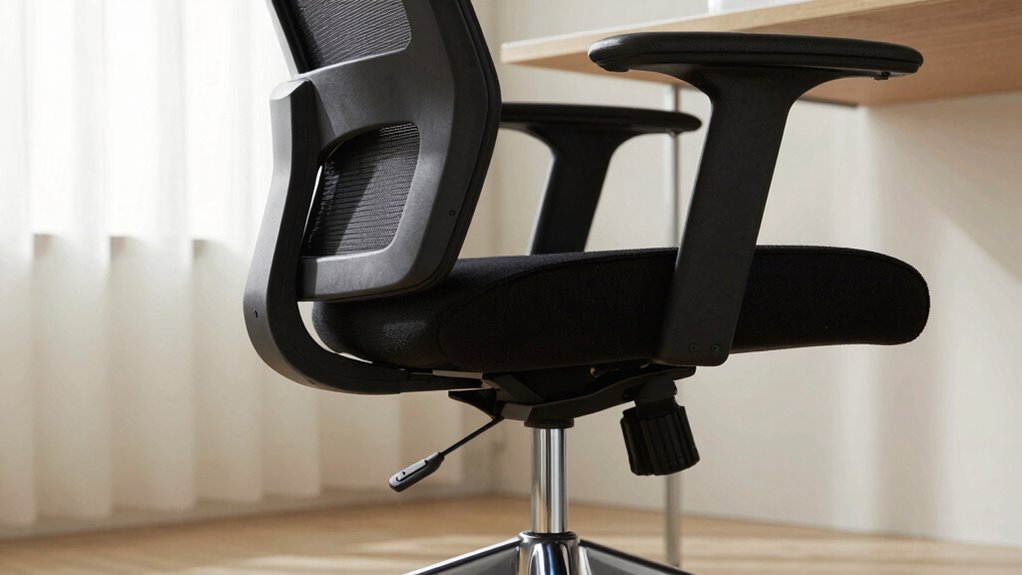
Most people start adjusting their office chair backwards, focusing on armrests or seat depth first, which can cause discomfort and poor posture. Instead, you should begin with setting the seat height so your feet are flat and knees are at 90 degrees. Then, adjust lumbar support, backrest tilt, and armrests for the best ergonomic fit. Following the correct order makes a big difference, and you’ll discover the proper way to set up your chair if you keep going.
Key Takeaways
- Many people start by adjusting armrests or backrest before setting seat height, which can lead to poor posture.
- The correct order begins with seat height, ensuring feet are flat and knees at 90 degrees for proper alignment.
- Adjusting lumbar support and backrest tilt should follow after seat height to support natural spinal curvature.
- Ignoring the sequence often results in misaligned armrests and compromised ergonomic support.
- Proper adjustment order enhances comfort, prevents strain, and promotes a healthier, more ergonomic sitting posture.
Why Proper Chair Adjustment Matters for Comfort
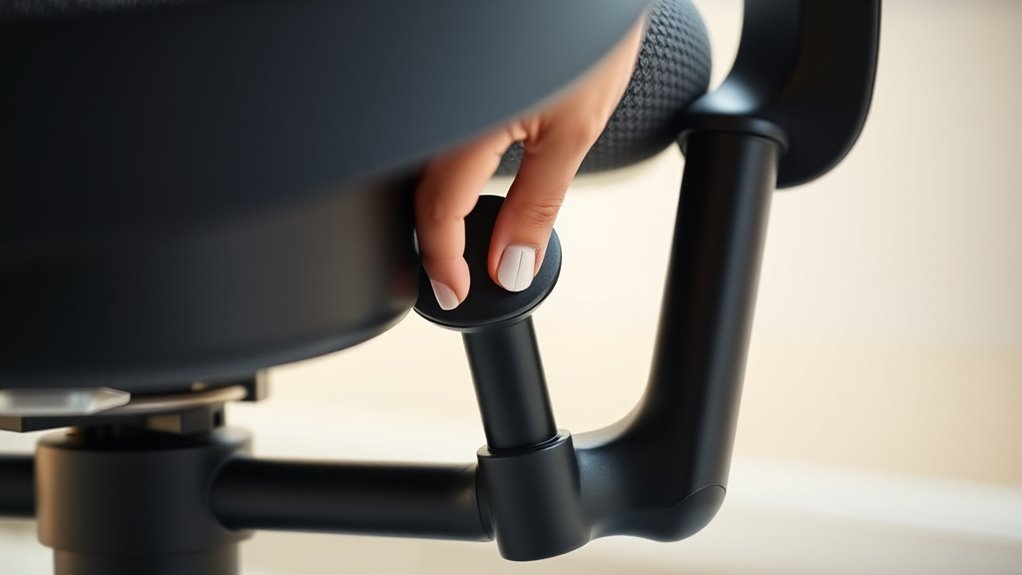
Proper chair adjustment is essential because it directly affects your comfort and can prevent discomfort or injuries over time. When you customize your chair correctly, you promote an ergonomic posture that supports your body’s natural alignment. This means adjusting the height so your feet rest flat on the floor and your knees are at a 90-degree angle. Proper lumbar support helps reduce strain on your lower back, while adjusting the armrests ensures your shoulders stay relaxed. Chair customization isn’t just about comfort—it’s about maintaining good posture, which boosts productivity and reduces fatigue. Taking the time to fine-tune your chair ensures you stay comfortable throughout the day and minimizes the risk of long-term musculoskeletal issues. Proper adjustment makes all the difference in your daily work experience. Additionally, understanding proper chair adjustment can optimize your setup for better overall health.
Common Mistakes When Setting Up Your Office Chair
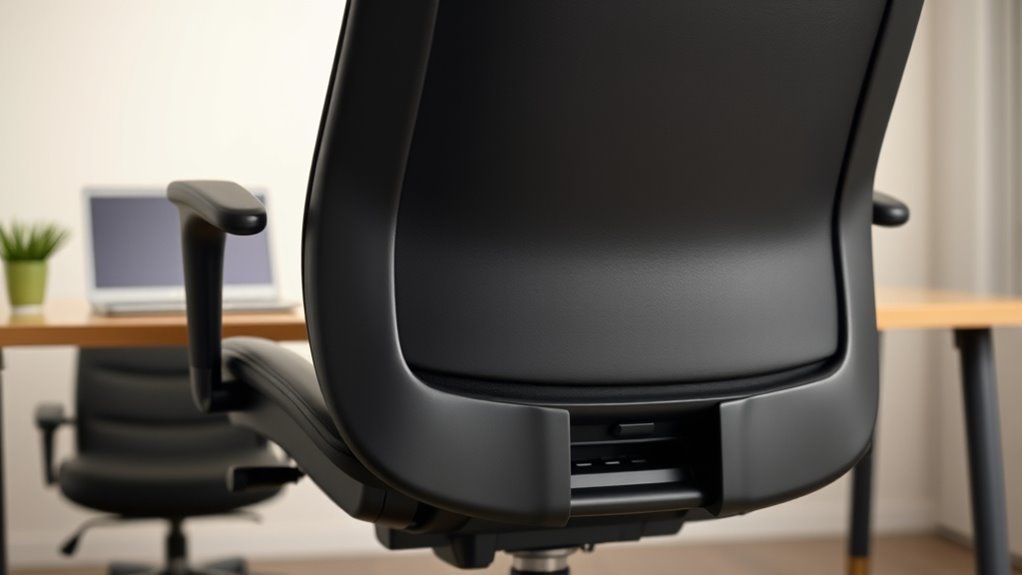
Many people make common mistakes when setting up their office chairs, which can undermine comfort and cause long-term discomfort. One mistake is neglecting ergonomic accessories, like lumbar supports or footrests, that improve posture and reduce strain. Another is ignoring the overall office layout, which influences how you position your chair relative to your desk and computer. Failing to adjust the chair height properly or overlooking armrest positioning can lead to awkward angles and tension. Additionally, some set their chair too close or too far from their work area, forcing poor postures. These errors often result from rushing or not understanding the importance of a well-thought-out setup, which can be optimized with the right ergonomic tools and arrangement. Avoid these pitfalls by paying attention to ergonomic accessories and considering your entire office layout for a safer, more comfortable workspace.
How to Adjust Your Chair in the Right Order

To guarantee your office chair is set up correctly, start by adjusting the height so your feet rest flat on the floor and your knees are at a 90-degree angle. Once the height is right, focus on your lumbar support and backrest position. Use ergonomic accessories like lumbar cushions if needed to support your lower back properly. Adjust the backrest’s angle so it follows the natural curve of your spine, promoting good office ergonomics. Next, set the armrests so your shoulders stay relaxed and your elbows are at a 90-degree angle. Prioritize these steps in the right order to assure maximum comfort and support. Proper adjustment helps prevent strain and improves your overall workspace setup, making your chair truly ergonomic. Additionally, understanding the importance of ergonomic principles can guide you in optimizing your chair setup for long-term comfort and health.
How to Set Your Seat Height for Better Support

To set your seat height correctly, start by ensuring your knees are bent at a comfortable 90 degrees. Your feet should rest flat on the floor, providing stable support. Adjust the chair so your thighs are parallel to the ground and your posture stays relaxed. Proper seat height can also help prevent discomfort during long drives or work sessions. Home Charging, for example, emphasizes the importance of ergonomic setup to make your EV experience safer and more comfortable.
Proper Knee Bend
Ensuring a proper knee bend is essential for maintaining comfort and reducing strain during extended sitting. When adjusting your seat height, focus on achieving the right knee flexion so your knees are slightly lower than your hips. Proper leg positioning helps improve circulation and prevents discomfort. To set this up:
- Adjust seat height until your knees form about a 90-degree angle
- Ensure your feet are flat on the ground with legs at a natural, comfortable angle
- Avoid excessive knee flexion or hyperextension, which can cause tension
- Remember that ergonomic principles guide effective adjustments for sustained comfort
Maintaining this position supports better posture and reduces pressure on your lower back. Proper knee bend aligns your hips and legs, promoting overall ergonomic comfort and minimizing long-term strain.
Optimal Foot Placement
Have you considered how your foot placement affects your overall comfort and support? Proper foot positioning ensures your weight is evenly distributed, reducing strain on your legs and lower back. When setting your seat height, focus on placing your feet flat on the floor with knees slightly below hip level. Your foot placement should feel natural, not forced, enabling you to sit upright without feeling strained. Keep your feet aligned directly beneath your knees for essential support. Avoid crossing your legs or letting your feet dangle, as these habits can cause imbalance and discomfort. Adjust your chair so that your feet rest comfortably on the ground, promoting better circulation and stability. Proper foot placement is a simple yet vital step toward achieving ergonomic seating for long-term comfort.
Adjust the Seat Depth to Support Your Thighs
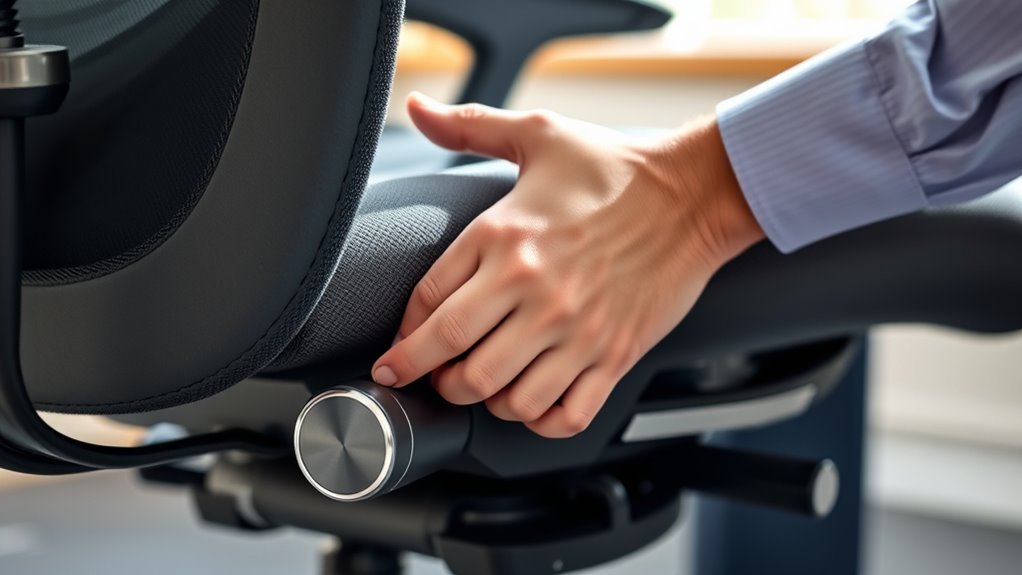
Adjusting your seat depth properly guarantees your thighs are well supported without putting pressure on the backs of your knees. When the seat is set correctly, you’ll sit comfortably and avoid circulation issues. Proper cybersecurity measures are essential to protect your devices from hacking attempts. Let’s look at how to find the right position for ideal support.
Proper Seat Depth Setting
To support your thighs comfortably and maintain proper posture, you need to set your seat depth correctly. Proper seat depth ensures your thighs are fully supported without pressure, promoting better circulation and reducing fatigue. Adjust the chair so that there’s a small gap—about 1-2 inches—between the front edge and the back of your knees. This helps prevent pressure points and allows for ergonomic accessories like lumbar supports to work effectively. Keep in mind that aesthetic design should blend functionality with style, so choose a chair with adjustable features for a tailored fit. To visualize:
- Thighs rest fully on the seat without dangling
- A slight gap remains at the front
- Adjustments complement ergonomic accessories
Additionally, some ergonomic chairs offer adjustable seat depth features that make finding the perfect fit easier. This setup maximizes comfort and promotes healthy posture throughout your workday.
Prevents Thigh Pressure
How can you prevent thigh pressure and guarantee comfortable sitting all day? The key is adjusting your chair’s seat depth to support your thighs properly. When your seat is too deep, your thighs may press against the edge, causing discomfort and restricting circulation. Good chair design allows you to slide the seat forward or backward, ensuring your thighs rest fully on the cushion without feeling cramped. Proper seat depth reduces thigh pressure, preventing numbness and fatigue. By setting the right depth, you distribute your weight evenly and avoid unnecessary strain. Take the time to adjust your chair so that a finger’s width fits between your seat edge and the back of your knees. Ergonomic design plays a crucial role in maintaining comfort and healthy posture during long periods of sitting.
How to Fit the Lumbar Support for Your Lower Back

Are you unsure if your lumbar support is providing the right amount of comfort? To guarantee proper fit, adjust the lumbar support so it molds to your lower back’s natural curve. Proper positioning reduces strain and prevents discomfort during long periods of sitting. Consider these tips: – Position the lumbar support so it sits directly in the curve of your lower back. – Adjust the height and depth until you feel a gentle, supportive pressure. – Ensure it doesn’t push too hard or feel too loose, maintaining support without restricting movement. Correctly fitted lumbar support encourages good posture and alleviates lower back pain. Take a moment to fine-tune it, making sure it feels natural and supportive. When set properly, your lower back gets the comfort and support it needs for prolonged sitting. Trustworthy information can help you achieve better ergonomic adjustments.
Tweak the Backrest Tilt and Tension for Comfort

Adjusting the backrest tilt and tension is key to finding a comfortable sitting position. Start by tilting the backrest to support your natural spine curve, promoting better posture correction. Many ergonomic accessories include tilt mechanisms that let you fine-tune this angle easily. Once you find a position that feels supportive yet relaxed, adjust the tension so the backrest resists leaning back but isn’t stiff. Proper tension prevents you from slumping or straining your back muscles. These adjustments help you stay comfortable during long periods of sitting and encourage proper alignment. Remember, small tweaks can make a big difference in comfort and posture. Take your time experimenting with tilt and tension until your chair supports you perfectly.
Set Armrests Correctly to Support Shoulders and Arms
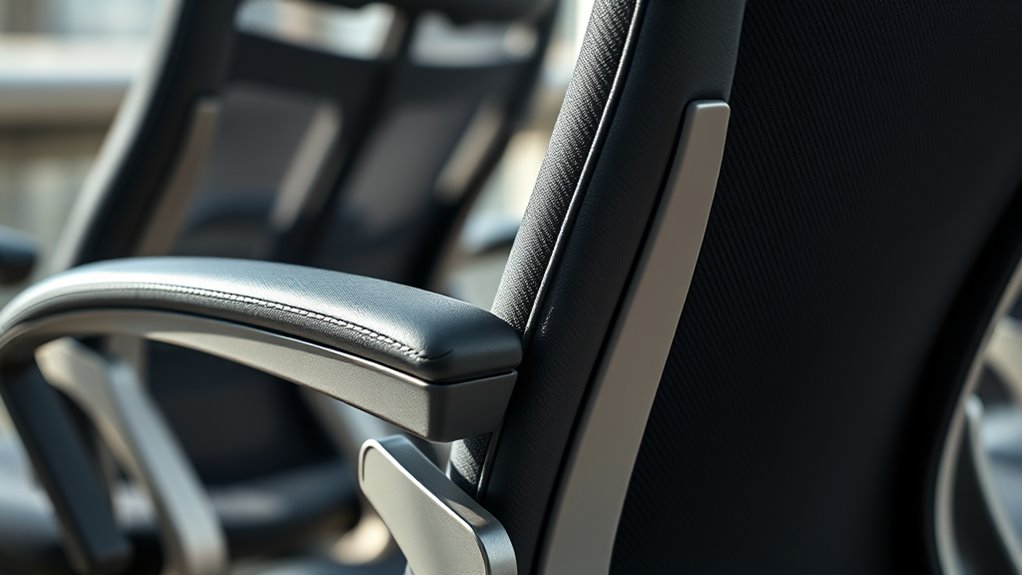
To guarantee proper support for your shoulders and arms, you should set your armrests at the right height and width. Proper armrest positioning ensures your shoulders stay relaxed and prevents strain. Adjust the height so your arms rest comfortably with shoulders relaxed and elbows at a 90-degree angle. The width should be set so your arms aren’t pushed inward or splayed outward, maintaining natural shoulder alignment. Correct armrest positioning reduces tension and supports good posture throughout the day. Remember, your goal is to support your shoulders and arms without constricting movement or causing discomfort. Focus on these key points:
- Raise or lower armrests to align with your elbows
- Adjust width to keep shoulders relaxed
- Ensure armrests support forearms without pushing shoulders upward
Frequently Asked Questions
How Often Should I Readjust My Office Chair During the Day?
You should readjust your office chair as often as needed to maintain good ergonomic posture, ideally every 30 to 60 minutes. Regular tweaks help prevent strain and discomfort. Use ergonomic accessories like lumbar supports or footrests to enhance comfort. Pay attention to your body; if you feel tension or discomfort, it’s time to readjust your chair. Staying mindful of your office posture promotes better health and productivity throughout the day.
Can Incorrect Chair Adjustments Cause Long-Term Back Problems?
Ignoring proper chair adjustments can secretly harm your spinal health over time, leading to long-term back problems. Poor posture correction from incorrect settings strains your spine, causing discomfort and potential injury. By ensuring your chair supports your natural alignment, you safeguard your back’s future. Don’t underestimate the power of correct adjustments—small changes today can prevent serious issues tomorrow, keeping your spine healthy and pain-free for years to come.
What Signs Indicate My Chair Is Not Properly Adjusted?
If your chair isn’t properly adjusted, you’ll notice discomfort or pain in your lower back, neck, or shoulders. You might feel your lumbar support isn’t providing enough support or your seat height is too high or low, causing your feet to dangle or strain your legs. Additionally, poor posture, frequent shifting, or feeling tense after sitting are signs that your chair needs adjustment to support proper ergonomics.
Are There Specific Ergonomic Standards for Chair Adjustments?
Yes, there are ergonomic guidelines for chair adjustments to guarantee chair safety. You should adjust your chair so your feet are flat on the floor, your knees are at a 90-degree angle, and your hips are slightly above your knees. The backrest should support your lower back, and armrests should let your shoulders relax. Following these standards helps prevent strain and promotes good posture, keeping you comfortable and safe.
How Do I Personalize My Chair Settings for Different Tasks?
Imagine tailoring a suit to fit perfectly; you can do the same with your chair. For different tasks, adjust lumbar support to keep your back comfortable and maintain good posture. Fine-tune armrest positioning so your shoulders relax naturally. When working on detailed tasks, sit upright with more lumbar support. For relaxing breaks, lean back gently and loosen armrests. Personalizing these settings helps you stay comfortable and focused throughout your day.
Conclusion
Getting your chair adjustments right can make a world of difference in comfort and productivity. It’s easy to fall into bad habits and do things backwards, but once you know the proper order, you’ll see a real difference. Remember, Rome wasn’t built in a day, so take your time to fine-tune your setup. When your chair is just right, you’ll work smarter, not harder, and sit pretty all day long.