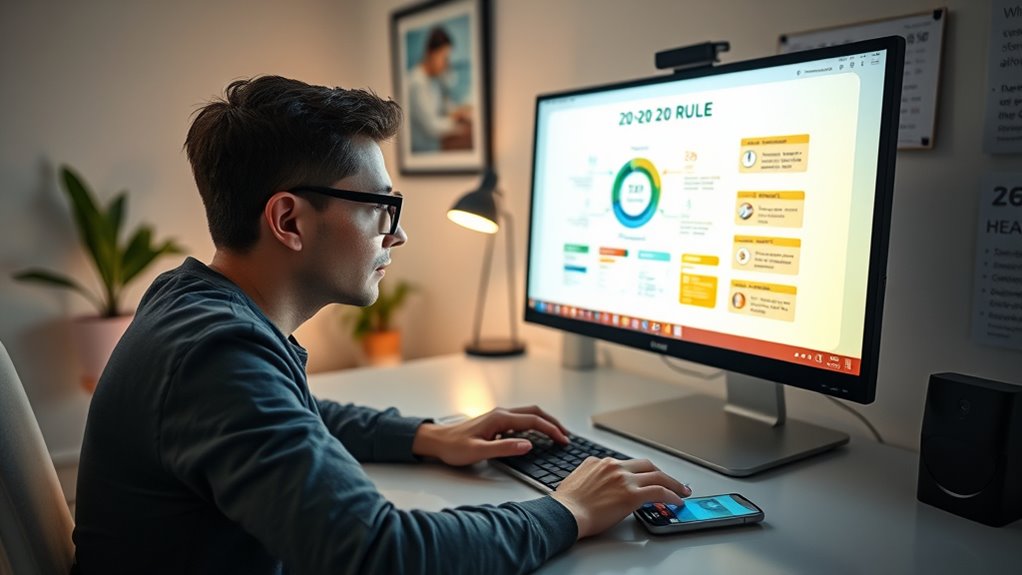
The 20-20-20 rule helps you reduce eye strain by reminding you to look at something 20 feet away for 20 seconds every 20 minutes of screen time. It relaxes your eye muscles and prevents discomfort from prolonged focusing. However, it isn’t foolproof—environmental factors like glare, poor lighting, or underlying eye issues can still cause problems. If you want to learn how to optimize your eye health, keep exploring these strategies.

Get school and study supplies delivered free — and shop member deals
- Fast, free delivery on millions of items
- Access to Prime Big Deal Days deals on October 6–7
- Prime Video, Amazon Music and more included
Key Takeaways
- The 20-20-20 rule encourages looking 20 feet away for 20 seconds every 20 minutes to reduce eye strain from screens.
- It effectively relaxes eye muscles, preventing discomfort and fatigue during prolonged screen use.
- The rule may fail if underlying eye issues, environmental factors, or ergonomic problems are not addressed.
- It does not substitute comprehensive eye care or medical advice for persistent or severe eye symptoms.
- Regular breaks combined with proper lighting, workspace setup, and professional eye assessments ensure better eye health.
As an affiliate, we earn on qualifying purchases.
Understanding the 20-20-20 Rule
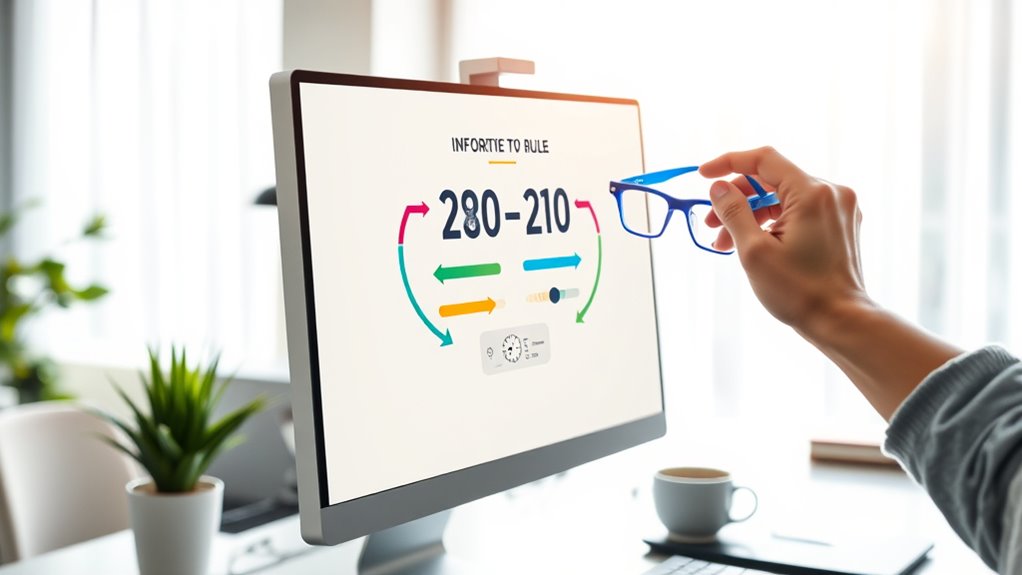
The 20-20-20 rule is a simple strategy designed to reduce eye strain caused by prolonged screen time. When you spend hours looking at a computer or device, you may notice symptoms like dry eyes, blurred vision, or headaches—signs of digital fatigue. This rule encourages you to take regular breaks, specifically looking at something 20 feet away for 20 seconds every 20 minutes. Doing this helps relax the eye muscles that work hard during screen use, preventing discomfort and reducing the risk of long-term damage. By understanding how eye strain develops from continuous focus on screens, you can implement this easy habit to protect your eye health. Additionally, being aware of the importance of visual ergonomics can help optimize your workspace for better eye comfort. Recognizing the role of ergonomic workspace setup can further enhance your eye health and overall comfort during extended screen use. Incorporating regular eye exercises can also support eye relaxation and reduce fatigue over time.
As an affiliate, we earn on qualifying purchases.
How the Rule Supports Eye Health
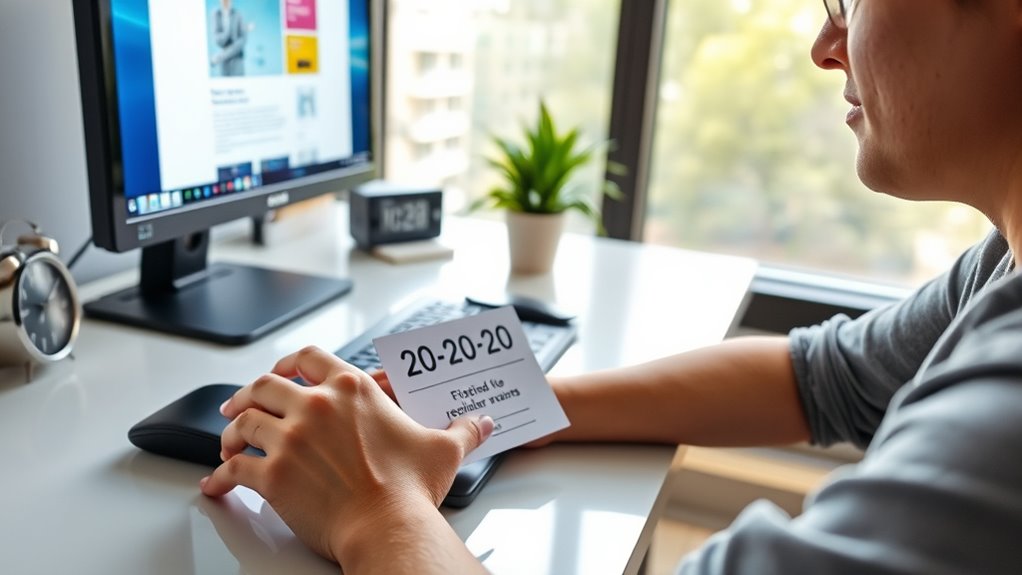
Implementing the 20-20-20 rule directly supports your eye health by reducing the strain caused by continuous screen focus. When you follow this rule, you give your eyes a much-needed break, which can lead to noticeable vision improvement over time. It helps prevent eye strain, a common problem for those who spend hours in front of screens. Regularly shifting your focus to something 20 feet away relaxes the eye muscles, easing discomfort and fatigue. This simple habit encourages healthier eye habits and can even reduce the risk of developing long-term issues. Staying aware of digital eye strain and managing screen time effectively further enhances eye health. Additionally, understanding screen distance can help optimize visual comfort and prevent unnecessary eye fatigue. Being mindful of proper lighting can also reduce glare and improve overall screen viewing comfort. Recognizing the importance of visual ergonomics can further support your eye health by creating a more comfortable viewing environment. Incorporating regular breaks and adjusting your workspace setup are essential components of preventing eye discomfort.
As an affiliate, we earn on qualifying purchases.
Optimal Ways to Implement the Technique
To make the 20-20-20 rule easy to follow, set reminders to prompt you every 20 minutes. Adjust your screen brightness to a comfortable level that minimizes eye strain without sacrificing clarity. These simple steps help guarantee you stay consistent and protect your eyes throughout the day. Incorporating proper contrast ratio management can further improve your viewing comfort and reduce eye fatigue over time. Regular breaks and visual ergonomics are also key components to maintaining eye health during screen use. Ensuring proper screen distance is essential for reducing strain and promoting healthier viewing habits. Additionally, maintaining awareness of your eye health can help you identify early signs of strain and adjust your habits accordingly. Using wearable fitness tech to monitor your eye strain levels can provide valuable feedback and encourage better habits.
Set Reminders Regularly
Since your eyes need regular breaks to stay comfortable and healthy, setting reminders to follow the 20-20-20 rule guarantees you don’t forget. Consistent prompts help combat eye strain and reduce digital fatigue, especially during long screen sessions. Use alarms or app notifications to stay on track. Place sticky notes near your workspace as visual cues. Schedule breaks at fixed intervals on your calendar or timer. Incorporate these methods into your daily routine to keep eye health a priority. Regular reminders ensure you pause before eye discomfort worsens, making the technique effective. Staying proactive with reminders helps build a habit that minimizes eye strain and keeps your vision clear over time. Proper eye care is essential for maintaining long-term eye health and comfort.
Adjust Screen Brightness
Adjusting your screen brightness to match your environment is essential for reducing eye strain. Proper screen calibration helps guarantee your display isn’t too bright or dim, which can cause eye fatigue. To achieve this, set your brightness level so that the screen’s luminance is similar to your surroundings. If your environment is dim, lower your brightness; if it’s well-lit, increase it accordingly. Avoid using default or overly bright screens that can cause discomfort over time. Regularly calibrate your monitor using built-in tools or calibration software to maintain ideal settings. This simple adjustment minimizes eye fatigue by preventing your eyes from constantly adjusting between high and low brightness levels, making your screen easier to view during prolonged periods. Additionally, screen brightness adjustment can help reduce overall digital eye strain and improve visual comfort throughout the day. Ensuring your display quality is optimized further supports comfortable viewing.
anti-glare computer screen protector
As an affiliate, we earn on qualifying purchases.
As an affiliate, we earn on qualifying purchases.
Limitations and Situations Where It Falls Short
While the 20-20-20 rule can be effective for reducing eye strain during short periods of screen use, it isn’t foolproof and has limitations. It doesn’t address underlying issues like age-related eye problems or environmental factors that contribute to discomfort. For example, if you have presbyopia or other age-related issues, simply taking breaks may not prevent eye fatigue. Additionally, poor lighting, glare, or dry air can worsen strain regardless of break frequency. The rule also neglects long-term eye health, focusing mainly on short-term relief. If your screen time is prolonged or your workspace is poorly designed, the 20-20-20 rule alone won’t suffice. You need a holistic approach that considers these external factors and individual health concerns. Environmental conditions such as glare or poor lighting can significantly impact eye comfort and strain levels. Moreover, addressing age-related eye issues with proper medical advice can be essential for maintaining long-term eye health beyond simple break strategies. Incorporating regular eye exams and proper vision correction can further support eye health over time. Recognizing the importance of digital literacy can also help users adopt better habits for eye health and overall well-being. Additionally, understanding medical conditions affecting the eyes can help tailor strategies to protect vision effectively.
Additional Strategies for Eye Comfort

To enhance your eye comfort during screen use, incorporating additional strategies beyond the 20-20-20 rule can make a significant difference. Using ergonomic accessories, like adjustable monitor stands and supportive chairs, helps position your screen at eye level and reduces strain. Regular eye exercises, such as blinking consciously or focusing on distant objects, strengthen eye muscles and reduce fatigue. Take short breaks to stretch your neck and shoulders, which can alleviate tension that contributes to eye discomfort. Keep your workspace well-lit, avoiding glare and harsh lighting. Staying mindful of your posture and incorporating these simple adjustments creates a more comfortable environment. These proactive measures complement the 20-20-20 rule, helping you maintain eye health during prolonged screen time. Understanding the science behind digital eye strain can further empower you to protect your eyes effectively. Additionally, exploring precious metal IRAs can be a smart financial strategy for long-term security. Incorporating proper lighting techniques can also reduce glare and minimize eye fatigue during extended screen use, and being aware of ergonomic workspace setup can further optimize comfort and reduce strain.
When to Seek Professional Advice
You should consider seeking professional advice if you experience persistent eye discomfort, vision changes, or increased sensitivity to light despite following recommended eye care practices. These symptoms warrant care and may indicate underlying issues needing a thorough vision assessment. Ignoring persistent problems can lead to worsening conditions or missed diagnoses. Seek help if you notice blurry vision, frequent headaches, eye redness, or difficulty focusing. A professional can perform a thorough vision assessment to identify the root cause of your symptoms. Early intervention can prevent more serious complications. Don’t wait until discomfort becomes severe—timely advice ensures your eye health remains essential. Remember, addressing symptoms promptly is vital for maintaining clear, comfortable vision and overall eye well-being.
Frequently Asked Questions
Can Children Effectively Follow the 20-20-20 Rule?
Children can follow the 20-20-20 rule, but their focus and attention span vary. You might notice that younger kids struggle to remember or stick to the rule without reminders. To help, you should set gentle prompts or breaks, making it easier for them to stay attentive and reduce eye strain. Over time, with consistent practice, children can develop better focus and follow the rule more effectively.
How Does the Rule Impact Digital Eye Strain Over Long Periods?
Following the 20-20-20 rule helps reduce digital eye strain over long periods by giving your eyes regular breaks from screens. This practice decreases eye fatigue, especially related to blue light exposure, which can cause discomfort and disrupt sleep. By consistently applying the rule, you can protect your eyes, minimize strain, and maintain better visual comfort during extended screen time.
Are There Specific Screen Types That Make the Rule More Necessary?
Certain screen technology, like LED or high-refresh-rate displays, makes the 20-20-20 rule more essential, acting like a lighthouse guiding your eyes through the fog. These screens often emit more blue light, impacting visual ergonomics and increasing strain. If you use devices with smaller screens or high brightness, following the rule helps reduce eye fatigue and discomfort, ensuring your eyes stay comfortable on this digital voyage.
Does the Rule Apply to All Types of Visual Tasks?
The 20-20-20 rule applies broadly to many visual tasks, but its effectiveness varies with task diversity and complexity. If you’re switching between detailed tasks like reading or designing and simpler ones like browsing, you should still take breaks regularly. For highly complex tasks, longer or more frequent breaks might be necessary to reduce eye strain. Adjust your break routine based on how your eyes feel during different visual activities.
How Does Lighting Influence the Effectiveness of the 20-20-20 Rule?
Lighting plays a key role in how effective the 20-20-20 rule is. If your ambient lighting is too dim, your eyes strain more, reducing the rule’s benefits. Conversely, bright lighting can cause screen glare, making it harder to focus and follow the break routine. To maximize the rule’s effectiveness, guarantee balanced ambient lighting and minimize screen glare by adjusting your position or using anti-glare filters.
Conclusion
Remember, the 20-20-20 rule is like watering a plant—helpful, but not enough on its own. I once ignored it during long screen sessions, and my eyes felt strained, like a dry desert. Incorporating regular breaks and eye exercises keeps your vision healthy and vibrant. Use this rule as a tool, but stay attentive to your eyes’ signals. After all, your vision’s worth the extra care—think of it as tending a delicate garden.
Halloween Picks
halloween
As an affiliate, we earn on qualifying purchases.