Your monitor height is likely wrong because it’s not aligned with your eye level, causing neck strain and eye fatigue over time. When the top of your screen isn’t at or just below eye level, you tend to tilt or crane your neck, leading to discomfort. Proper placement at an arm’s length and calibration of brightness can help. Keep going to discover simple ways to adjust your setup and protect your health.
Open a free Amazon Business account
Business pricing, bulk buying and tax-exempt orders.
As an affiliate, we earn on qualifying purchases.
Key Takeaways
- Improper monitor height can cause neck strain and discomfort by forcing you to look up or down constantly.
- Setting the monitor too high or low misaligns your natural eye level, leading to eye fatigue and blurred vision.
- Incorrect positioning prevents maintaining an optimal viewing distance, increasing eye strain and reducing focus.
- Failing to calibrate brightness and contrast can make the monitor harder to view comfortably at the wrong height.
- Not adjusting monitor height regularly can contribute to musculoskeletal issues and long-term posture problems.
ergonomic monitor stand adjustable height
As an affiliate, we earn on qualifying purchases.
As an affiliate, we earn on qualifying purchases.
Understanding the Ideal Monitor Position
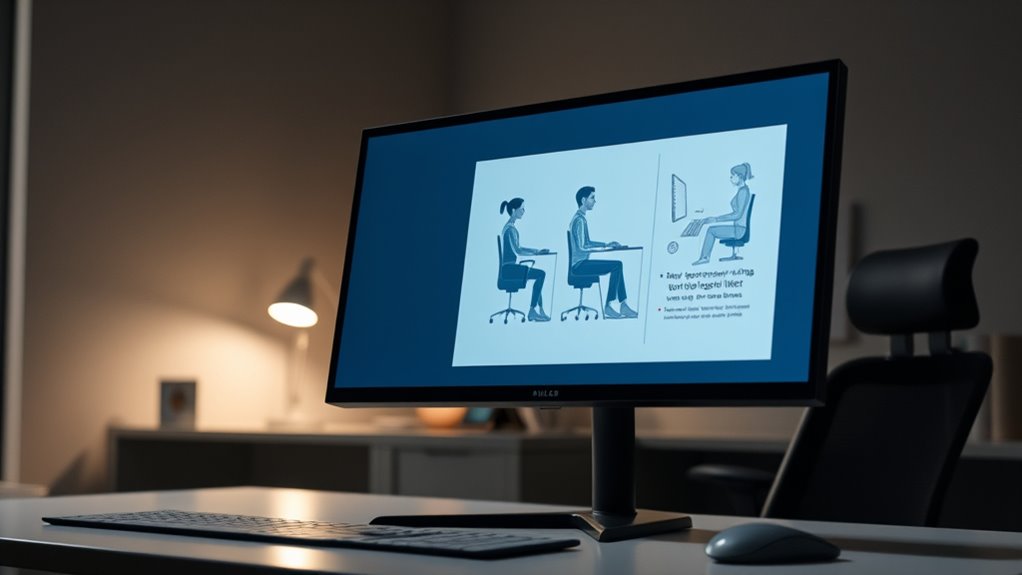
To achieve a comfortable and productive workspace, understanding the ideal monitor position is essential. Proper placement reduces eye strain and boosts efficiency. Start with monitor calibration; ensure your display colors and contrast are accurate, so your eyes don’t work harder to distinguish details. Adjust the screen brightness to match your ambient lighting—too bright or too dim causes fatigue. Position the monitor so that the top of the screen is at or slightly below eye level, and about an arm’s length away. This setup keeps your neck and eyes in a natural, relaxed posture. When your monitor is correctly calibrated and the brightness is optimal, you’ll notice less strain and increased focus, making your workspace far more comfortable and effective. Additionally, understanding modern monitor technology can help you select displays with features that enhance comfort and productivity. Paying attention to ergonomic design can further improve your setup, ensuring long-term comfort and reducing the risk of strain or injury. Being aware of color accuracy and how it impacts visual clarity can also help you choose monitors that support better focus and reduce eye fatigue over extended periods. Incorporating adjustable stands with features like height adjustment allows for finer ergonomic customization, promoting healthier posture during long work sessions.
As an affiliate, we earn on qualifying purchases.
Common Mistakes in Setting Monitor Height
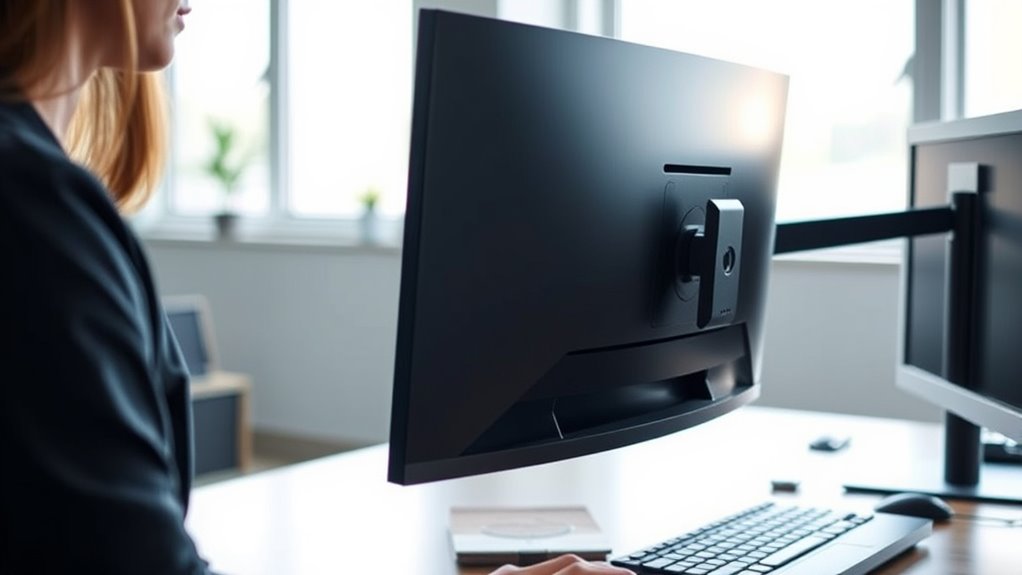
Many people set their monitors too high or too low, ignoring the importance of eye level alignment. They often overlook ergonomic tips that could prevent discomfort, and forget to take into account the best screen position. These mistakes can lead to strain and long-term health issues. Incorporating correct monitor height can significantly improve comfort and reduce the risk of musculoskeletal problems. Proper ergonomic setup helps maintain natural neck and eye alignment, promoting better posture throughout the day. Additionally, understanding visual ergonomics can further optimize your workspace for comfort and efficiency. Regularly reviewing your Gold IRA rollovers and investment strategies can also ensure ongoing financial security and adaptability in changing markets.
Eye Level Alignment
One of the most common mistakes people make when setting their monitor height is aligning the screen too low or too high relative to their eye level. This misalignment can strain your eyes and neck, reducing visual comfort and risking long-term eye health issues. To prevent this, position the top of your monitor roughly at eye level so you don’t have to tilt your head up or down. This ensures your eyes stay in a natural, relaxed position, minimizing fatigue. When your screen is at the correct height, you can view content comfortably without craning your neck or squinting. Proper eye level alignment promotes better focus, reduces eye strain, and supports overall ergonomic health. Small adjustments can make a significant difference in your daily comfort and eye well-being, especially when considering monitor ergonomics for optimal support. Maintaining proper thermal behavior of your setup can also help reduce discomfort caused by improper placement. Additionally, proper monitor placement can enhance your overall workspace comfort and productivity.
Ignoring Ergonomic Tips
Ignoring ergonomic tips when setting your monitor height is a common mistake that can lead to discomfort and long-term health problems. Many overlook the importance of proper monitor calibration and how it fits into overall desk ergonomics. When you neglect these tips, you might position your screen too high or low, causing neck strain and eye fatigue. Failing to take into account ergonomic advice can also mean neglecting proper monitor tilt and distance, which are essential for comfort. Instead, take the time to calibrate your monitor correctly and adjust your setup to support good posture. Proper desk ergonomics involves aligning your monitor with your natural line of sight and maintaining a neutral neck position, reducing strain on your muscles and joints over time. Incorporating ergonomic guidelines can help ensure your setup promotes comfort and prevents injury. Remember that proper monitor placement is vital for creating an ergonomic workspace that adapts to your needs. Additionally, considering chill‑out areas like a sauna or cold plunge can help reduce overall physical tension and improve your posture awareness during work breaks. Regularly checking your monitor height and making small adjustments can also prevent musculoskeletal discomfort, ensuring long-term health benefits.
Overlooking Screen Position
Overlooking the importance of proper screen positioning is a common mistake that can cause unnecessary strain on your neck and eyes. When setting your monitor height, many neglect to consider ergonomic setup, which impacts comfort and productivity. If your monitor is too high or too low, you’ll strain your neck trying to see the screen clearly. Make certain your monitor is positioned so that the top of the screen is at eye level, allowing your neck to stay in a neutral position. This reduces tension and prevents long-term discomfort. Proper screen position also minimizes eye strain by keeping the display at an ideal distance and angle. Ignoring these details can lead to fatigue and musculoskeletal issues, so prioritize a well-adjusted monitor height for a healthier, more comfortable workspace. Additionally, ergonomic principles can guide you in creating a workspace that supports your overall well-being and reduces discomfort over time. Paying attention to ergonomic setup can further enhance comfort and prevent repetitive strain injuries. Ensuring your workspace is correctly adjusted can contribute to sustained comfort and better overall health during long periods of use, especially when considering preventive measures to avoid future discomfort. Incorporating regular breaks into your routine can also help reduce strain and promote better posture throughout your workday.
monitor arm with height adjustment
As an affiliate, we earn on qualifying purchases.
As an affiliate, we earn on qualifying purchases.
How Incorrect Height Affects Your Body
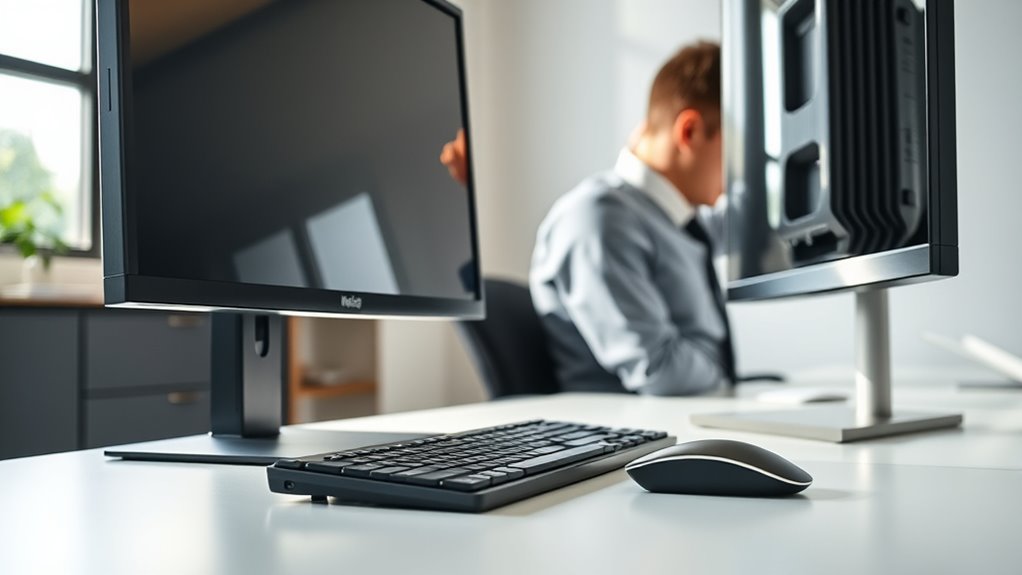
When your monitor height is off, it can cause your body to adopt awkward postures that lead to discomfort and strain. If your screen is too high or low, you might crane your neck or hunch your shoulders, disrupting your ergonomic posture. Over time, this misalignment puts unnecessary stress on your neck, shoulders, and back, increasing fatigue and discomfort. Poor monitor height also forces your eyes to strain, leading to visual fatigue. Constantly adjusting your head or squinting can cause headaches and reduce focus. Maintaining the correct monitor height helps you sit naturally, supporting good ergonomic posture and reducing strain. When your monitor aligns with your eye level, your body stays relaxed, and you can work longer without discomfort or fatigue. Additionally, taking cues from proper ergonomic setup practices can help you create a comfortable workspace that minimizes strain. Ensuring your workspace incorporates ergonomic principles can further enhance comfort and prevent issues related to poor monitor positioning. Paying attention to visual ergonomics can also help reduce eye strain and improve overall comfort during extended screen time. Incorporating adjustable monitor stands can make it easier to achieve the ideal height and positioning for your individual comfort.
As an affiliate, we earn on qualifying purchases.
Signs That Your Monitor Is Too High or Low
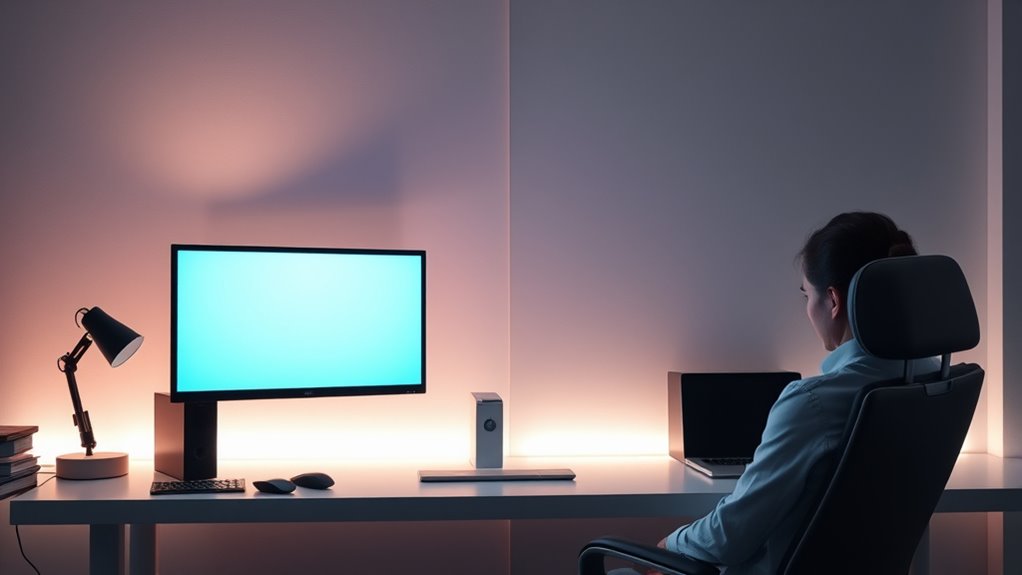
If your eyes feel tired or you notice headaches, your monitor might be too high or low. Neck discomfort, like stiffness or pain, is also a clear sign your screen isn’t at the right height. Paying attention to these symptoms helps you correct your setup and prevent strain.
Eye Strain Indicators
You might notice eye strain signs when your monitor is set too high or low, making it harder to view comfortably for extended periods. If your eyes feel tired or dry, it could be a sign your monitor isn’t aligned properly. Here are some indicators:
- Frequent blinking or dryness, indicating your eyes strain to focus.
- Blurred vision after long screen time, possibly due to poor color calibration.
- Headaches or eye discomfort during use, linked to an unsuitable monitor refresh rate.
- Difficulty maintaining a comfortable viewing distance, forcing you to squint or lean forward.
Adjusting your monitor height can help reduce these signs. Proper positioning ensures your eyes stay aligned with the screen’s top edge, easing eye effort and promoting better focus.
Neck Discomfort Signs
Neck discomfort often signals that your monitor isn’t positioned correctly, especially if you find yourself constantly tilting or turning your head. Poor monitor height can lead to strained neck muscles and stiffness. To address this, focus on posture correction by adjusting your monitor to eye level, so you don’t have to lean forward or look up and down. Proper workspace organization helps maintain a neutral neck position, reducing strain. If you notice persistent neck pain or tension, it’s a sign your monitor might be too high or low. Regularly check your setup and make small adjustments to ensure your monitor aligns with your natural line of sight. Correct positioning supports better posture and prevents long-term discomfort.
Tools and Techniques for Proper Monitor Setup
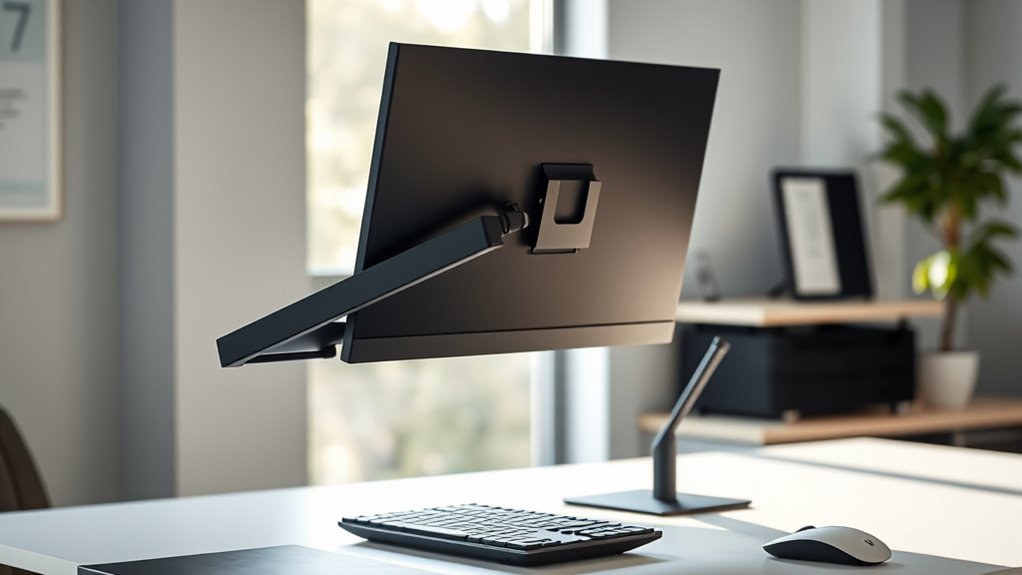
Achieving the correct monitor height starts with using the right tools and techniques to guarantee accuracy. Proper monitor calibration ensures your display colors and brightness are precise, reducing eye strain. To minimize screen glare, position your monitor away from direct light sources or use anti-glare filters. Here are essential tools and techniques:
- Use a level or adjustable stand to set your monitor at eye level.
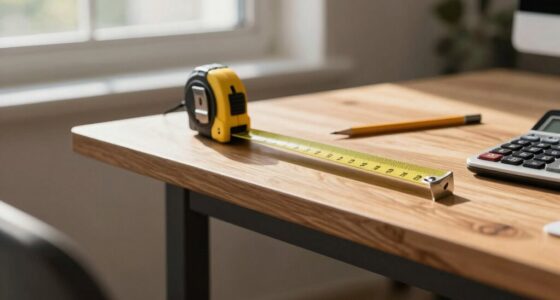
- Employ a ruler or tape measure to ensure consistent height, aligning your eyes with the top third of the screen.
- Adjust brightness and contrast during monitor calibration for ideal viewing.
- Utilize a glare filter or reposition your desk to avoid reflections and harsh light.
These steps help create a setup that minimizes eye and neck strain while enhancing visual comfort.
Tips for Maintaining Ergonomic Workspace Habits
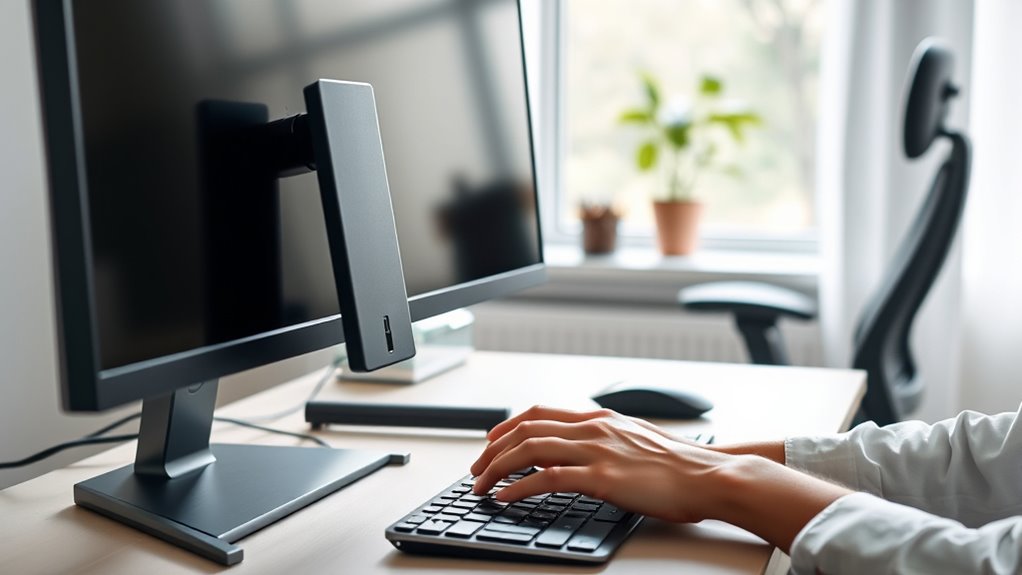
Maintaining ergonomic workspace habits requires consistent mindfulness and intentional adjustments throughout your workday. To stay comfortable, incorporate keyboard shortcuts to reduce repetitive movements and minimize strain. Regularly calibrate your monitor to ensure brightness, contrast, and color settings are ideal; this reduces eye fatigue. Take short breaks every hour to stretch and reset your posture, preventing stiffness and discomfort. Keep your monitor at eye level to avoid neck strain, and position your keyboard and mouse within easy reach to promote proper wrist alignment. Practice mindful posture—sit upright, with shoulders relaxed and feet flat on the ground. Small, deliberate habits like adjusting your workspace and using shortcuts can greatly improve your ergonomics, reducing fatigue and boosting productivity over time.
Benefits of Correct Monitor Alignment
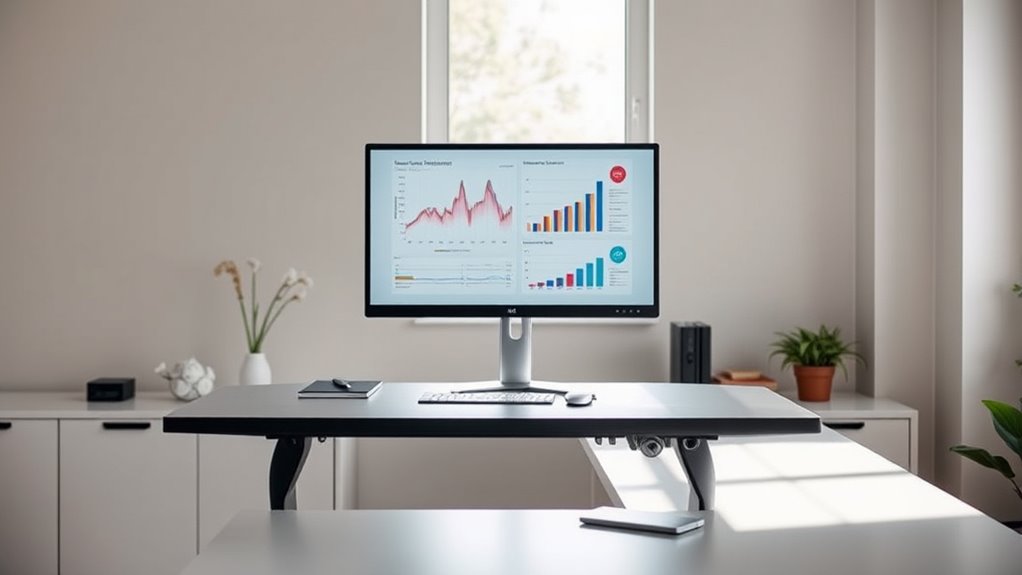
When your monitor is properly aligned, you reduce strain on your neck and eyes, making your work more comfortable and sustainable. Correct monitor height helps you maintain an ergonomic posture, preventing discomfort over long periods. Benefits include:
- Improved neck comfort by keeping your monitor at eye level
- Reduced eye strain from less frequent refocusing
- Enhanced focus and productivity with less physical distraction
- Lower risk of developing musculoskeletal issues over time
Frequently Asked Questions
How Can I Tell if My Monitor Height Is Ergonomically Correct?
You can tell if your monitor height is ergonomically correct by checking if your eyes align with the top third of the screen when sitting straight. Use ergonomic accessories like monitor risers if needed. Make sure to regularly calibrate your monitor for accurate display colors and brightness, which can also reduce eye strain. Proper height and calibration help maintain good posture and prevent discomfort during long work hours.
Does Monitor Height Impact Eye Strain Over Long Periods?
Yes, monitor height impacts eye strain over long periods. When your monitor aligns with ergonomic principles, your eyes stay level with the top of the screen, reducing strain and fatigue. If your monitor is too high or low, you’ll unconsciously strain your eyes and neck, harming your eye health. Keeping your monitor at the correct ergonomic height helps minimize eye discomfort, allowing you to work comfortably for extended periods.
Are There Specific Monitor Stands That Improve Height Adjustment?
Sure, some monitor stands are like magic wands—think adjustable arms and ergonomic risers—that instantly fix your height woes. You just clip them on or slide your screen into place, and suddenly, your neck’s thanking you. These stands make it effortless to get the perfect eye level, reducing strain. So, yes, investing in these specific options turns your cluttered desk into a comfortable, ergonomic haven.
How Often Should I Reassess My Monitor Setup for Comfort?
You should reassess your monitor setup every few months to maintain comfort. Regularly check your ergonomic accessories and guarantee your desk height still supports proper posture. If you notice neck strain, eye fatigue, or discomfort, it’s time to adjust your monitor height or upgrade your accessories. Staying proactive helps prevent long-term issues and keeps your workspace ergonomic, so you can work comfortably and efficiently.
Can Incorrect Monitor Height Affect My Posture During the Day?
When your monitor placement is off, it can throw your posture out of whack all day long. If the screen is too high or low, you’ll strain your neck and shoulders, leading to discomfort and fatigue. Proper desk ergonomics ensure your monitor is at eye level, helping you maintain good posture. Don’t put this off—regularly check your setup to keep your body aligned and avoid unnecessary aches.
Conclusion
Getting your monitor height right is like finding the perfect fit for a puzzle piece—it completes your workspace and keeps you comfortable. When your monitor’s at the right level, you’ll notice less strain, fewer aches, and a more productive day. Don’t settle for a setup that feels off; take the time to adjust it properly. Your body will thank you, and your workspace will feel like it was made just for you.
NFL season / tailgating Picks
team gear
As an affiliate, we earn on qualifying purchases.