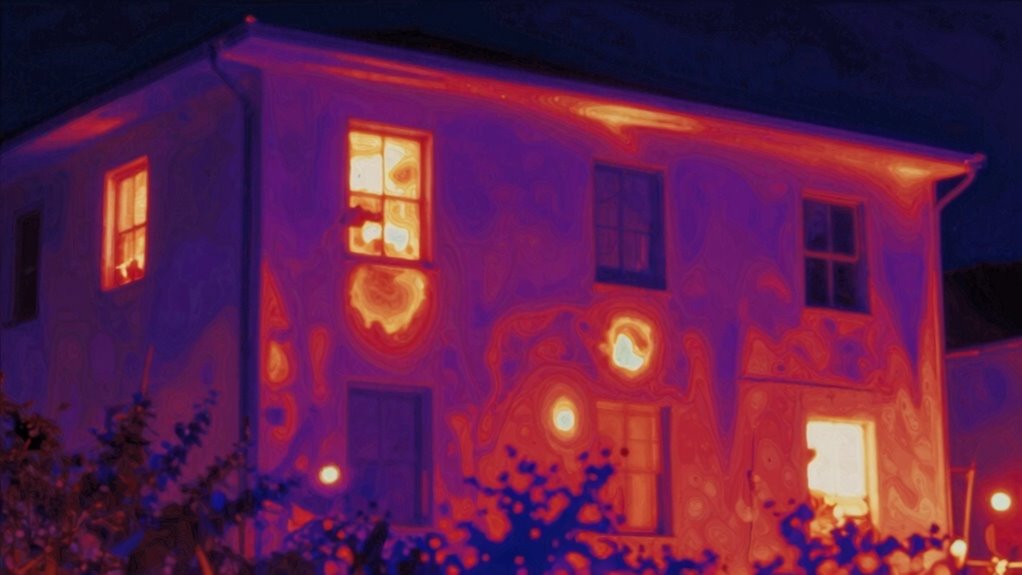

When using thermal imaging cameras, you’ll notice bright areas that may not be real heat sources. These false “hot spots” often come from reflections on shiny surfaces, environmental factors, or camera limitations like resolution issues. To avoid misinterpretation, change your angle, compare with visual data, and consider environmental clues. Regular calibration also helps reduce errors. Keep exploring these tips, and you’ll gain a clearer understanding of how to distinguish false hot spots from true heat signatures.
Key Takeaways
- Cross-reference thermal images with visual inspection and environmental context to identify reflection-induced false hot spots.
- Adjust camera angle or position to see if bright areas change, indicating reflections rather than real heat sources.
- Use known temperature references or calibration tools to verify the accuracy of thermal readings.
- Be aware of device limitations like resolution and sensitivity that can produce misleading bright spots.
- Combine infrared data with environmental information and visual cues for accurate interpretation of hot spots.
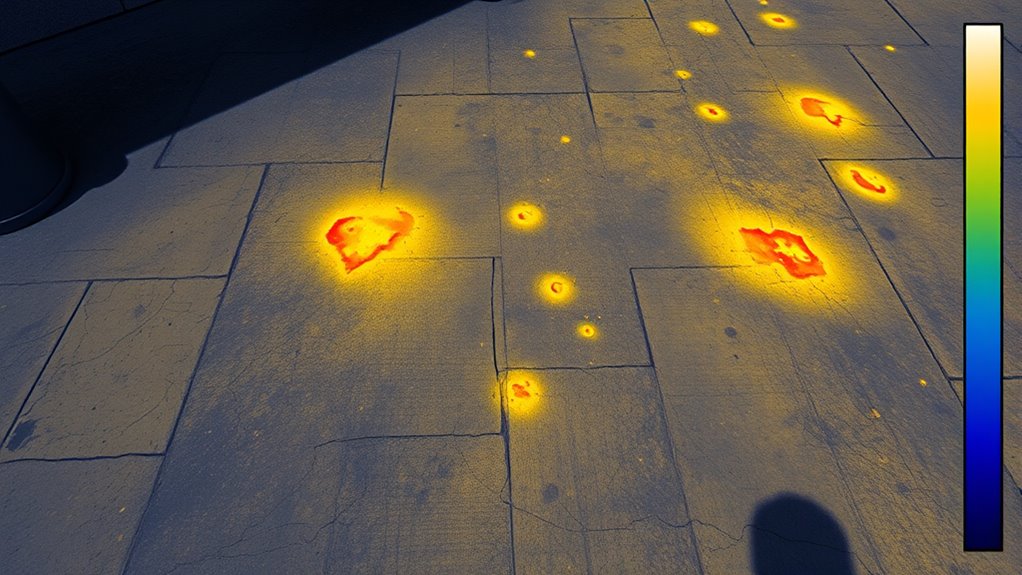
Thermal imaging cameras have become essential tools across various industries because they detect infrared radiation and convert it into visible images. When you’re using one, you rely on infrared detection to reveal temperature differences that aren’t visible to the naked eye. However, interpreting these images isn’t always straightforward, especially when it comes to false “hot spots.” These misleading indicators can cause confusion, so understanding how to read them is vital for accurate heat signature analysis.
Understanding false hot spots is essential for accurate thermal imaging analysis.
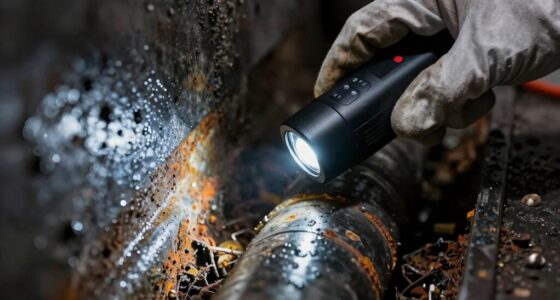
A false hot spot appears as a bright area on your thermal image, suggesting elevated temperature where there might not be one. These can occur for several reasons, including environmental factors, reflective surfaces, or even the camera’s limitations. To accurately identify genuine heat signatures, you need to consider the context of your scan. For example, shiny metal surfaces can reflect infrared radiation, creating bright spots that look like heat sources but aren’t actually hot. Similarly, external heat sources or ambient conditions can influence your readings, causing false positives.
When you analyze heat signatures, it’s essential to distinguish between actual thermal anomalies and artifacts caused by reflections or environmental influences. To do this, don’t rely solely on the thermal image. Cross-reference with other data, such as visual inspection or environmental conditions. If the hot spot appears on reflective surfaces, it’s likely a false reading caused by infrared reflection rather than an actual heat source. Adjust your camera’s angle or position—sometimes changing your vantage point can help determine whether the hot spot is real or a reflection.
Another important aspect of false hot spots is understanding the limitations of your thermal camera. Not all devices have the same resolution or sensitivity, which can affect the accuracy of heat signature analysis. Some cameras might produce false hot spots due to calibration issues or internal noise. Regularly calibrate your equipment and verify its performance with known temperature references to minimize these errors. Additionally, proper calibration techniques are essential for maintaining accurate readings and avoiding false hot spots.
Remember that temperature calibration differences across devices can also lead to false readings. If you notice inconsistent hot spots between cameras or over time, it might be time to recalibrate or service your equipment. Always interpret thermal images with a critical eye; don’t assume that every bright area indicates a genuine heat source. By combining infrared detection with contextual awareness and proper calibration, you’ll improve your ability to differentiate true hot spots from false ones, ensuring more accurate and reliable heat signature analysis.

TOPDON TC004 Mini Thermal Imaging Camera, 240 x 240 TISR Resolution, 15-Hour Battery Life, 128 x 128 IR Resolution, 25Hz Handheld Infrared Camera with High/Low Temp Alerts, Auto Shutdown- Blue
- Enhanced Thermal Resolution: 128×128 to 240×240 TISR technology
- Wide Field of View: 40°x30° for detailed inspections
- High Refresh Rate: 25Hz for smooth images
As an affiliate, we earn on qualifying purchases.
As an affiliate, we earn on qualifying purchases.
Frequently Asked Questions
How Do Environmental Factors Affect Thermal Imaging Accuracy?
Environmental influences and atmospheric conditions can substantially impact your thermal imaging accuracy. Factors like humidity, rain, fog, and dust can scatter or absorb infrared radiation, leading to false readings or reduced clarity. Wind can cool surfaces quickly, affecting temperature measurements. To get reliable results, you need to account for these conditions, possibly adjusting your camera settings or waiting for ideal weather to guarantee your thermal images are accurate and useful.
Can False Hot Spots Indicate Equipment Failures?
Just like Icarus soaring too close to the sun, false hot spots can mislead your equipment diagnostics, hinting at failures that aren’t real. These false positives often result from reflections or environmental factors, not actual issues. Recognizing these signs helps you avoid unnecessary repairs and focus on true problems. Always verify suspicious hot spots with additional tests to guarantee accurate diagnostics and prevent costly mistakes.
What Are Common Mistakes When Interpreting Thermal Images?
You often mistake false hot spots for real issues if you don’t double-check thermal calibration and image resolution. Poor calibration can cause inaccurate readings, while low image resolution makes it hard to distinguish true hot spots from noise or artifacts. Always verify your camera is properly calibrated and use high-resolution images for precise interpretation. This helps you avoid misdiagnosing problems and ensures reliable thermal analysis.
How Does Emissivity Influence Temperature Readings?
Emissivity, which depends on surface emissivity and material properties, directly influences your temperature readings. When you scan different materials, their emissivity varies, causing inaccurate results if you don’t account for it. For example, shiny metals have low emissivity, making them appear cooler than they really are, while matte surfaces have higher emissivity. Adjust your thermal camera settings accordingly to guarantee accurate temperature measurements across various materials.
Are There Specific Calibration Procedures for Different Surfaces?
You should perform surface-specific calibration to guarantee accurate readings across different materials. This process involves material temperature adjustment, where you adjust the camera settings based on the surface’s emissivity and thermal properties. By calibrating for each surface type, you minimize errors caused by varying emissivity values. Always follow manufacturer guidelines for surface-specific calibration, and use reference temperature sources when possible, to maintain precision when inspecting diverse surfaces.
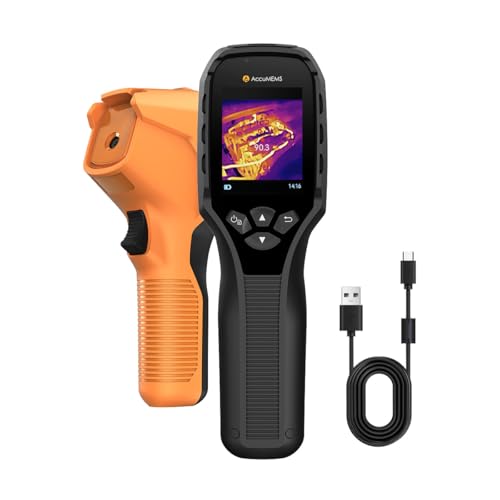
GT14S Thermal Imaging Camera with Edge Enhancement,Infrared Camera with Thermometer Mode, -4°F to 1202°F Range, 25Hz Image Frequency, 14H Runtime, 240g Compact Design
- Dual Mode Inspection: Thermal imaging with spot modes and thermometer
- Real-Time Monitoring: Full-screen thermal imaging for moving targets
- Compact and Lightweight: 240g ergonomic design with non-slip grip
As an affiliate, we earn on qualifying purchases.
As an affiliate, we earn on qualifying purchases.
Conclusion
Now that you know how to spot false hot spots, you’re armed with the power to avoid costly mistakes. Remember, these misleading signals can hide problems like a ninja in the night, making your thermal camera work seem like magic—until you realize it’s an illusion. With this knowledge, you can confidently interpret thermal images and make certain you’re catching real issues, not just tricks of the light. Stay sharp, and don’t let false hot spots fool you!

TOPDON TC004 3.5" Thermal Imaging Camera, 512 x 384 TISR IR Resolution 8-Hour Battery Life Handheld Infrared Camera with PC Analysis and Video Recording Supported, 64GB Storage
- Large Display: 3.5-inch clear viewing screen
- High-Resolution Imaging: 512×384 thermal image resolution
- Laser Pointer: Built-in red laser for targeting
As an affiliate, we earn on qualifying purchases.
As an affiliate, we earn on qualifying purchases.
TOPDON TC004 Mini Thermal Imaging Camera, 240 x 240 TISR Resolution, 15-Hour Battery Life, 128 x 128 IR Resolution, 25Hz Handheld Infrared Camera with High/Low Temp Alerts, Auto Shutdown- Blue
- Enhanced Thermal Resolution: 128×128 to 240×240 TISR technology
- Wide Field of View: 40°x30° for detailed inspections
- High Refresh Rate: 25Hz for smooth images
As an affiliate, we earn on qualifying purchases.
As an affiliate, we earn on qualifying purchases.