
The “One Reach” rule for desk layout means placing all essential tools and items within your natural arm’s length to boost efficiency and minimize strain. By keeping frequently used objects like your phone, notepad, and keyboard nearby, you reduce unnecessary movements and stay focused. Proper placement supports better ergonomics, helping you work comfortably longer. If you stay organized and position items thoughtfully, you’ll create a workspace that’s productive and easy to manage—learn more to optimize your setup effectively.
Key Takeaways
- Arrange workspace so all essential items are within an arm’s length to maximize ergonomic efficiency.
- Keep frequently used tools grouped and accessible to reduce unnecessary reaching and movement.
- Position the monitor at eye level and close enough to minimize neck and eye strain.
- Use organizational tools like trays and drawers to maintain a clutter-free, streamlined setup.
- Regularly evaluate and adjust your layout to ensure comfort, accessibility, and long-term ergonomic health.
What Is the “One Reach” Rule and Why It Matters

Have you ever struggled to reach for something on your desk and thought there must be a better way? That’s where the “One Reach” rule comes in. This principle emphasizes arranging your workspace so everything you need is within a single, natural reach. By doing so, you maximize ergonomic benefits, reducing strain and fatigue during long work sessions. It also streamlines your movements, making tasks quicker and more efficient. Implementing this rule supports productivity strategies by minimizing unnecessary motions and helping you stay focused. When your tools and essentials are properly positioned, you avoid distractions and physical discomfort. The “One Reach” rule isn’t just about comfort; it’s a smart way to optimize your workspace to boost overall performance. Understanding ergonomic principles can further enhance your workspace setup for better health and efficiency.
How Applying the “One Reach” Principle Boosts Your Workflow
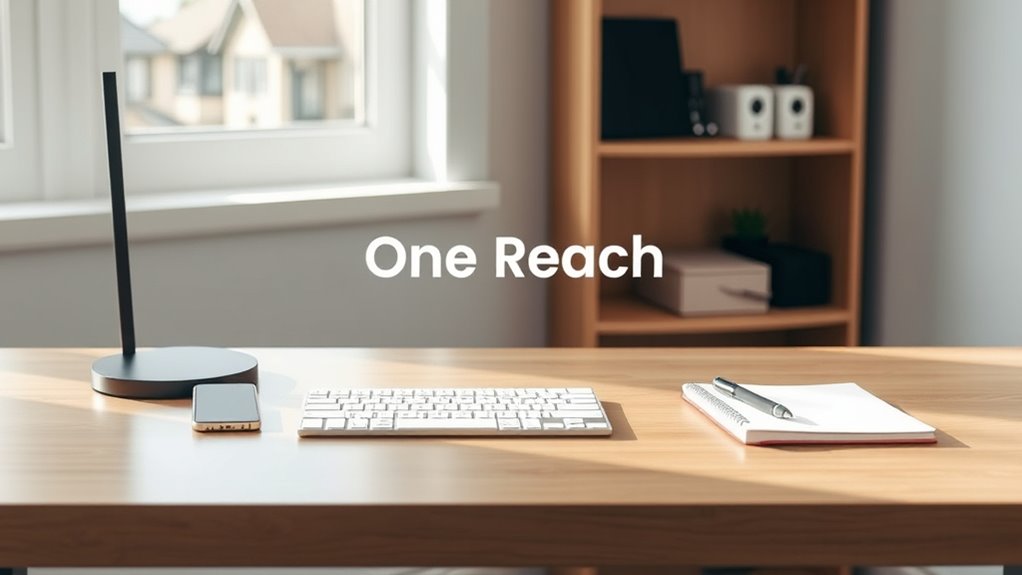
By keeping items within one reach, you cut down on unnecessary movement, saving time and keeping your focus sharp. This setup also lessens physical strain, making it easier to work comfortably all day. When you apply the “One Reach” principle, your workflow becomes smoother and more efficient. Incorporating simple organizational strategies can further enhance your desk setup and maintain a clutter-free environment.
Minimizes Movement Time
Implementing the “One Reach” rule considerably cuts down the time you spend reaching for tools and materials. By organizing your desk so everything you need is within arm’s length, you reduce unnecessary movements, boosting efficiency. This minimizes movement time, allowing you to transition smoothly between tasks. The ergonomic benefits are clear: less stretching and twisting decrease strain and fatigue, supporting your comfort throughout the day. Additionally, thoughtful placement enhances aesthetic considerations, creating a clean, streamlined workspace that’s visually pleasing. When tools and supplies are strategically positioned, your workflow becomes more seamless, and you conserve energy. Attention to projector placement ensures optimal viewing angles and image quality, further enhancing your setup. In short, applying the “One Reach” principle streamlines your actions, saves time, and fosters a more productive, comfortable environment.
Enhances Focus Efficiency
When everything you need is within arm’s reach, your focus naturally improves. You spend less time searching for tools or adjusting your workspace, allowing you to stay immersed in your tasks. The “One Reach” principle helps you organize your desk efficiently with ergonomic accessories and smart storage solutions, reducing distractions. By keeping essential items close, you can move seamlessly between tasks without breaking concentration. This setup minimizes interruptions and mental clutter, boosting your productivity. Incorporating energy-efficient design principles into your workspace setup can further enhance sustainability and reduce environmental impact.
Reduces Physical Strain
Applying the “One Reach” principle directly reduces physical strain by minimizing unnecessary movements. When you keep frequently used items within easy reach, you avoid repetitive stretching or twisting that can cause discomfort or fatigue. Using ergonomic accessories, like wrist rests or foot supports, further enhances comfort and reduces strain during long work sessions. Adjustable furniture, such as sit-stand desks or height-adjustable chairs, allows you to customize your setup for ideal posture, decreasing the risk of musculoskeletal issues. This streamlined layout encourages a natural, relaxed arm and hand position, preventing overextension. By focusing your workspace around the “One Reach” rule, you create an environment where your body stays relaxed, and physical stress diminishes, boosting both comfort and productivity.
How to Find Items You Use Most Often

Have you ever spent minutes searching for a pen or your phone just when you need them most? To avoid this, keep your most-used items within arm’s reach, considering ergonomic considerations and aesthetic design. Place your essentials where they’re easily accessible without stretching or straining. Proper power management can help ensure your workspace remains safe and efficient, reducing clutter and the risk of accidents. Here are some tips:
- Group frequently used tools like pens, notepads, and your phone in a small tray or organizer.
- Use attractive containers that match your workspace’s style, blending function with aesthetic appeal.
- Regularly declutter, so only essentials remain close by, making it easier to find what you need quickly.
Where to Place Essential Tools for Quick Access

To make certain you can access your essential tools quickly, place them in a designated spot near your main workspace. Keep frequently used items like pens, notepads, and ergonomic accessories within easy reach, ideally on your desk or a nearby tray. This workplace organization minimizes unnecessary movement and keeps your workflow smooth. Incorporate decorative elements strategically to enhance your workspace without cluttering it; for example, a stylish pen holder or a small plant can serve both functional and aesthetic purposes. Avoid placing critical tools too far away or in drawers that require opening multiple times. By organizing your essential tools thoughtfully, you guarantee they’re always within one reach, promoting efficiency and reducing strain during busy work sessions.
How to Arrange Your Desk for Better Ergonomics

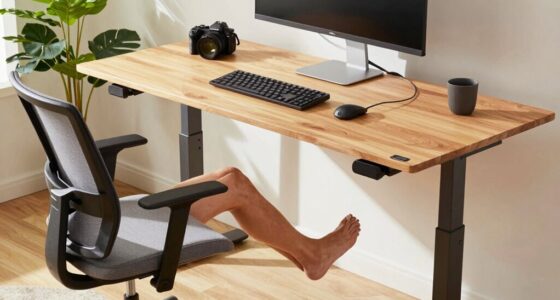
To improve your ergonomics, keep your most-used items within easy reach so you don’t strain or stretch unnecessarily. Position your screen at eye level to reduce neck and eye fatigue. These simple adjustments can make a big difference in your comfort and productivity. Incorporating free floating elements into your workspace can also enhance flexibility and adaptability.
Keep Frequently Used Items Within Reach
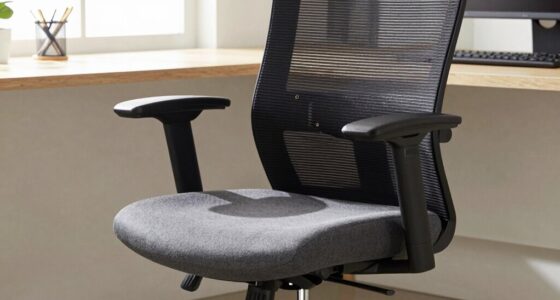
Arranging your desk so that frequently used items are within arm’s reach minimizes unnecessary stretching and movement. Keep essentials like your keyboard, mouse, and notepad close by to improve efficiency. Use ergonomic seating to support proper posture while working comfortably. Place decorative accessories thoughtfully so they don’t clutter your workspace or interfere with easy access. Additionally, organizing your workspace with proper ergonomics in mind can reduce strain and prevent discomfort during long hours of work.
Position Screen for Comfort
Ensuring your screen is positioned correctly can considerably reduce eye strain and improve overall comfort during long work sessions. Start by placing your monitor at eye level, about an arm’s length away, to promote ergonomic positioning. This setup minimizes the need to tilt your head or strain your neck, supporting better posture. Adjust the brightness and contrast to reduce glare, which enhances visual comfort. Keep the top of the screen roughly even with your eyes to avoid unnecessary eye movement and fatigue. Proper placement also helps prevent squinting and eye strain, especially during extended periods of work. Incorporating ergonomic workspace setup principles can further optimize your comfort and health. By focusing on ergonomic positioning, you create a more comfortable workspace that supports your health and productivity throughout the day.
Common Mistakes to Avoid With the “One Reach” Setup
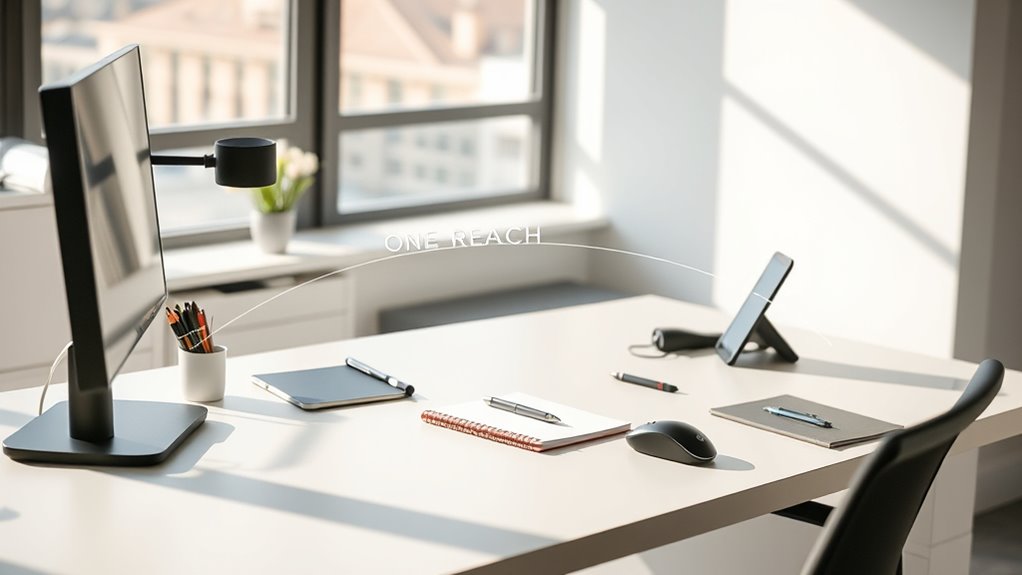
One common mistake with the “One Reach” setup is placing frequently used items too far from your natural reach, forcing you to stretch or strain. This defeats the purpose of ergonomic organization and can cause discomfort over time. To avoid this, ensure your essentials are within easy reach, minimizing unnecessary movement. Be cautious not to clutter your workspace, which can compromise aesthetic organization and accessibility. Using ergonomic accessories, like adjustable trays or monitor arms, helps keep items properly positioned. Additionally, avoid placing bulky or heavy items where they’re hard to reach. Keep your workspace simple and efficient, focusing on placement that supports comfort and productivity. Properly arranged items prevent fatigue and help maintain focus, making your desk both functional and visually appealing. Incorporating smart automation features can also optimize your desk setup, ensuring frequently used items are automatically positioned within reach when needed.
How to Adjust Your Workspace for Different Tasks

Adapting your workspace for different tasks is essential to maintain efficiency and comfort. Start with ergonomic adjustments, guaranteeing your chair, monitor height, and keyboard placement support good posture and reduce strain. When shifting between tasks, reposition items within your reach according to the “One Reach” rule, minimizing unnecessary movement. Use storage solutions like desk drawers, shelves, or trays to keep frequently used tools nearby and out of the way. Clear clutter from your workspace for quick access to essentials, making transitions smooth and effortless. For specific tasks, consider adding adjustable accessories or dedicated zones to optimize your setup. Regularly reassess your workspace to guarantee ergonomic comfort and organization, helping you stay focused and productive throughout your workday.
Using Technology to Make Items More Accessible

Using technology can considerably enhance the accessibility of your workspace by streamlining how you reach and organize your tools. Incorporate ergonomic accessories like adjustable monitor stands and keyboard trays to keep essentials within easy reach. Utilize innovative storage solutions such as pull-out drawers or modular organizers to minimize clutter and maximize space. Consider placing frequently used items on accessible shelves or using wireless devices to reduce cable clutter. Smart technology, like voice-activated assistants, can help you control tasks without reaching across your desk. These tools make your workspace more efficient and comfortable, reducing strain and unnecessary movement. By combining ergonomic accessories and smart storage solutions, you ensure everything you need is within a “One Reach” distance, boosting productivity and comfort.
How to Keep Your Desk Organized and “One Reach” Friendly
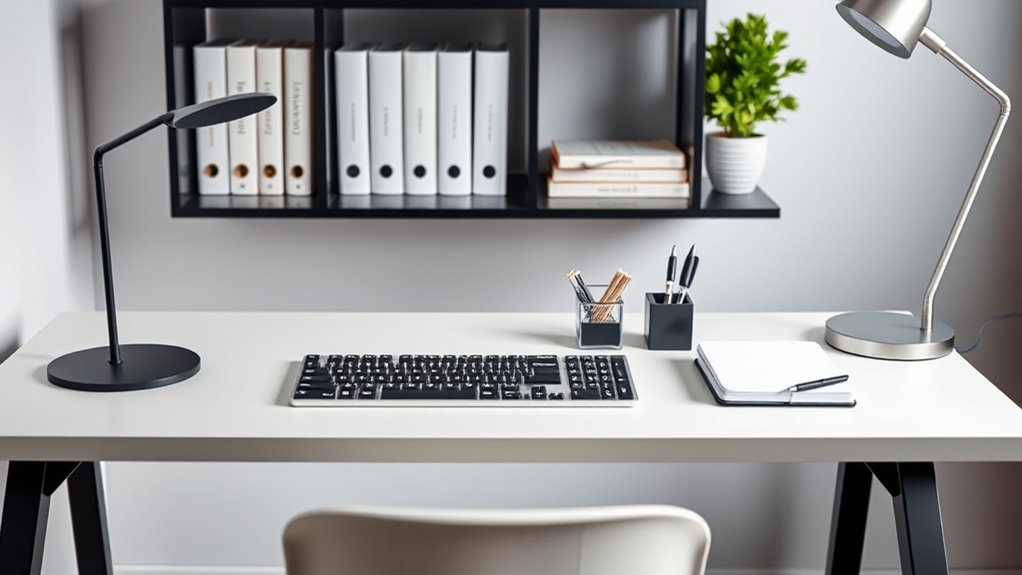
Keeping your desk organized is essential for maintaining a “One Reach” setup, where everything you need is within arm’s length. Start by grouping similar items together and using color coordination to create visual harmony. For example, keep all your writing tools in one container, perhaps matching your notebook or accessories by color. Use decorative accessories strategically to add personality without cluttering your workspace. Keep frequently used items—like your mouse, notepad, and phone—within easy reach, placing less-used items further away. Regularly declutter and reassess your layout to ensure everything remains accessible. When your desk is organized and visually cohesive, it’s easier to work efficiently and stay focused, making your workspace both functional and inviting.
Frequently Asked Questions
Can the “One Reach” Rule Be Applied to Shared Workspaces?
Yes, you can apply the “one reach” rule to shared workspaces to promote ergonomic design strategies and improve shared workspace etiquette. By organizing shared desks so essential items are within a single reach, you reduce strain and increase efficiency. It encourages everyone to maintain a tidy, accessible setup, fostering a respectful and productive environment. Just ensure everyone understands and follows this approach for maximum ergonomic benefits.
How Often Should I Reorganize My Desk Based on the “One Reach” Rule?
You should revisit your desk setup whenever you notice discomfort or decreased workspace efficiency, ideally every few months. Applying ergonomic principles, make certain frequently used items stay within one reach to prevent strain. Regular reorganizations help maintain an ideal, comfortable environment. By mindfully adjusting your workspace, you’ll support better posture and streamline tasks, making your workday smoother and more enjoyable. Keep an eye on your needs and adapt as your tasks evolve.
Does the “One Reach” Principle Vary for Different Types of Jobs?
Yes, the “one reach” principle varies depending on your job. For ergonomic adjustments, you’ll need to customize your workspace to keep frequently used items within easy reach, reducing strain. For example, if your work involves lots of tools or documents, you might need to adjust your workspace layout more often. Tailoring your workspace customization makes certain your setup supports your specific tasks, helping you stay comfortable and efficient throughout your workday.
What Tools Can Help Maintain the “One Reach” Setup?
You can maintain the “one reach” setup by using ergonomic accessories like adjustable monitor stands, keyboard trays, and task lights to keep essential tools within arm’s reach. Organizational tools such as drawer dividers, desktop organizers, and cable management solutions help minimize clutter and guarantee everything stays accessible. These tools promote efficiency, reduce strain, and keep your workspace aligned with the “one reach” principle, making your workday more comfortable and productive.
How Does Lighting Affect Accessibility Within the “One Reach” Zone?
Lighting substantially impacts accessibility within your “one reach” zone by ensuring ergonomic lighting and proper task illumination. When you have adequate lighting, you reduce strain on your eyes and improve visibility, making it easier to reach and use tools or items comfortably. Focus on adjustable, task-specific lighting that directs light where needed, enhancing efficiency and comfort while maintaining the principles of ergonomic design and accessibility in your workspace.
Conclusion
By embracing the “one reach” rule, you craft a workspace that’s both efficient and intuitive, much like a well-rehearsed symphony. When you place your tools thoughtfully, you channel the wisdom of Hercules’ strength—arming yourself for productivity without unnecessary struggle. Keep your essentials within arm’s length, and your desk will become a sanctuary of focus. Remember, a well-organized space isn’t just about comfort; it’s about wielding control, like an artist with their masterpiece.