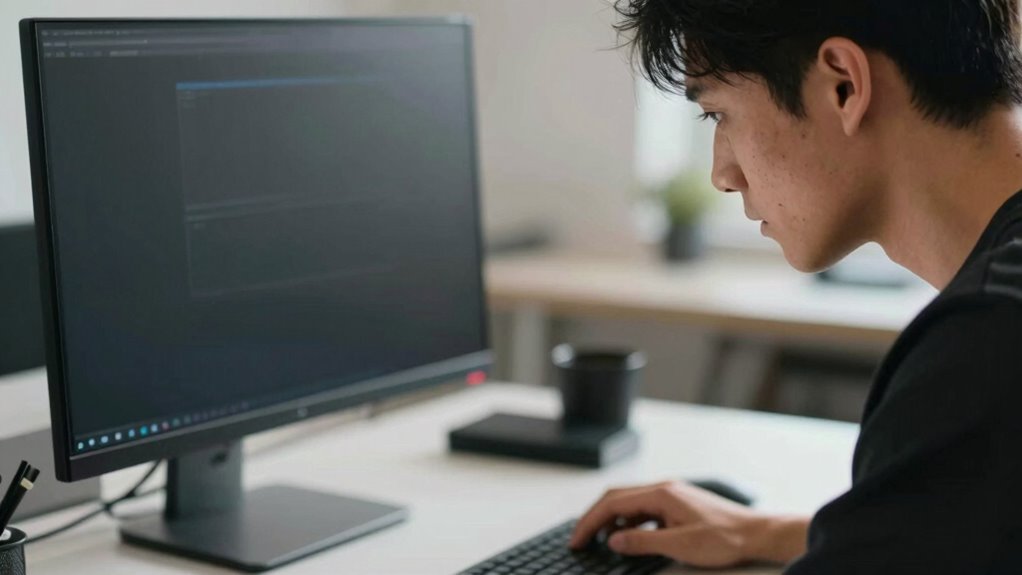

If your monitor is too close or too far, it can cause neck strain without you realizing it. Sitting too close makes you crane your neck or lean forward, while sitting too far prompts you to lean back or tilt your head awkwardly. Finding the right distance—about an arm’s length—keeps your neck and eyes comfortable. Keep your setup adjusted properly, and you’ll prevent strain over time. Learn more to improve your workspace even further.
Open a free Amazon Business account
Business pricing, bulk buying and tax-exempt orders.
As an affiliate, we earn on qualifying purchases.
Key Takeaways
- Sitting too close to the monitor forces you to tilt or crane your neck, causing strain over time.
- An improper monitor distance leads to poor posture, increasing the risk of neck pain and discomfort.
- Maintaining an arm’s length distance helps keep your neck aligned and reduces unnecessary tension.
- Excessively distant monitors may cause you to lean forward, straining neck and shoulder muscles.
- Correct monitor placement minimizes the need for craning or tilting, preventing hidden neck strain.
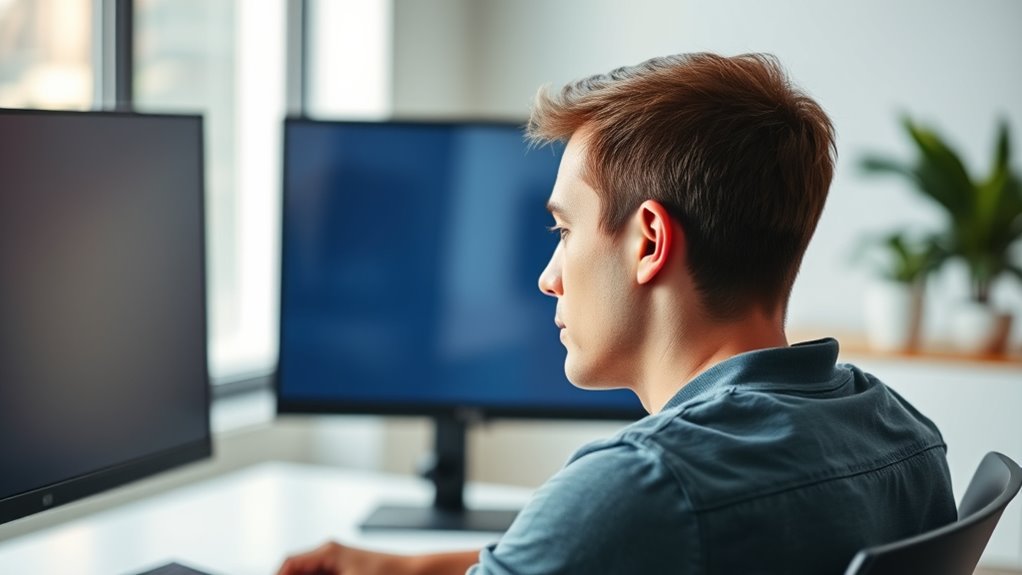
Have you ever wondered how close you should sit to your monitor for ideal comfort and eye health? Finding the right distance is essential for creating an ergonomic setup that minimizes eye strain and prevents neck discomfort. When you sit too close, your eyes may have to work harder to focus, leading to fatigue and headaches. Conversely, sitting too far away can cause you to lean forward or strain your neck to see details clearly. The key is to position your monitor at a distance that allows your eyes to comfortably view the screen without unnecessary effort.
Sit about an arm’s length away to reduce eye and neck strain.
A good rule of thumb is to place the monitor approximately an arm’s length away, typically between 20 to 30 inches from your eyes. This distance helps your eyes relax, reducing eye strain and promoting better visual comfort. When your monitor is too close, your eyes may continually try to adjust focus, which can cause fatigue and discomfort over time. If it’s too far, you may find yourself leaning forward or craning your neck, which can lead to neck and shoulder pain. Achieving an ergonomic setup involves adjusting your monitor’s position so that the top of the screen is at or just below eye level. This positioning encourages a natural, upright posture and prevents you from tilting your head downward or upward excessively.
In addition to distance, consider the monitor’s height and tilt. Your eyes should be aligned with the top third of the screen to reduce eye strain and keep your neck in a neutral position. If your monitor is too low or too high, you’ll unconsciously tilt or crane your head, which can contribute to discomfort and long-term neck issues. Remember, ergonomics isn’t only about the distance but also about how you position your entire workstation. An adjustable monitor stand or stand-alone arm can make it easier to fine-tune your setup for ideal, comfort.
Being aware of your filtration system and how your workspace is arranged can further enhance your ergonomic setup and overall comfort. Regularly taking breaks and following the 20-20-20 rule—looking at something 20 feet away for 20 seconds—can further alleviate eye strain. When you pay attention to your monitor distance and overall ergonomic setup, you’re actively reducing the risk of eye fatigue and neck strain. Proper positioning not only enhances your comfort but also improves your productivity and focus, making your work or leisure time much more enjoyable. So, take a moment to adjust your monitor today, and give your eyes and neck the support they deserve.
As an affiliate, we earn on qualifying purchases.
Frequently Asked Questions
How Does Monitor Distance Affect Eye Health?
You should keep your monitor at an ideal distance to reduce eye strain and improve visual comfort. When it’s too close, your eyes work harder, causing fatigue and dryness. If it’s too far, you strain to see details, leading to discomfort. Maintaining the right distance helps your eyes relax, minimizes strain, and promotes healthier vision, making your work and screen time more comfortable overall.
What Are Signs of Neck Strain From Improper Monitor Distance?
If your monitor is too close or too far, you might notice sore muscles in your neck and shoulders from constantly adjusting your posture. Headaches are common too, caused by straining your neck muscles or poor alignment. You may also feel stiffness or limited movement in your neck, making it uncomfortable to turn your head. Pay attention to these signs and adjust your monitor distance to prevent ongoing discomfort.
Can Monitor Height Influence Neck Discomfort?
Yes, monitor height can influence neck discomfort. When your monitor is set at the right ergonomic positioning—eye level—you reduce strain on your neck muscles. If it’s too low or high, you’ll likely tilt or crane your neck, causing discomfort over time. Adjust your monitor height so you can look straight ahead comfortably, maintaining proper ergonomic positioning. This simple change can markedly decrease neck pain and improve your overall comfort.
How Often Should I Adjust My Monitor Position?
You should adjust your monitor position at least once a week to prevent neck strain. Did you know that improper monitor placement can cause discomfort in up to 60% of office workers? To stay comfortable, use ergonomic furniture and monitor accessories like adjustable stands or arms. Regularly tweaking your monitor’s height, tilt, and distance guarantees proper alignment, reducing strain and promoting better posture during long work sessions.
Are There Ergonomic Tools to Improve Monitor Placement?
Yes, ergonomic accessories like adjustable monitor stands can markedly improve your monitor placement. These tools help you set the screen at eye level, reducing neck strain and promoting better posture. You can choose from a variety of monitor stands that elevate, tilt, or swivel your monitor to suit your needs. Investing in these ergonomic accessories makes it easier to maintain proper distance and positioning, keeping you comfortable during long work hours.
As an affiliate, we earn on qualifying purchases.
Conclusion
Remember, your monitor distance is more than just a number—it’s the bridge between comfort and strain. If you neglect it, you risk turning a simple task into a silent burden. Just like a ship’s anchor keeps it steady, proper distance keeps your neck at ease. Don’t let poor habits sink your well-being; instead, set the right distance and steer toward healthier, pain-free days. Your neck’s well-being depends on your mindful choices today.
As an affiliate, we earn on qualifying purchases.
As an affiliate, we earn on qualifying purchases.
NFL season / tailgating Picks
team gear
As an affiliate, we earn on qualifying purchases.