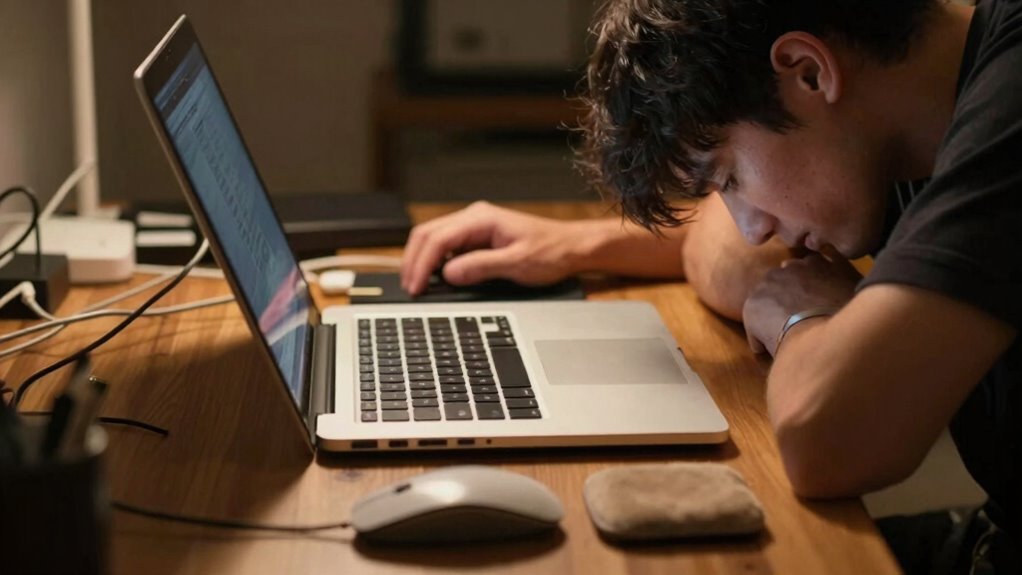

Your laptop setup often causes more strain than it seems because most arrangements ignore ergonomic principles and natural body alignment. Looking down at your screen forces awkward neck and shoulder positions, while built-in keyboards promote poor posture. Small adjustments like raising your laptop or using ergonomic accessories can make a big difference, but many overlook posture and movement. Continuing will reveal simple ways to improve your workspace for better comfort and long-term health.
Listen free for 30 days with Audible
Thousands of audiobooks and originals — cancel anytime.
As an affiliate, we earn on qualifying purchases.
Key Takeaways
- Laptop screens are often too low, causing neck craning and awkward head positions.
- Built-in keyboards and touchpads promote poor wrist and shoulder alignment.
- Many setups lack proper support, leading to slouching and uneven body stress.
- Prolonged sitting without movement increases muscular tension and discomfort.
- Small ergonomic adjustments are overlooked, compounding long-term strain and health issues.
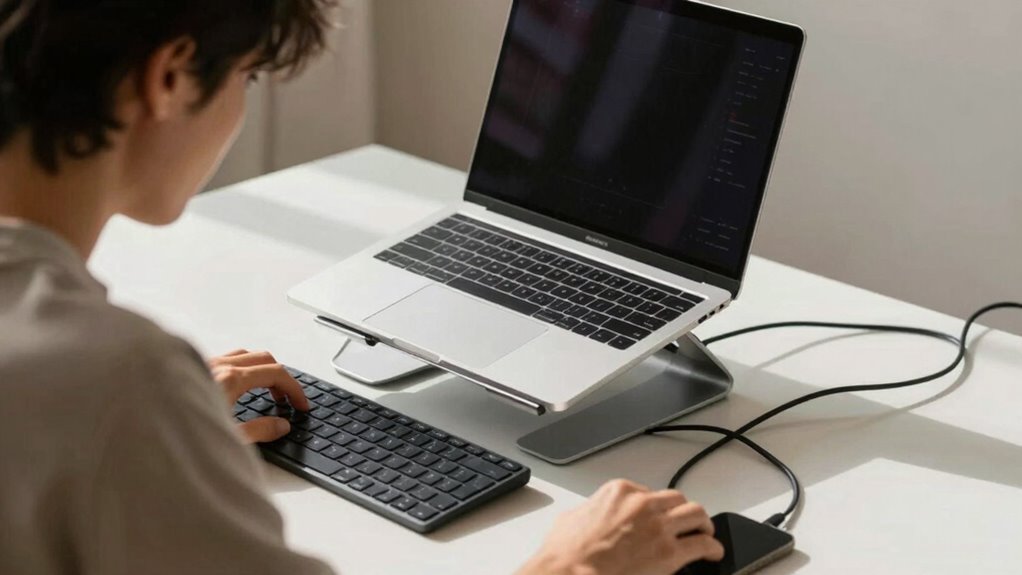
When you spend long hours working on your laptop, the way you set up your workspace can greatly impact your comfort and health. Many people underestimate how much their setup influences strain, often thinking that just sitting at a desk is enough. But without proper ergonomic accessories, you might unknowingly be putting your body through unnecessary stress. Small adjustments like an external keyboard or a laptop stand can make a big difference in promoting better posture and reducing fatigue. These accessories help align your body more naturally, preventing you from slouching or craning your neck forward, which are common causes of discomfort.
Proper ergonomic accessories promote better posture and reduce fatigue during long laptop sessions.
The truth is, most laptop setups are inherently flawed because they don’t support proper posture correction. When you look down at a laptop screen, you’re forcing your neck and shoulders into awkward positions, leading to tension headaches, shoulder pain, and even repetitive strain injuries over time. It’s tempting to work directly on the laptop’s built-in keyboard and screen, but that’s where strain begins. Instead, elevating your laptop to eye level with a stand, coupled with an ergonomic keyboard and mouse, encourages a healthier sitting posture. This setup minimizes the need to bend or twist your neck, helping you maintain a neutral spine position.
However, simply using ergonomic accessories isn’t enough if you don’t also pay attention to your overall posture. Sitting for hours with poor alignment can cause chronic pain, even if your workspace is well-equipped. Regularly checking in with posture correction techniques, like keeping your feet flat on the ground and your back supported, is essential. Moving around periodically and stretching also plays a vital role in preventing stiffness and muscular strain. Many people overlook these habits because they focus solely on the equipment, but the combination of good accessories and mindful posture correction is what truly prevents strain. Additionally, understanding the importance of ergonomic design can guide you in creating a healthier workspace that minimizes discomfort over time. Furthermore, incorporating movement breaks into your routine can significantly reduce the risk of developing musculoskeletal problems.
In essence, your laptop setup can create more strain than it seems because comfort is often sacrificed for convenience. It’s easy to ignore the long-term effects of a poorly arranged workspace, but the cumulative impact can be significant. Investing in ergonomic accessories and practicing posture correction aren’t just about comfort—they’re about safeguarding your health. When you make these adjustments, you’ll notice less fatigue, fewer aches, and a more productive workday. Additionally, understanding posture correction techniques can empower you to maintain better alignment throughout the day. Remember, small changes can lead to big improvements in how your body feels after hours at your laptop. To maximize the benefits, consider integrating ergonomic principles into your overall workspace design for more comprehensive support.
As an affiliate, we earn on qualifying purchases.
Frequently Asked Questions
How Can I Adjust My Laptop Setup for Better Ergonomics?
To improve your laptop setup for better ergonomics, use ergonomic accessories like a laptop stand and an external keyboard. Adjust your screen so it’s eye level to promote good posture. Keep your shoulders relaxed and elbows close to your body. Regularly practice posture correction, and take breaks. These steps help reduce strain and prevent discomfort, making your workspace more comfortable and healthier for long-term use.
What Are Signs of Strain Caused by Poor Laptop Positioning?
You might notice signs of strain like neck pain, headaches, or shoulder tension, which indicate poor laptop positioning. To address this, focus on posture correction by keeping your screen at eye level and your back straight. Using ergonomic accessories like a laptop stand or an external keyboard can help. If you experience persistent discomfort, it’s a clear sign you need to improve your setup to reduce strain.
Are There Specific Accessories to Reduce Laptop-Related Strain?
Yes, ergonomic accessories can help reduce laptop-related strain. Using a laptop stand elevates your screen to eye level, promoting better posture. An external keyboard and mouse prevent hunching and wrist discomfort. Additionally, posture correction tools like lumbar supports or footrests encourage proper alignment. These accessories work together to minimize neck, shoulder, and back pain, making your setup more comfortable and reducing long-term strain.
How Often Should I Take Breaks During Long Laptop Use?
You should take a break every 30 minutes to an hour, because your body isn’t a machine. During these breaks, focus on posture correction and do ergonomic exercises to combat strain. Sitting too long without movement leads to discomfort and long-term issues. So, set a timer, stand up, stretch, and perform simple exercises—your body will thank you for the effort. Regular breaks make a world of difference.
Does Screen Brightness Affect Neck and Eye Strain?
Yes, screen brightness definitely impacts neck and eye strain. If your screen is too bright or too dim, it causes unnecessary glare and forces your eyes to work harder. Adjust the brightness to match your environment using brightness adjustment tools, reducing strain. Also, minimize screen glare by positioning your device away from direct light sources. Maintaining proper brightness levels helps keep your eyes comfortable and reduces overall discomfort during long sessions.
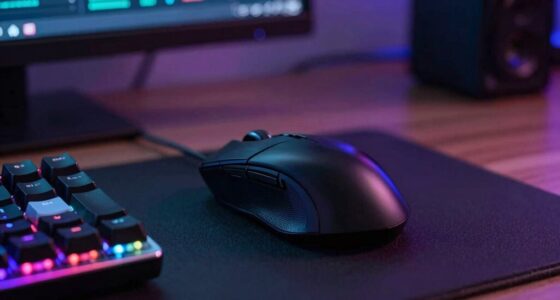
ergonomic keyboard and mouse set
As an affiliate, we earn on qualifying purchases.
As an affiliate, we earn on qualifying purchases.
Conclusion
Your laptop setup might seem simple, but it can silently cause strain—on your neck, on your back, on your eyes. Poor posture leads to discomfort; improper ergonomics lead to fatigue; neglecting your setup leads to long-term pain. To prevent this, pay attention to your posture, adjust your screen, and take regular breaks. Because comfort isn’t just about convenience—it’s about caring for your body, preserving your energy, and protecting your health. Make these small changes, and your body will thank you.
As an affiliate, we earn on qualifying purchases.
As an affiliate, we earn on qualifying purchases.
NFL season / tailgating Picks
team gear
As an affiliate, we earn on qualifying purchases.