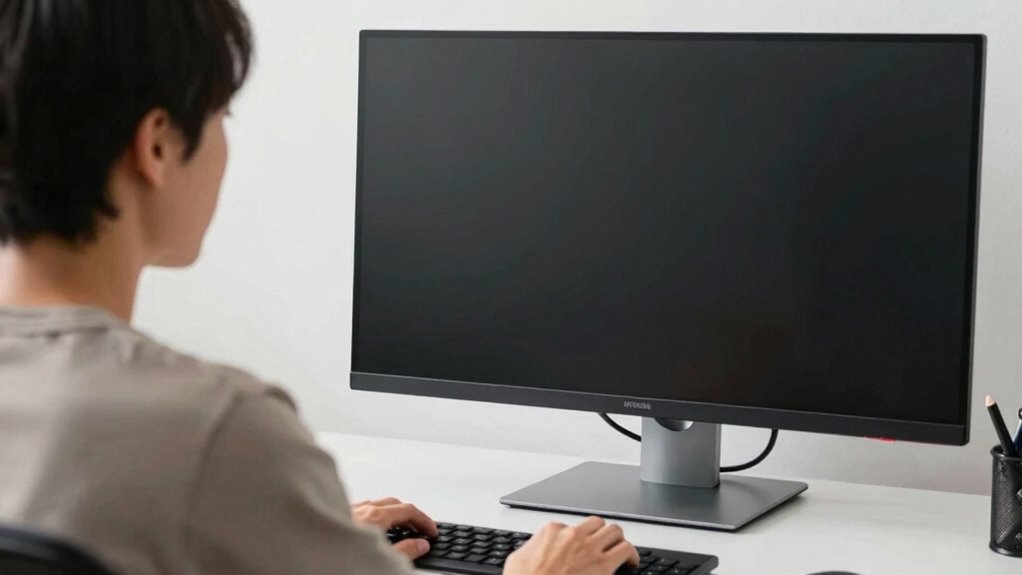

To protect your eyes and neck during long screen sessions, keep your monitor about 20 to 30 inches away, which is roughly arm’s length. Sitting too close causes eye fatigue and squinting, while sitting too far makes it hard to see details. Proper distance helps your eyes focus comfortably with less effort and reduces neck strain. Maintaining this rule can improve your comfort, and there’s more to learn to create the perfect ergonomic setup.

Prime made for students and young adults
- Fast, free delivery for dorm and study essentials
- Prime Video and Amazon Music included
- Member-only deals
Key Takeaways
- Maintain a monitor distance of 20-30 inches (arm’s length) to reduce eye strain and improve detail visibility.
- Position the monitor at eye level with a slight downward gaze of 15-20° to prevent neck strain.
- Avoid sitting too close or too far from the screen for optimal focus and comfort.
- Arrange multiple screens to minimize head turning and maintain a neutral neck position.
- Take regular breaks to rest your eyes and prevent musculoskeletal discomfort.
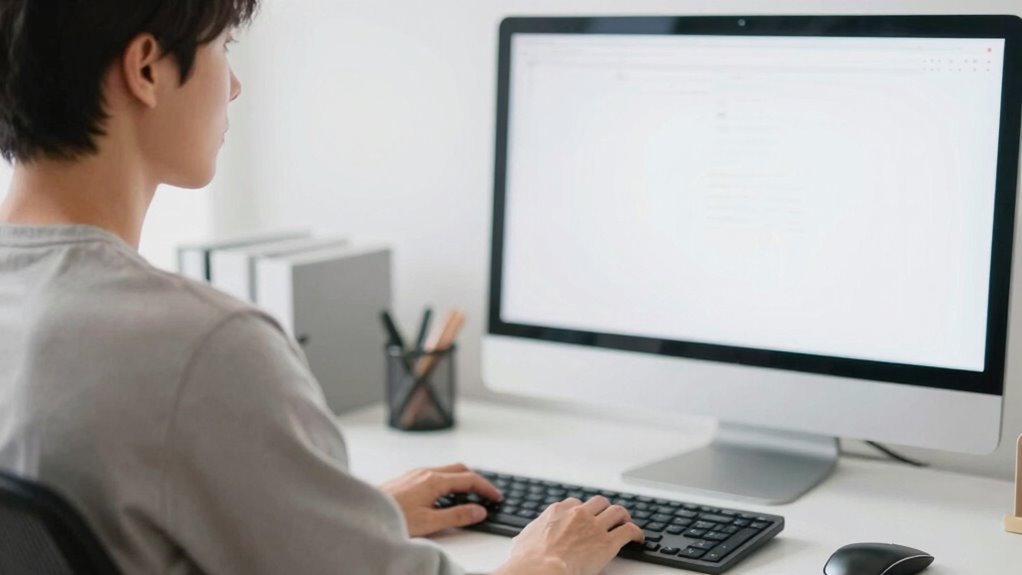
Maintaining the proper distance from your monitor is essential for safeguarding your eyes and neck. When you position yourself correctly, you reduce strain on your eyes, minimize discomfort, and prevent long-term issues. A key aspect of this is understanding ergonomic positioning—how you align your body and screen to promote comfort and efficiency. You want the monitor to be an arm’s length away, roughly 20 to 30 inches from your eyes. Sitting too close can cause eye fatigue and force you to squint, while sitting too far might make it difficult to see details clearly. Finding this balance helps your eyes focus comfortably without unnecessary effort. Proper ergonomic positioning also involves setting your monitor at eye level, so your gaze naturally falls downward at about a 15 to 20-degree angle. This reduces neck strain by preventing you from tilting your head up or down excessively. Good ergonomic setup can significantly improve your comfort and productivity during long hours at the screen. Your seating posture plays a crucial role as well. Sit with your back straight and shoulders relaxed, ensuring your feet are flat on the floor. Your monitor should be directly in front of you, avoiding the need to turn your head or twist your neck. If you use multiple screens, arrange them so you don’t have to constantly move your head side to side. The goal is to maintain a neutral head position, which reduces tension in your neck and shoulders. Also, take regular breaks—every 20 minutes, look away from the screen and focus on something at a different distance to give your eyes a rest. This practice, combined with proper distance and positioning, helps prevent visual fatigue and musculoskeletal problems. Additionally, adjusting your monitor brightness and contrast to match ambient lighting can further reduce eye strain during extended use. Incorporating air quality improvements, such as proper ventilation, can also contribute to a healthier and more comfortable workspace. Regularly updating ergonomic guidelines can help you stay informed about best practices for maintaining comfort and health while working at your desk. Being aware of ergonomic principles ensures you make adjustments that support your overall well-being during prolonged computer use.
As an affiliate, we earn on qualifying purchases.
Frequently Asked Questions
How Can I Adjust My Monitor for Optimal Distance?
To optimize your monitor distance, position it about an arm’s length away, roughly 20-30 inches from your eyes. Adjust the height so that your eyes are level with the top of the screen, reducing strain. Make certain to minimize screen glare by controlling lighting and using an anti-glare filter. An ergonomic setup ensures your neck stays comfortable, preventing fatigue while maintaining proper monitor distance for eye health.
Does Monitor Size Affect the Ideal Viewing Distance?
Sure, bigger monitors might seem like they’d make everything easier to see, but they actually demand a longer viewing distance to reduce screen glare and eye strain. Ironically, cramming a huge screen too close can cause neck discomfort, especially if your monitor height isn’t adjusted properly. So, whether your monitor is small or large, keep it at the right distance, and align the top of the screen with your eye level for comfort.
Are There Specific Exercises to Reduce Eye Strain From Screens?
Yes, you can do specific exercises to reduce eye strain. Practice eye relaxation by gently closing your eyes for a few seconds, then opening them slowly. Remember to blink frequently to keep your eyes moist and prevent dryness. Focus on distant objects periodically to relax your eye muscles. These simple exercises, combined with screen blinking awareness, help reduce fatigue and protect your eyes during long screen sessions.
How Often Should I Take Breaks While Working at a Monitor?
You should take a break every 20 minutes when working at a monitor. During these breaks, look away from the screen, ideally for 20 seconds, to reduce eye strain. Adjust your ergonomic accessories to maintain proper posture, and keep your screen brightness at a comfortable level. Regular breaks, combined with proper screen settings and ergonomic support, help protect your eyes and neck from strain and fatigue.
What Are Signs I’M Sitting Too Close to My Monitor?
If you’re sitting too close to your monitor, you might notice eye strain, headaches, or blurred vision. You may also feel neck or shoulder discomfort from leaning forward. To prevent this, use ergonomic accessories like adjustable stands and guarantee your screen resolution is set appropriately, so images aren’t pixelated. Maintaining a proper distance helps reduce strain and improves overall comfort, making your workspace healthier and more efficient.
As an affiliate, we earn on qualifying purchases.
Conclusion
By following the monitor distance rule, you shield your eyes and neck like a vigilant guardian guarding a treasure. Just as a lighthouse keeps ships safe from rocky shores, maintaining proper distance guides you away from strain and discomfort. Remember, your workspace is your sanctuary—treat it with care, and your body will thank you. Keep this rule in mind, and you’ll navigate your digital world with clarity and comfort, like a sailor steering toward calm waters.
As an affiliate, we earn on qualifying purchases.
As an affiliate, we earn on qualifying purchases.
Fall Picks
fall essentials
As an affiliate, we earn on qualifying purchases.