
TL;DR

Prime made for students and young adults
- Fast, free delivery for dorm and study essentials
- Prime Video and Amazon Music included
- Member-only deals
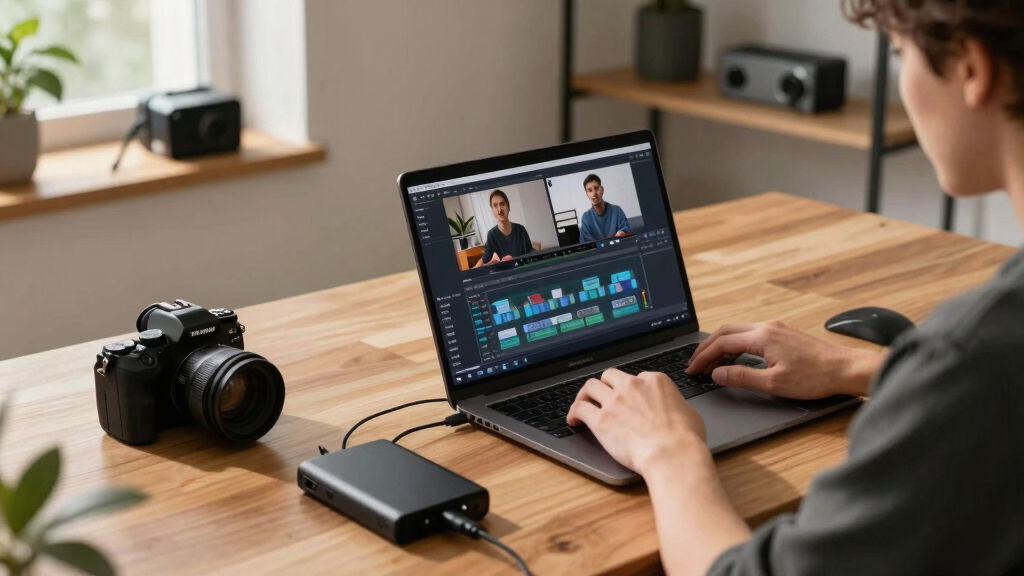
You can convert one video into a complete publishing kit—images, clips, descriptions—without using the cloud. This approach offers faster, more private workflows, ideal for publishers and creators who want control.
Imagine turning a single video into a full publishing toolkit—images, social clips, press-ready descriptions—all ready to go. No waiting for uploads, no cloud dependencies, just instant control over every asset. That’s what a local-first, automated workflow can do for you.
Whether you’re an author, marketer, or content creator, this process saves you hours. It means faster launches, more privacy, and total control. Let’s explore how one source can become a multi-platform media kit—completely offline—and why it’s a game-changer.
Key Takeaways
- A local-first workflow turns one source video into a full media kit—images, clips, descriptions—without relying on cloud services.
- Automation speeds up asset generation while giving you control over quality and branding.
- Offline workflows are ideal for remote or secure environments, giving you instant control and privacy.
- A comprehensive publishing package supports multiple platforms—YouTube, TikTok, press, social media—all from a single video.
- Proper setup, review, and versioning prevent common pitfalls like outdated assets or inconsistent branding.
As an affiliate, we earn on qualifying purchases.
What does a full publishing kit from a video actually include?
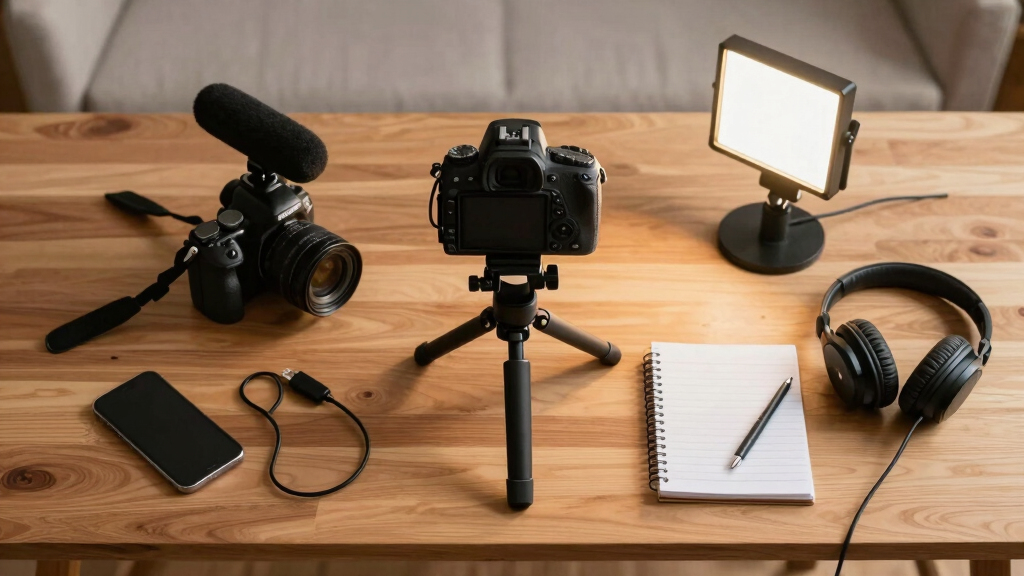
A publishing kit isn’t just a handful of images. It’s a curated collection of assets that help you promote, explain, and distribute your content. Think of a kit as a Swiss Army knife for your video: a compelling title, a detailed description, eye-catching thumbnails, short clips for social media, and even background info for press.
Understanding the components helps clarify why a comprehensive kit is so valuable. For example, a catchy, SEO-optimized title can attract viewers on YouTube, while short, engaging clips are perfect for social media algorithms. Thumbnails and descriptions influence click-through rates and viewer engagement. The press materials support outreach and media coverage. Each asset serves a specific purpose, and when combined, they create a powerful, multi-channel promotional package. This integration allows you to adapt your core content efficiently across platforms, saving time and maintaining consistent branding. You can learn more about this process in creating a comprehensive publishing kit.
As an affiliate, we earn on qualifying purchases.
Why go offline? The real benefits of a local-first workflow
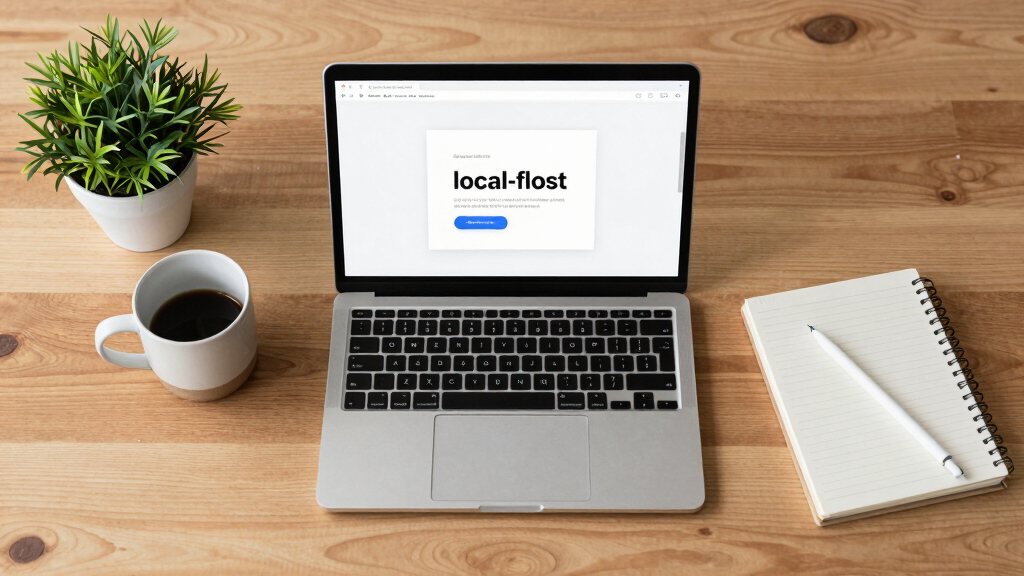
Choosing a workflow that doesn’t rely on the cloud might seem outdated at first glance, but it actually offers profound advantages that impact your efficiency and security. When you process assets locally, you eliminate latency caused by internet speed, which can be a bottleneck—especially when handling large files or multiple assets simultaneously. This means faster turnaround times and more immediate control over your work. You can explore more about the benefits of offline workflows at this article on offline workflows.
Privacy and security are significant benefits. By keeping assets on your device, you reduce exposure to data breaches, hacking, or unauthorized access that can occur when files are stored on third-party servers. This is particularly important for sensitive or proprietary content, or when operating under strict confidentiality requirements. Additionally, offline workflows are inherently more resilient; they’re unaffected by internet outages or bandwidth limitations, which can be critical during remote shoots, fieldwork, or in regions with unreliable connectivity.
While cloud tools often promise convenience, they also embed dependencies that can slow down progress or expose your data to risks. The tradeoff involves balancing initial setup complexity and automation sophistication against the long-term gains in control, speed, and security. For many professionals, the ability to work securely and quickly without reliance on external servers outweighs the convenience of cloud storage, especially when efficiency and privacy are priorities.
video to social media clips converter
As an affiliate, we earn on qualifying purchases.
As an affiliate, we earn on qualifying purchases.
How does turning one video into many assets actually work?
Creating a publishing kit from a single video involves a nuanced blend of automation, analysis, and manual oversight. It’s not just about generating assets; it’s about understanding the content deeply enough to produce relevant, high-quality outputs that serve different purposes and audiences. You can see an example of this process in detailed case studies.
- Ingest: You provide the source video by dropping the file or pasting a link. The system recognizes the source and auto-detects the platform or channel, which informs subsequent processing choices. This initial step sets the foundation for tailored asset creation.
- Understand: The system transcribes speech, analyzes visuals, detects scene changes, and reads on-screen text—all locally. This deep analysis allows the system to identify key moments, themes, and segments, which is crucial for creating relevant clips and summaries. The local processing ensures data privacy and reduces latency, but it also requires sophisticated algorithms to interpret content accurately—an important tradeoff in ensuring quality without cloud reliance.
- Fuse: It aligns speech with visuals into a synchronized scene log, capturing the most engaging moments and hooks. This step involves interpreting context, tone, and visual cues to select clips that resonate with target audiences. The quality of this fusion influences the effectiveness of your social media snippets and press materials.
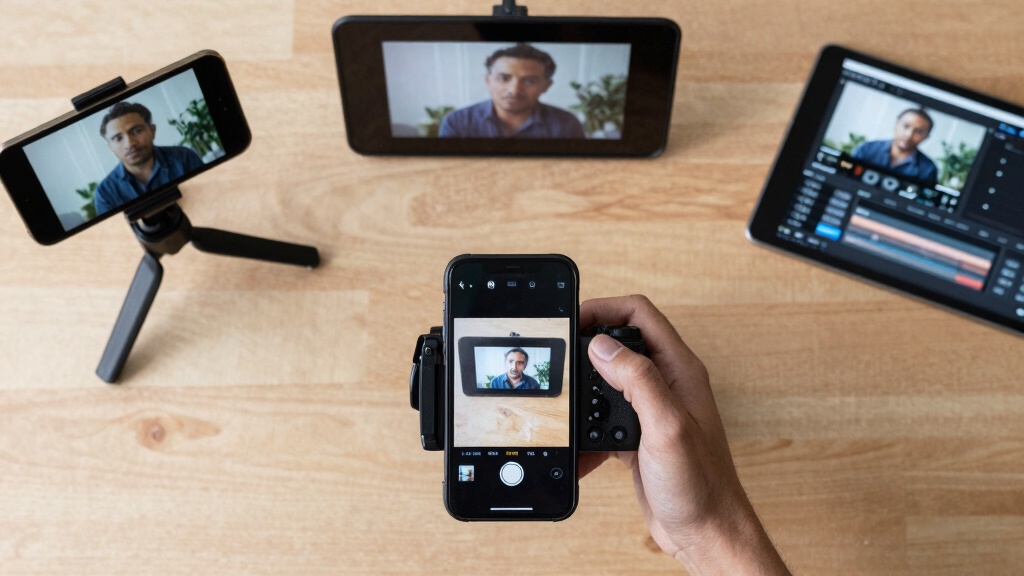
- Generate assets: Titles, descriptions, clips, images—these are all automatically tailored for various platforms like YouTube, TikTok, Instagram, or traditional press. The automation speed is balanced by manual review, ensuring assets meet branding standards and audience expectations. The implication is that automation accelerates delivery but still relies on human oversight to refine and adapt outputs for maximum impact.
For example, a 15-minute webinar can be processed to produce a catchy, SEO-optimized title, a short highlight clip, a press-ready PDF, and social media posts—all generated automatically. This deep integration of analysis and automation reduces manual labor significantly while maintaining content relevance and quality. Learn more about this approach in this detailed guide.
As an affiliate, we earn on qualifying purchases.
Frequently Asked Questions
What exactly comes out of the video?
A full publishing kit includes titles, descriptions, thumbnails, short clips, transcripts, and social posts—all generated automatically from your source video and ready for deployment.
Can this process work without internet access?
Yes. The entire workflow is designed to be offline, processing and generating assets directly on your device without relying on cloud services or internet connectivity.
Is the output editable after generation?
Absolutely. All assets are created as editable files, so you can fine-tune titles, images, or copy before publishing.
Who benefits most from this workflow?
Authors, small publishers, content creators, and marketing teams who value speed, privacy, and control over their content pipeline benefit the most.
What tools or hardware do I need?
A reasonably powerful computer—Mac or PC—with enough storage and processing power. The system runs locally, and you can find more details at [ChannelHelm](https://channelhelm.com/).
Conclusion
Switching to a local-first, video-to-publishing workflow transforms how you launch and promote content. You gain speed, control, and security—all without sacrificing quality. Think of it as turning a single tap into a steady stream of assets, ready whenever you need them.
Next time you finish a video, remember: the full publishing kit is just a few clicks away—offline, fast, and in your hands. Why wait for the cloud when you can create your entire media launch from your own desk?
Halloween Picks
halloween
As an affiliate, we earn on qualifying purchases.