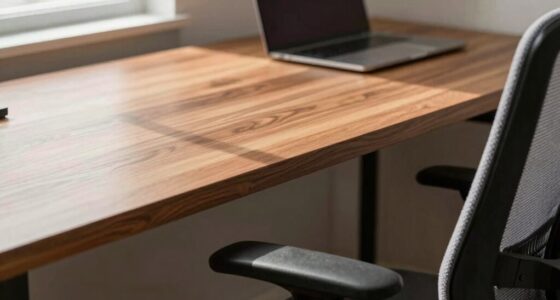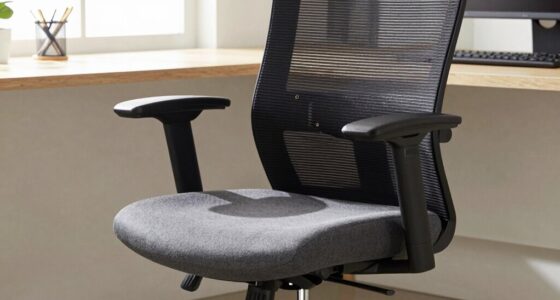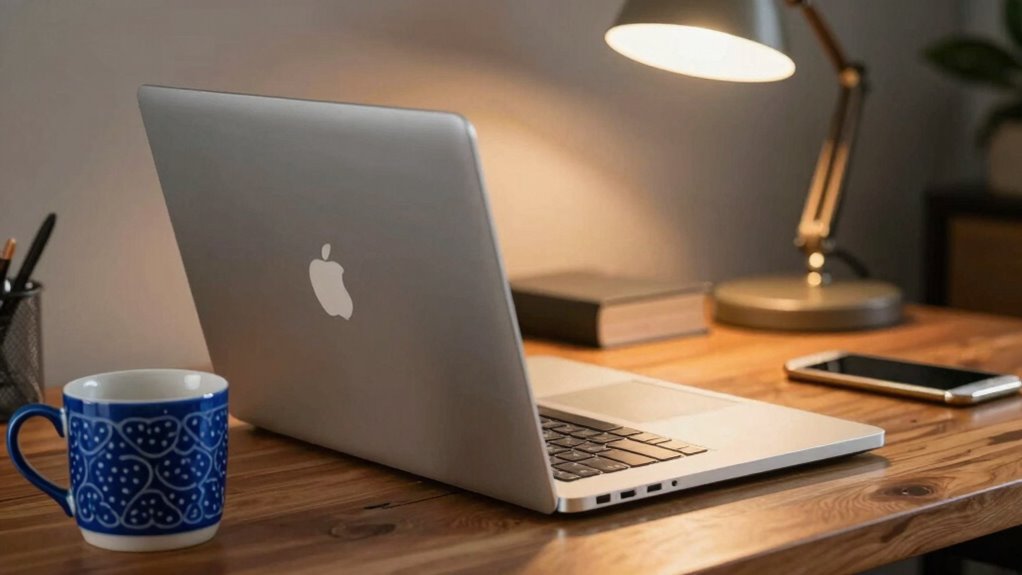

The first object you should move on your desk is the item causing the most clutter and visual noise, such as a pile of papers or a distracting mug. Removing it immediately clears space, improves your posture, and reduces mental distraction. This simple step sets the stage for better organization and focus. By tackling this disruptive object first, you can quickly boost comfort and productivity—and there’s more to discover about optimizing your workspace beyond this step.
Key Takeaways
- Identify the most disruptive item causing clutter or ergonomic issues for immediate workspace improvement.
- Move objects that obstruct movement or proper posture to enhance comfort and efficiency.
- Prioritize relocating items that contribute to visual noise and mental distraction.
- Focus on clearing space for better ergonomic adjustments and physical movement.
- Address clutter-generating objects like piles of papers or tangled cables first for lasting organization.
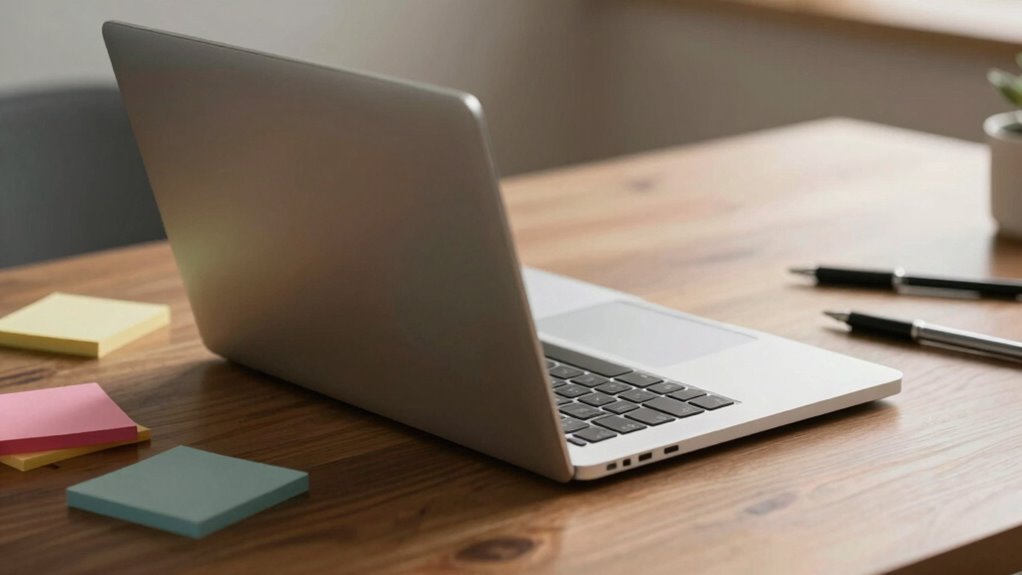
Have you ever stopped to contemplate which object on your desk might be holding you back the most? It’s a question worth asking because, often, the answer isn’t obvious. Many people overlook the impact of clutter and poorly placed items when it comes to their productivity and comfort. The key to creating an efficient workspace is identifying that one object that, once moved, can make a significant difference. Usually, that object is something that disrupts your ergonomic adjustments or contributes to clutter management problems. Moving it first could be your quickest route to a more organized, comfortable, and functional desk setup.
Identify the one item disrupting your workspace for a quick path to better productivity and comfort.
Think about your workspace: do you have a pile of papers, a mug, or an electronic device that’s constantly in your way? These items can force you into awkward postures, strain your neck, or cause you to reach excessively. When a single object is out of place, it throws off your ergonomic adjustments, making your workspace less comfortable over time. For example, a cluttered desktop might push your monitor too far back, forcing you to lean forward or crane your neck. By removing or repositioning that object, you immediately improve your posture and reduce unnecessary strain. This simple act helps you work smarter, not harder.
Clutter management is another crucial factor. When your desk is cluttered, your mind feels cluttered too. Items that don’t belong in your immediate workspace create visual noise, distracting you and reducing your focus. Clearing out that one problematic object clears space physically and mentally. It’s often the most cluttered item that’s the root of the chaos. Once you move it, you create a more streamlined environment, which encourages better organization and efficiency. Plus, a tidy desk minimizes the chances of losing important documents or misplacing essentials, saving you time and frustration. Incorporating mindfulness into your workspace habits can help you maintain a clutter-free environment over the long term. Recognizing the importance of ergonomic adjustments can also motivate you to keep your space optimized for comfort and health. Additionally, understanding how workspace ergonomics influence your overall well-being can prompt you to establish better habits for long-term comfort. Making intentional choices about workspace setup can further enhance your productivity and reduce physical discomfort.
The object you choose to move first doesn’t have to be complicated or expensive. It might be a bulky stack of papers, a tangled charger, or an old coffee mug. Whatever it is, prioritize removing or repositioning it. This act can set the tone for the rest of your workspace improvements. After you’ve moved that object, you’ll likely find it easier to make further ergonomic adjustments—like aligning your keyboard, mouse, and monitor—because your workspace will be more aligned with your natural posture. Additionally, addressing clutter can support your overall biodiversity awareness by encouraging mindfulness about sustainable choices even in small daily habits.
In the end, the first object you move on your desk isn’t just about tidiness; it’s about creating a workspace that supports your well-being and productivity. By tackling clutter management head-on and making thoughtful ergonomic adjustments, you set yourself up for a more comfortable, focused, and efficient work environment. Sometimes, it’s the smallest change that makes the biggest difference.
As an affiliate, we earn on qualifying purchases.
Frequently Asked Questions
How Do I Determine Which Desk Object Is Most Cluttered?
You determine the most cluttered desk object by evaluating where personal clutter accumulates the most and where digital organization is lacking. Look for items that cause visual chaos or distract you from work, such as overflowing piles or tangled cords. Focus on these first, because clearing clutter in these areas will make your workspace more efficient, helping you regain focus and improve overall organization quickly.
Does Moving One Object Improve Overall Workspace Efficiency?
Yes, moving one object can boost your workspace efficiency. When you shift an item like ergonomic accessories or aesthetic enhancements, it often clears space and reduces clutter, making your desk more functional. This simple change can create a ripple effect, encouraging better organization and focus. You might find that small adjustments in placement improve your comfort and productivity, turning your workspace into an environment that supports your workflow effortlessly.
Are Some Objects More Important to Keep in Place?
Yes, some objects are more important to keep in place. Your ergonomic accessories, like a keyboard or mouse, should stay within easy reach to prevent strain. Aesthetic decor can be moved to create a cleaner look, but keep essential tools nearby. By prioritizing ergonomics and organization, you improve comfort and efficiency. Moving or adjusting these key items first helps optimize your workspace for productivity and well-being.
How Often Should I Reorganize My Desk?
You should reorganize your desk every few weeks to maintain a tidy, efficient workspace. Regularly updating your personal storage keeps clutter in check, preventing distractions. When reorganizing, focus on creating an ergonomic setup to reduce strain and improve comfort. This routine helps you stay focused, guarantees essentials are within reach, and keeps your workspace inviting. Adjust the frequency based on how often your work environment changes or accumulates clutter.
What Tools Can Help With Desk Organization?
Think of tools as your secret weapon. Use ergonomic accessories like adjustable chairs and keyboard stands to boost comfort. Digital decluttering apps help clear your desktop and files, making everything easier to find. Desk organizers and cable management solutions keep physical clutter at bay. Together, these tools streamline your workspace, making it a breeze to stay focused and productive, turning chaos into calm in no time.
As an affiliate, we earn on qualifying purchases.
Conclusion
So, next time you tackle your cluttered desk, remember that one object should lead the charge. Think of it as the first domino in a row—once it falls, the rest follow effortlessly. Moving that key item clears the way, turning chaos into order. With each small step, you’re painting a clearer picture of productivity. Start with one move, and watch your workspace transform like a sunrise—brightening everything in its wake.
As an affiliate, we earn on qualifying purchases.
As an affiliate, we earn on qualifying purchases.