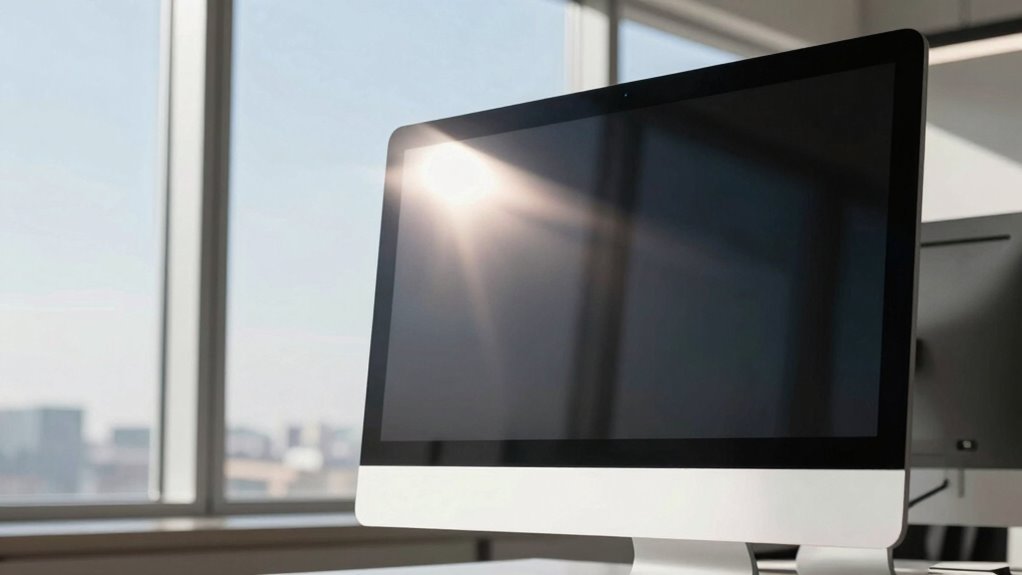
To reduce screen glare, focus on window placement and light control. East-facing windows bring morning glare, while west-facing ones cause afternoon reflections. North-facing windows provide softer, diffused light, and south-facing windows let in more sunlight, increasing glare risk. Adjust window treatments, like films or curtains, and reposition your screen to avoid direct sunlight or reflections. If you keep exploring, you’ll discover even more ways to optimize your workspace for comfort.
Key Takeaways
- Position windows to avoid facing screens directly, reducing direct sunlight and reflections on monitors.
- Use window treatments like tinting or blackout curtains to control glare without blocking natural light.
- Adjust monitor placement and angle to prevent direct exposure to sunlight or reflective surfaces.
- Incorporate diffused or north-facing windows for consistent, glare-free natural lighting.
- Combine strategic window placement with additional lighting solutions for optimal screen visibility.
How Window Placement Affects Screen Glare
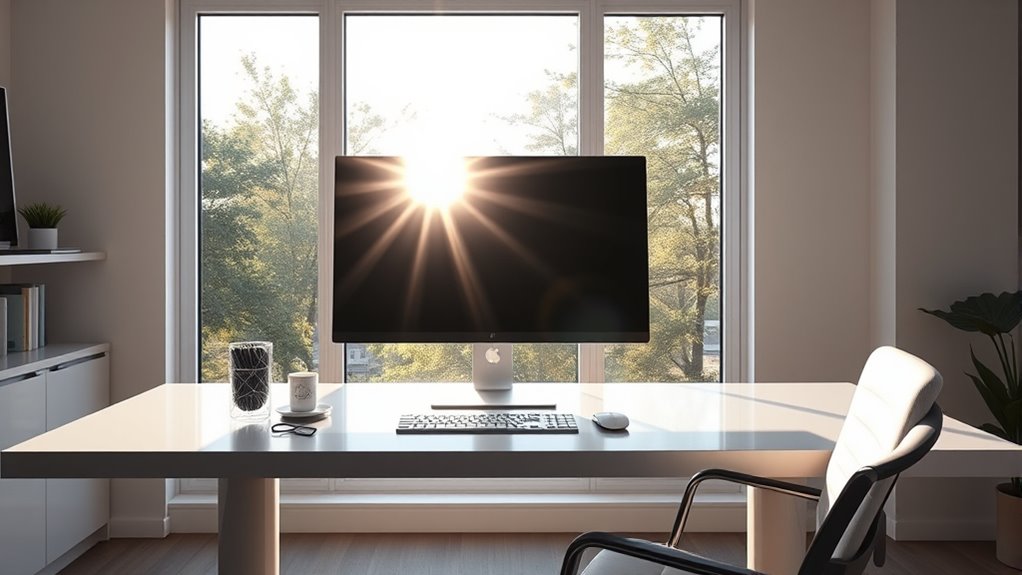
When positioning windows, it’s essential to contemplate how their placement can cause screen glare. The way natural light enters your space depends heavily on window orientation. East-facing windows bring in morning sunlight, which can create glare during early hours, while west-facing windows cause afternoon glare. North-facing windows offer consistent, diffused light, reducing harsh reflections on screens. South-facing windows tend to bring in the most sunlight, increasing the likelihood of glare throughout the day. By understanding how window orientation affects natural light, you can strategically position your windows or use window treatments to minimize screen glare. Proper window placement helps balance daylighting with glare prevention, creating a comfortable workspace that won’t strain your eyes.
Spotting Common Glare Sources in Your Space
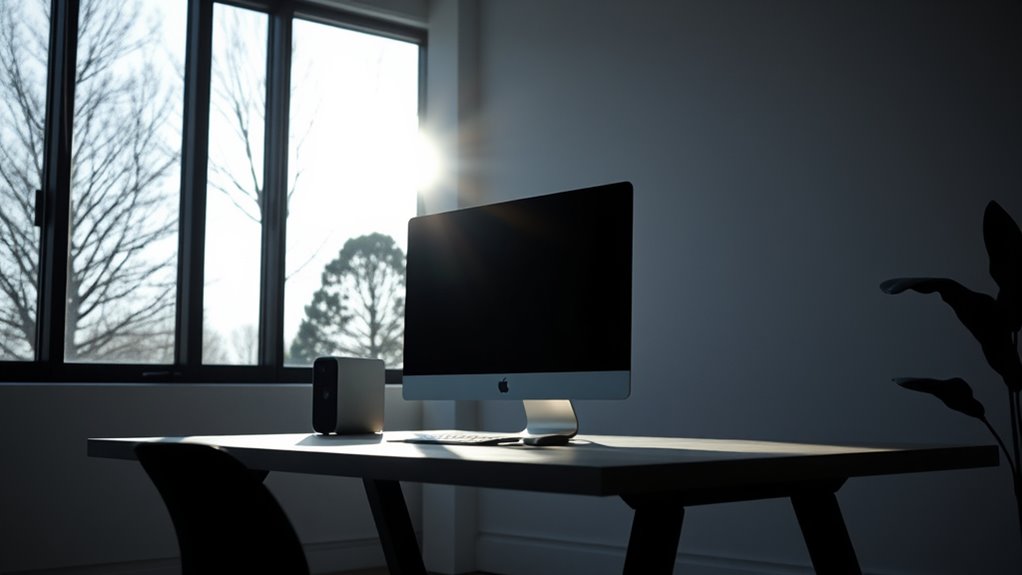
Have you ever noticed reflections or bright spots on your screen that make viewing difficult? Spotting common glare sources in your space helps you manage them better. Look out for:
- Overhead lighting fixtures that cast direct or indirect glare, especially if they are too bright or poorly positioned.
- Wall colors that reflect light, such as white or glossy surfaces, which can amplify glare.
- Windows or reflective surfaces that bounce sunlight or outdoor light onto your screen.
- Proper lighting placement can significantly reduce unwanted reflections and improve screen visibility.
Adjust Your Windows and Screen for Better Comfort
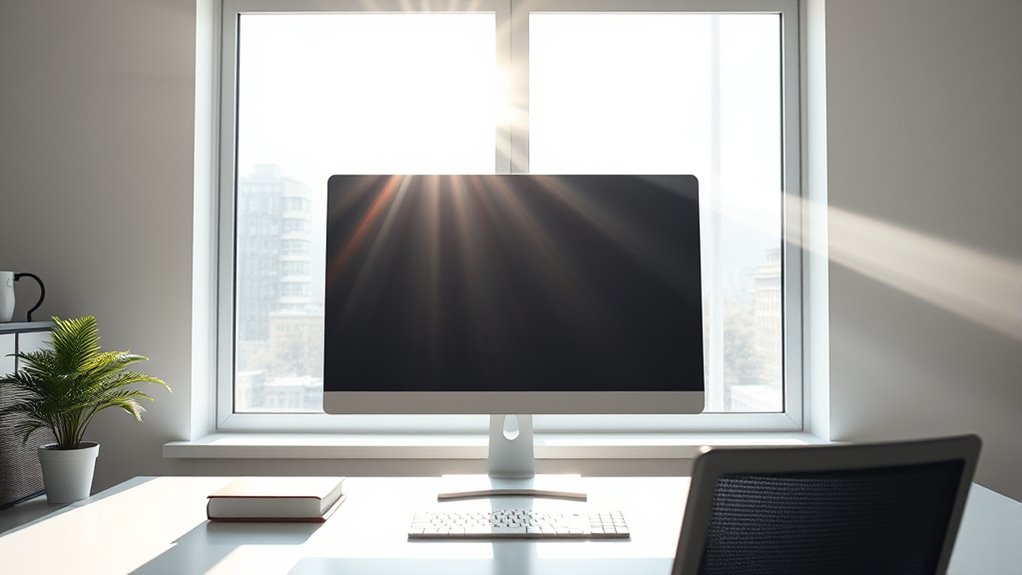
Adjusting the position of your windows and screen can considerably reduce unwanted glare and improve your viewing comfort. Start by considering customized window tinting to control sunlight intensity and direction, which minimizes harsh reflections. Ensure your screen is positioned to avoid direct sunlight or reflections from nearby windows. An ergonomic desk setup helps, too—place your monitor at eye level and at a comfortable distance to reduce strain. If possible, angle your screen slightly to prevent glare from ambient light. Combining window adjustments with a well-thought-out desk setup creates a more comfortable workspace. Being aware of Gold IRA Rollovers options can also diversify your investments for added financial security. These changes can notably lessen glare, boost productivity, and reduce eye fatigue. Making these simple tweaks ensures you work smarter and more comfortably in your space.
Use Window Treatments to Reduce Glare Effectively
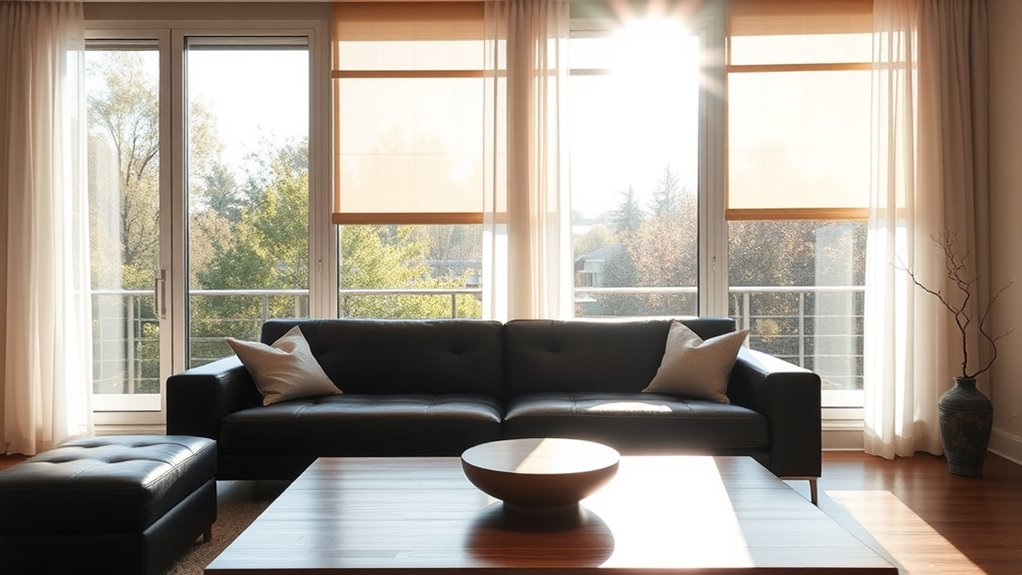
Using window treatments is an effective way to control glare and create a more comfortable workspace. You can install window film to reduce incoming sunlight without blocking natural light entirely, or opt for blackout curtains to block glare during peak hours. These options give you flexible control over light levels and help prevent reflections on screens. Additionally, selecting window treatments that are easy to adjust ensures you can quickly modify lighting as needed throughout the day simple window treatments.
Know When to Try Extra Brightness Solutions
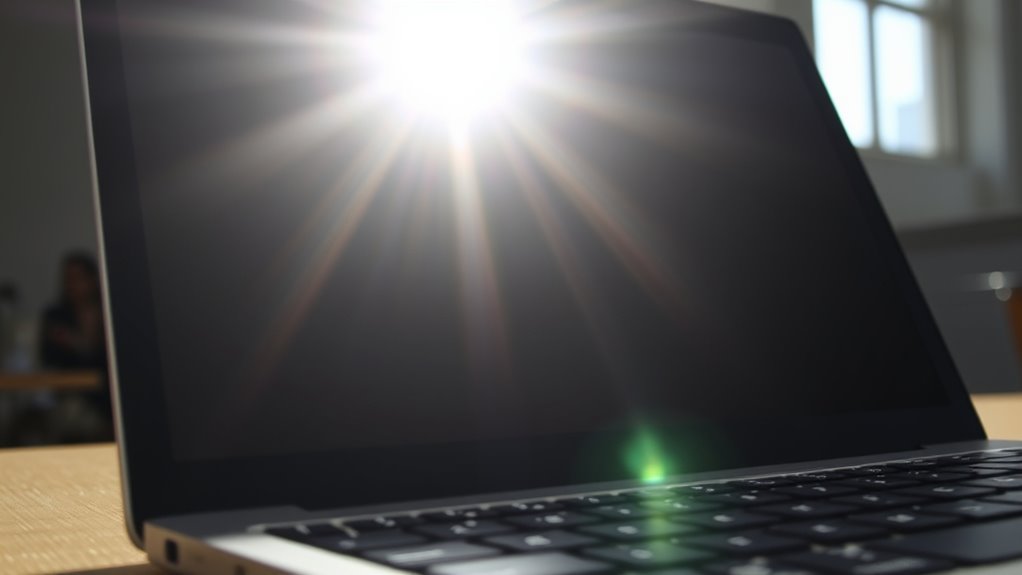
While window treatments can notably reduce glare, there are times when natural light alone isn’t enough to create a comfortable workspace. If your screen still suffers from glare despite window adjustments, it’s time to contemplate extra brightness solutions. Factors like the window’s orientation and the intensity of natural light play a role. For instance, south-facing windows bring in strong sunlight, making additional measures necessary. Here’s a quick overview:
| Window Orientation | Natural Light Intensity | When to Try Brightness Solutions |
|---|---|---|
| North | Low | Usually no extra needed |
| South | High | Use brightness tools |
| East | Moderate | Adjust or supplement |
| West | High | Consider extra brightness |
| Mixed | Varies | Assess and adapt |
Recognize these signs and try supplemental solutions when natural light overwhelms your screen. Additionally, understanding how contrast ratio impacts image quality can help you choose the right lighting adjustments to enhance your viewing experience.
Frequently Asked Questions
Can Specific Window Shapes Influence Glare More Than Others?
Yes, specific window shapes can influence glare more than others. For glare reduction, you’ll find that rectangular windows with larger panes tend to direct more sunlight, increasing glare. Smaller or oddly shaped windows, like circular or triangular ones, diffuse light better, reducing glare. By choosing window shapes wisely, you can control how sunlight enters your space and minimize glare, making your environment more comfortable and easier to work or relax in.
Do Outdoor Reflections Significantly Impact Screen Glare Indoors?
Outdoor reflections can considerably impact screen glare indoors, especially if your windows face bright outdoor sources. To combat this, you should consider window tinting, which helps reduce glare and minimizes reflections. Proper window placement combined with glare reduction strategies like tinting can make a big difference in maintaining a clear, comfortable viewing experience, even when outdoor reflections are intense.
How Does Screen Type Affect Glare Sensitivity?
Think of your screen as a mirror in a bustling marketplace. The screen material and glare filters act like shades, reducing the brightness that hits your eyes. Matte screens are less sensitive to glare, while glossy ones reflect more light. Using glare filters can further diminish unwanted reflections, making it easier to see without straining. So, choosing the right screen type directly influences how much glare you experience daily.
Are There Seasonal Changes That Alter Window Glare Issues?
Yes, seasonal sunlight and changing daylight hours can affect window glare issues. During summer, longer daylight hours and intense sunlight often increase glare, especially if windows face the sun. In contrast, winter’s shorter days and lower sun angles reduce glare but may cause more reflections indoors. Adjust your window placement or use window treatments to manage glare effectively throughout the year, adapting to seasonal sunlight changes.
Can Painting or Wall Colors Influence Glare Perception?
Yes, your wall color and painting techniques can influence glare perception. Light-colored walls reflect more light, making glare more noticeable, while darker shades absorb it, reducing glare. Using matte or eggshell finishes instead of glossy paints can also lessen reflections. By choosing calming, muted tones and matte finishes, you can minimize glare and create a more comfortable viewing environment, especially during bright daylight hours.
Conclusion
By adjusting your window placement and using effective treatments, you can substantially cut down screen glare and boost your comfort. Did you know that improper window positioning causes up to 60% of glare issues in workspaces? Taking these simple steps not only improves your viewing experience but also reduces eye strain. So, give these tips a try—you’ll notice a brighter, more comfortable space in no time!