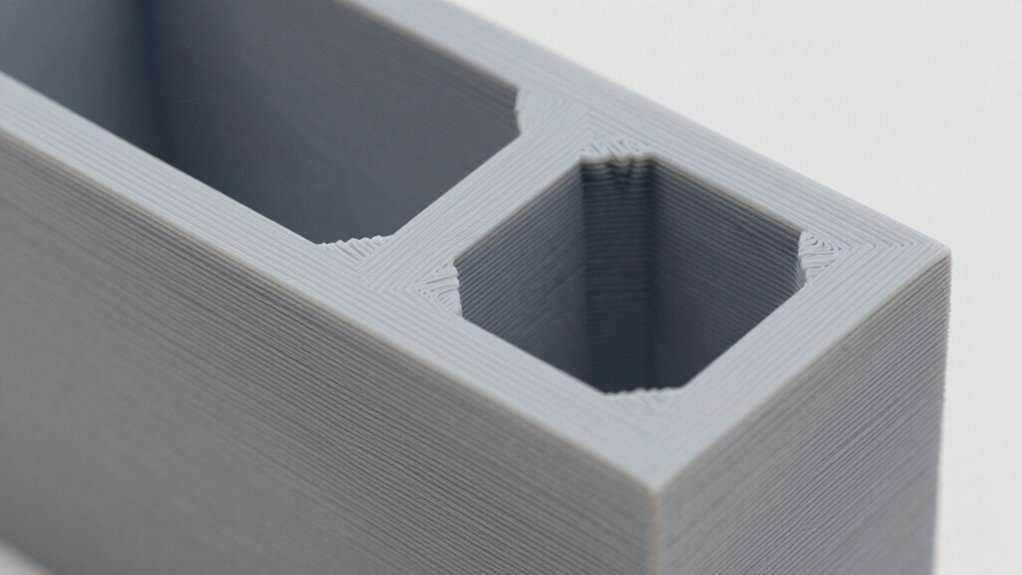
To maximize 3D print strength, focus on increasing infill density and choosing patterns like honeycomb or grid to distribute forces better. Use thicker walls or multiple perimeters for added durability and impact resistance. Pay attention to layer orientation, aligning layers with the direction of expected loads to prevent delamination. Adjusting these factors carefully can make your parts much stronger—keep exploring these techniques to achieve even better results.
Key Takeaways
- Increasing infill percentage and choosing strategic patterns improve internal density and load distribution, enhancing overall strength.
- Thicker walls and multiple perimeters provide better impact resistance and surface durability for functional parts.
- Orienting layers along the load direction maximizes layer adhesion and reduces delamination risks under stress.
- Selecting robust filament materials and optimizing print temperature ensure strong layer bonding and structural integrity.
- Combining high infill, adequate wall thickness, and proper layer orientation results in stronger, more resilient 3D printed parts.
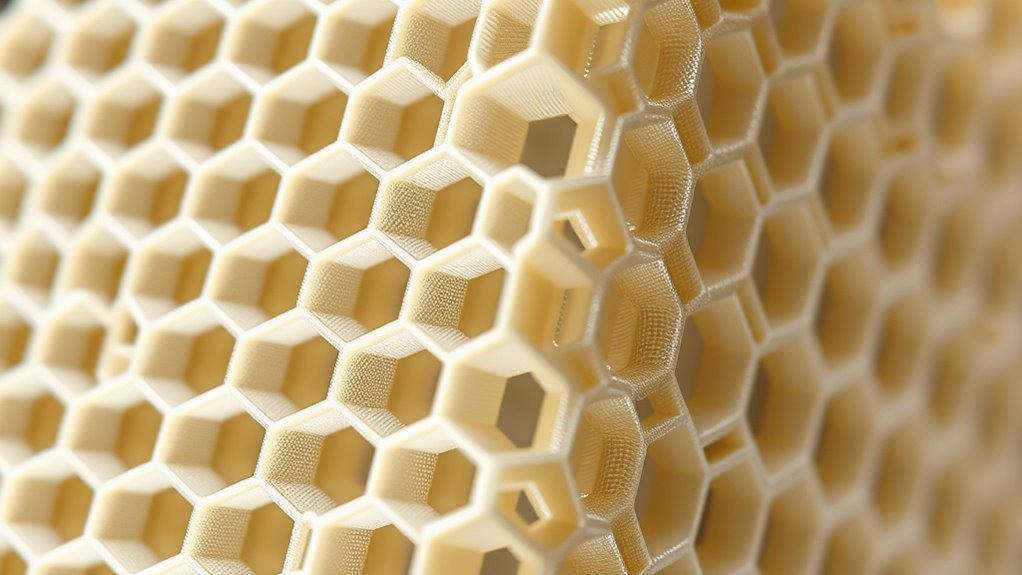
When it comes to 3D printing, understanding the strength of your printed objects is vital for guaranteeing they meet your functional and durability needs. One of the first factors to consider is layer adhesion, which directly impacts how well each layer bonds to the next. Good layer adhesion results in a stronger, more cohesive part that resists delamination and splitting under stress. To achieve ideal layer bonding, you need to pay close attention to your filament choice. Some filaments, like ABS or PETG, naturally bond better between layers due to their chemical properties, while others like PLA might require adjustments in print temperature or print speed. Using the right filament and setting the correct temperature ensures that each layer melts slightly into the previous one, creating a solid interlayer connection that’s vital for part strength.
Optimizing filament choice and print settings enhances layer adhesion, ensuring stronger, more durable 3D printed parts.
The filament choice also influences the overall mechanical properties of your print. For instance, if you need parts that can withstand high impact or heavy loads, consider using filaments infused with carbon fiber or nylon, which are stronger and more durable than standard PLA. Conversely, if your priority is ease of printing and fine detail, PLA might suffice, but keep in mind it may not offer the same strength as more robust materials. Selecting the appropriate filament for your application’s demands guarantees better layer adhesion and enhances the part’s overall strength.
Beyond material considerations, the internal structure of your print—such as infill density and pattern—plays a significant role in how strong it turns out. Higher infill percentages, like 50% or more, create a denser interior that can handle more stress. The pattern you choose, whether grid, honeycomb, or lines, also affects strength by distributing forces differently throughout the part. Walls or perimeters contribute to surface durability and impact resistance; increasing wall thickness often results in a sturdier exterior, especially for functional parts.
Layer orientation or layer direction is another key aspect affecting strength. Printing parts with layers aligned along the direction of expected forces ensures maximum resistance to bending and shear. When layers are oriented perpendicular to the applied stress, the part is more likely to delaminate or crack. Consequently, understanding how your print’s layer orientation interacts with load directions helps you optimize for strength. Combining thoughtful layer orientation with proper layer adhesion—achieved through the right filament choice and temperature settings—empowers you to produce parts that are both strong and reliable for your specific needs.
Frequently Asked Questions
How Does Filament Type Affect Overall Print Strength?
Filament type directly impacts your print strength through its composition and material compatibility. For example, ABS offers durability and impact resistance, while PLA provides rigidity but less strength. Choosing the right filament based on its composition guarantees your print withstands stress, and understanding material compatibility helps prevent issues like warping or poor adhesion. Selecting the appropriate filament ensures your print is both strong and reliable for its intended use.
Can Post-Processing Techniques Improve Print Durability?
Yes, post-processing techniques can improve your print’s durability. You can use surface sealing techniques like epoxy coats or resin layers to reinforce weak spots. Post-processing reinforcement methods, such as adding external supports or embedding fibers, strengthen the structure further. These steps help reduce brittleness, improve impact resistance, and extend your print’s lifespan, ensuring it withstands wear and tear better over time.
How Does Environmental Temperature Influence Printed Part Strength?
Your printed parts can be shattered or weakened like glass if environmental temperature swings wildly. Temperature stability is vital—exposure to extreme heat or cold can cause warping or cracking. Environmental humidity also plays a villain’s role, weakening the material’s bonds. To guarantee strength, keep your prints in a controlled environment with steady temperatures and low humidity, preventing those destructive forces from compromising your parts’ durability.
What Role Does Print Speed Play in Layer Adhesion?
Your print speed considerably impacts layer adhesion. When you increase print speed, the filament may not bond properly because it cools too quickly, leading to weaker layers. Conversely, slowing down allows the layers to fuse better, resulting in stronger adhesion. You should find a balanced print speed that guarantees good layer bonding without sacrificing quality or increasing print time excessively. Adjusting speed helps optimize overall print strength.
Are There Specific Printer Settings for Maximizing Part Toughness?
To maximize part toughness, you should optimize your printer settings by ensuring excellent print bed adhesion and reducing filament moisture. Use a heated bed and proper bed surface for better adhesion. Keep filament dry by storing it properly, as moisture weakens layer bonds. Adjust print speed to balance adhesion and layer bonding, and consider increasing wall thickness and infill density for added strength. These steps help produce tougher, more durable parts.
Conclusion
Understanding how infill, wall thickness, and layer orientation impact your print’s strength is vital. Did you know that increasing infill density from 20% to 50% can boost tensile strength by up to 40%? By optimizing these settings, you’ll create stronger, more durable parts without sacrificing print quality. Keep experimenting with different configurations—you’ll find the perfect balance for your projects and achieve impressive, reliable results every time.