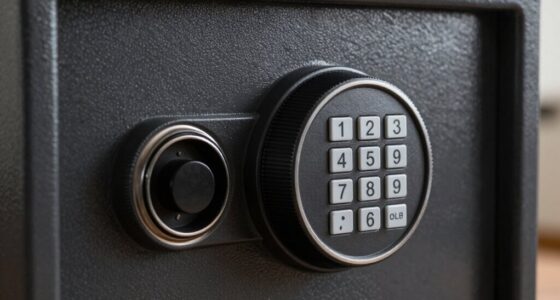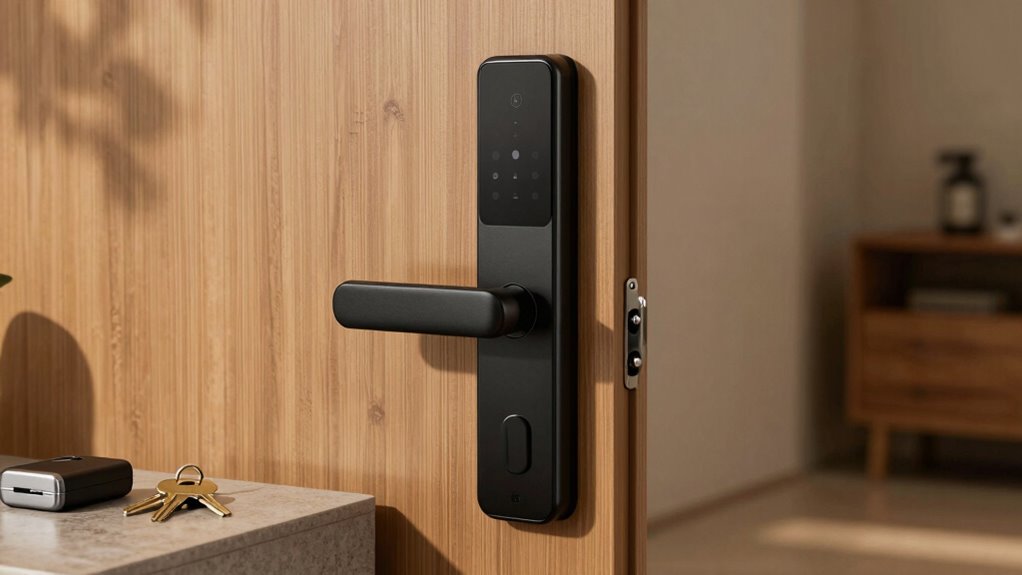

To guarantee uninterrupted access, you should always have a physical backup key hidden securely nearby, like a traditional key hidden outside your home. Pair this with secondary methods like keypads or biometric options for extra security, and regularly update your firmware to stay protected from hackers. Enable notifications for suspicious activity, and review access logs frequently. Combining these measures creates a reliable backup plan that keeps your home safe even if your digital system fails—keep going to learn more.

Prime made for students and young adults
- Fast, free delivery for dorm and study essentials
- Prime Video and Amazon Music included
- Member-only deals
Key Takeaways
- Keep a physical backup key hidden securely outside your home for reliable access during digital or electronic failures.
- Use secondary access methods like keypads or biometric options to provide multiple layers of backup security.
- Regularly update firmware and security settings to minimize vulnerabilities in smart lock systems.
- Enable notifications and review access logs to monitor suspicious activity and manage user permissions effectively.
- Maintain redundant access options to ensure home security and control under all circumstances.
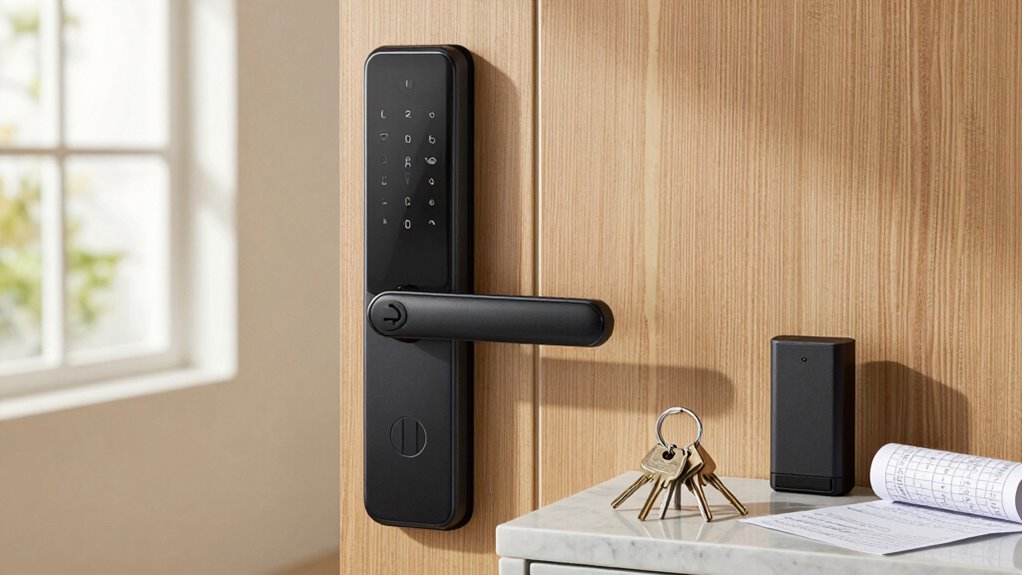
Losing access to your smart lock can be frustrating, but having a reliable backup method guarantees you’re never locked out. Smart locks are convenient, but they come with potential pitfalls—especially concerning security vulnerabilities and user access control. If you rely solely on digital access, a software glitch, dead battery, or hacking attempt could leave you stranded. That’s why having a backup method isn’t just a convenience; it’s a safeguard against unexpected issues that compromise your security.
Security vulnerabilities are a real concern with smart locks. Hackers might exploit weaknesses in the lock’s firmware or communication protocols, giving them unauthorized access. While most manufacturers implement encryption and security measures, vulnerabilities can still exist, especially if the device isn’t regularly updated. If your smart lock is compromised, your access can be jeopardized, and you might find yourself locked out or, worse, your home compromised. Implementing a backup access method helps maintain control, no matter what threats emerge. Regular firmware updates can help address these vulnerabilities and improve overall security.
Smart lock vulnerabilities can lead to unauthorized access; always have a backup method to stay in control.
User access control is another critical aspect. Smart locks often allow multiple users, which can complicate security if not managed carefully. If someone’s access is revoked or if an unauthorized person gains entry, your home’s safety is at risk. Having an alternative way to unlock your door ensures you retain control in situations where digital methods might be compromised or malfunctioning. It also helps when you’re dealing with family members or service providers who may not have their digital keys or access codes readily available. Proper management of user permissions can help reduce potential vulnerabilities and ensure only trusted individuals have access.
A physical backup key is the simplest, most reliable solution. Keeping a traditional key hidden in a secure location outside your home allows you to unlock the door manually if your smart lock fails. Some smart locks also offer keypads or biometric options as secondary access methods, but these can sometimes be less reliable during power outages or technical issues. Combining these methods with a physical key ensures you’re covered in all scenarios. Additionally, understanding the potential security vulnerabilities of your device can help you take proactive steps to mitigate risks. Ensuring that your physical key is stored in a discreet, secure spot minimizes the risk of theft or unauthorized discovery.
In addition to physical backups, consider setting up secure, temporary access codes for trusted visitors. This minimizes the risk of unauthorized entry while still providing flexibility. And, if your smart lock supports it, enable notifications for suspicious activity or failed access attempts, so you’re promptly alerted to potential security issues. Regularly reviewing access logs and adjusting permissions can also enhance your security posture. Staying informed about security best practices for smart lock management can further strengthen your home’s defenses.
Ultimately, the best backup method is one that balances convenience with security. You want quick access when needed but also want to prevent vulnerabilities that could compromise your home. By having a reliable backup plan—like a physical key and secure access controls—you protect yourself from lockouts and security breaches, ensuring that your home remains safe and accessible, no matter what unexpected problems arise.
As an affiliate, we earn on qualifying purchases.
Frequently Asked Questions
How Often Should I Update My Backup Method?
You should update your backup method whenever you notice significant changes in your storage durability needs or after major updates to your device or data. Regular updates guarantee your backup stays aligned with your current data and security requirements. If you rely on cloud synchronization, check for any sync issues or new features that can improve backup reliability. Generally, a quarterly review keeps your backup safe and effective for evolving digital demands.
Can I Use Multiple Backup Methods Simultaneously?
Yes, you can use multiple backup methods simultaneously. For instance, you can store your data on a backup device and also upload it to cloud storage. This way, if one backup fails or gets compromised, you still have a secure copy elsewhere. Using both guarantees you have robust protection and quick access, giving you peace of mind knowing your data’s safe across different platforms.
What Is the Most Affordable Backup Option?
The most affordable backup option is using physical discs like DVDs or external hard drives, which cost less upfront and don’t require ongoing subscriptions. Cloud storage can also be budget-friendly if you choose free plans or affordable tiers, offering easy access and automatic backups. Combining physical discs with cloud storage gives you a reliable, cost-effective backup strategy, ensuring your data stays safe without breaking the bank.
How Secure Are Backup Methods Against Hacking?
Backup methods are generally secure if you use strong encryption protocols, which protect your data from unauthorized access. Additionally, data redundancy guarantees your information remains available even if one backup fails or is compromised. However, no system is completely invulnerable, so always update your security measures and choose reputable providers. Regularly check for vulnerabilities, and consider multi-layered security to keep your backups safe from hacking attempts.
Do Backup Methods Work During Power Outages?
During a power outage, your backup methods can still work if they’re designed for reliability, much like a lighthouse guiding ships in darkness. Many smart locks use batteries or alternative power sources, ensuring backup reliability. So, even when the power’s out, your access remains secure and functional. Just make sure your backup system is properly maintained and tested, so you’re never left stranded in a blackout.
As an affiliate, we earn on qualifying purchases.
Conclusion
Don’t let a dead battery or tech glitch leave you locked out in the cold. Think of your backup method as a trusty map in a maze—guiding you safely back inside when your smart lock falters. Keep this backup close, and you’ll turn what could be a nightmare into just a minor hiccup. Stay prepared, stay secure, and remember: a good plan B is your best friend in the world of smart locks.
As an affiliate, we earn on qualifying purchases.
As an affiliate, we earn on qualifying purchases.
Fall Picks
fall essentials
As an affiliate, we earn on qualifying purchases.