
An NVR system stores your security footage on hard drives, with capacity affecting how long you can keep recordings. Higher bitrate improves image quality but uses more storage and bandwidth, while lower bitrate saves space but can cause pixelation. Footage may disappear when storage is full, because older recordings get overwritten automatically. If you want to understand how to optimize your system’s storage, bitrate, and prevent footage loss, there’s more to explore below.

Prime made for students and young adults
- Fast, free delivery for dorm and study essentials
- Prime Video and Amazon Music included
- Member-only deals
Key Takeaways
- Storage capacity determines how long footage can be saved before automatic overwriting occurs.
- Higher video quality and bitrate increase storage usage, reducing recording duration on the same drive.
- Bitrate affects image clarity; higher bitrate delivers better quality but consumes more storage and bandwidth.
- Insufficient storage or improper settings can cause footage to be overwritten or disappear prematurely.
- Proper system setup, including camera placement and bitrate adjustment, ensures reliable footage retention without loss.
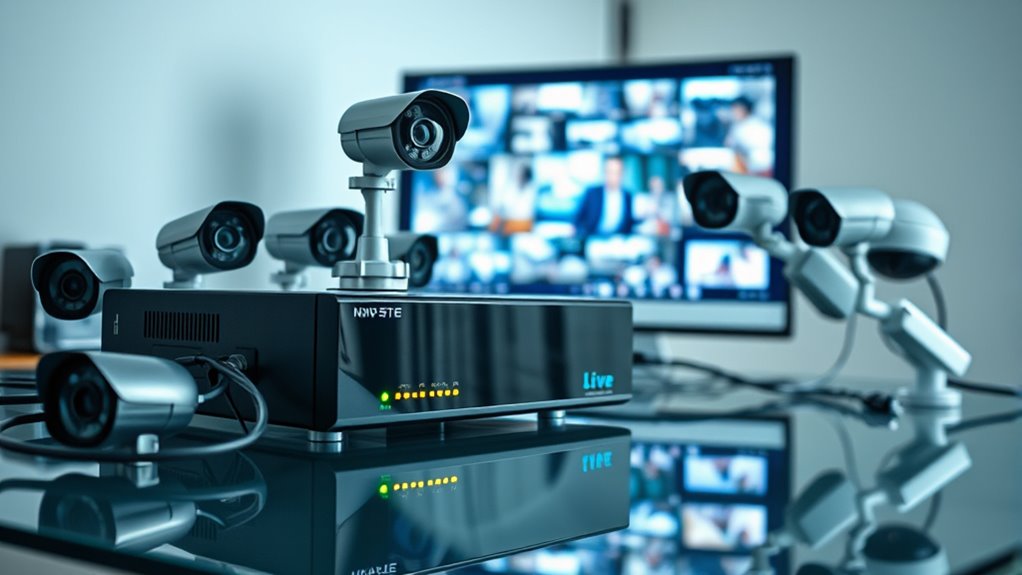
Wondering how modern security systems keep your property protected? It all starts with the way NVR systems connect and operate. One of their biggest advantages is wireless connectivity, which allows you to set up and manage surveillance cameras without cumbersome cables. This wireless setup makes it easier to position cameras in ideal spots, giving you complete coverage without the hassle of running wires through walls or ceilings. Plus, with remote access, you can monitor your property from anywhere using your smartphone, tablet, or computer. Whether you’re at home, at work, or on vacation, you’re just a few clicks away from viewing live footage or reviewing recorded clips. This flexibility enhances your ability to respond quickly to any security concern.
When it comes to storage, NVR systems typically use hard drives to save footage. The amount of storage depends on the size of the drive and the quality of the video recorded. Higher-quality footage, such as HD or 4K, takes up more space, so you’ll need larger drives if you want longer recording periods. Many NVRs support multiple drives or networked storage options, giving you the capacity to store weeks or even months of footage. However, keep in mind that storage isn’t unlimited. Once the drive is full, older footage usually gets overwritten automatically unless you configure the system otherwise. That’s why selecting an NVR with sufficient storage capacity for your needs is essential to avoid losing valuable footage.
Bitrate plays a key role in how your footage looks and how much storage it consumes. Bitrate refers to the amount of data transmitted per second during recording or streaming. A higher bitrate results in clearer, more detailed images but also uses more storage space and bandwidth. On the other hand, a lower bitrate reduces storage requirements and bandwidth use but can cause videos to look pixelated or blurry. Finding the right balance depends on your priorities—whether you want the best image quality for detailed identification or need to conserve storage and bandwidth. Adjusting bitrate settings can help fine-tune your system’s performance, especially if you’re relying on wireless connectivity, which can sometimes be susceptible to interference or bandwidth limitations. Additionally, understanding camera placement and lighting conditions can significantly impact footage quality, making proper setup crucial for optimal security.
Popular right now

Bose QuietComfort Headphones (2nd Gen), Wireless Noise-Cancelling Over-Ear Headphones, Eucalyptus Green

Philips 4400 Series Fully Automatic Espresso Machine with LatteGo Milk System

De'Longhi Dinamica Plus Fully Automatic Espresso Machine
As an affiliate, we earn on qualifying purchases.
Frequently Asked Questions
Can NVR Systems Be Hacked or Hacked Remotely?
Yes, NVR systems can be hacked or accessed remotely if cybersecurity vulnerabilities exist. You face remote access risks if your system isn’t properly secured, like weak passwords or outdated firmware. To protect yourself, guarantee you update your NVR regularly, use strong, unique passwords, and enable network security features. Taking these precautions minimizes the chance of unauthorized remote access and keeps your footage safe from hackers.
What’s the Best Way to Upgrade NVR Storage Capacity?
To upgrade your NVR storage capacity, start with storage expansion by adding larger or additional hard drives compatible with your system. You can also perform hard drive upgrades by replacing existing drives with higher-capacity ones. Make sure to back up your footage before upgrading, and follow your NVR manufacturer’s instructions for installation. This guarantees seamless storage expansion, giving you more space for footage without losing any important recordings.
How Does Network Congestion Affect NVR Footage Quality?
Network congestion can considerably impact your NVR footage quality by slowing data transfer rates. When your network is overloaded, the NVR struggles to receive high-bitrate video streams smoothly, causing pixelation, frame drops, or blurry footage. To maintain ideal quality, make certain your network has sufficient bandwidth, minimize traffic, and prioritize NVR data traffic. This helps your system transmit high-quality footage consistently without interruption or degradation.
Are There Legal Restrictions on Recording Footage?
Like the watchful eye of Big Brother, your recordings are subject to legal restrictions. You must respect privacy concerns and guarantee legal compliance, especially when recording public or private spaces. Laws vary, so check local regulations to avoid fines or legal trouble. Always inform people if they’re being recorded, and avoid capturing sensitive areas without permission. Staying aware of these restrictions helps protect both your rights and others’ privacy.
Can NVR Systems Function Without an Internet Connection?
Yes, NVR systems can operate offline, relying on local storage without needing an internet connection. You can access and view footage directly from the device or connected monitors, ensuring continuous surveillance even when offline. This offline operation is ideal for maintaining security in areas without reliable internet, as it stores all footage locally on hard drives or storage devices, preventing interruptions and ensuring your surveillance system remains functional at all times.
Conclusion
Understanding NVR systems is like mastering a musical instrument—you need to know how storage, bitrate, and footage retention work together. When one element falters, your security harmony can fall apart, leaving gaps in your peace of mind. By staying informed, you become the conductor of your surveillance symphony, ensuring every note (or footage) stays in tune. Keep these insights in mind, and you’ll keep your security system playing smoothly, capturing every important moment.