To find your ideal desk height quickly, measure your seated elbow height from the floor when your arms are at a 90-degree angle. Subtract about 1-2 inches to keep your forearms parallel to the ground, reducing strain on your shoulders and wrists. This straightforward formula helps you set a comfortable height without guesswork. For more tips on measuring precisely and customizing your setup, explore the details further.
Key Takeaways
- Measure seated elbow height from floor to the bottom of your elbow with a 90-degree bend for accurate desk height.
- Use the formula: Desk Height = Elbow Height (seated) minus a small allowance (usually 1-2 inches) for comfortable arm positioning.
- Adjust your chair so your elbows are at a 90-degree angle, then set the desk height accordingly for optimal ergonomics.
- Consider ergonomic accessories like keyboard trays or monitor stands to fine-tune the setup after initial calculation.
- For standing desks, add height to the formula to accommodate standing posture, accessories, and movement flexibility.
Why Proper Desk Height Matters for Comfort
Proper desk height is essential because it directly affects your comfort and productivity throughout the day. When your desk is at the right height, you can use ergonomic accessories like adjustable keyboard trays and monitor stands, which help maintain proper posture. This European cloud innovation supports healthier and more sustainable work environments. This reduces strain on your neck, shoulders, and wrists, preventing discomfort and injuries. An organized workspace also plays a crucial role, ensuring your essentials are within easy reach without unnecessary stretching or twisting. When your desk isn’t properly aligned, you may find yourself constantly adjusting or experiencing fatigue, which hampers focus and efficiency. Prioritizing correct desk height fosters a healthier, more comfortable environment, allowing you to work longer and more effectively without risking long-term discomfort.
How the Desk Height Formula Works

The desk height formula works by calculating the ideal distance between your seated elbow and the work surface, ensuring your arms remain at a comfortable angle while typing or using a mouse. It considers your seated elbow height and the height of your chair, especially if it’s ergonomic, to set the right desk height. When your desk is properly aligned, you can easily place your favorite desk accessories within reach without strain. This formula helps prevent shoulder and wrist tension, promoting better posture. Remember, the key is balancing your chair height and the desk to support natural arm positioning. Additionally, choosing supportive furniture can further enhance ergonomic comfort. By understanding how the formula works, you can make quick adjustments to achieve a comfortable, ergonomic workspace that supports productivity and reduces discomfort.
How to Measure Your Elbow Height Correctly

Measuring your elbow height accurately is essential for setting up an ergonomic workspace. To do this correctly, follow these steps:
- Sit comfortably in ergonomic seating with your feet flat on the floor.
- Keep your upper arms relaxed and close to your sides.
- Measure the distance from the floor to the bottom of your elbow when your arm is bent at a 90-degree angle.
- Remember, your elbow height guides the ideal desk height, supporting comfortable typing and reducing shoulder tension. Keep your posture relaxed and avoid slouching during the measurement. Accurate readings help you optimize ergonomic seating and set up your workspace efficiently, making sure your desk height aligns with your natural arm position. Understanding ergonomic principles can further improve your workspace setup and prevent discomfort.
How to Calculate Your Ideal Desk Height
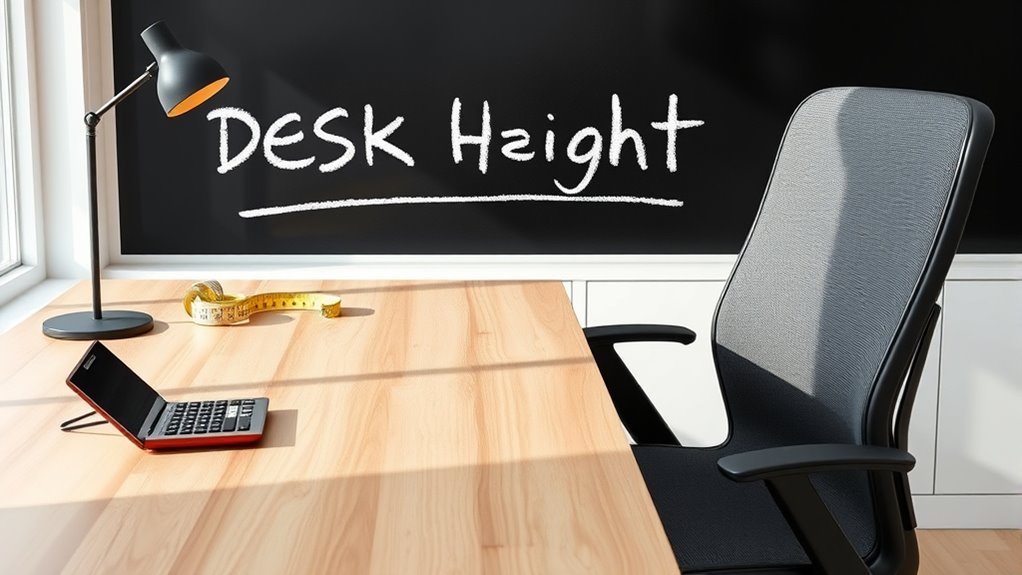
To find your ideal desk height, start by noting your elbow height when your arms are bent at a 90-degree angle. This measurement is the foundation for setting up an ergonomic workspace. Your goal is to position your desk so that your forearms are parallel to the ground, reducing strain and promoting comfort. Incorporate ergonomic accessories like adjustable monitor stands or keyboard trays to fine-tune your setup. Proper workspace organization also plays a role, ensuring your essentials are within easy reach without compromising your posture. Keep in mind that your ideal desk height isn’t static; it should support natural arm and wrist alignment. Additionally, understanding connected cooking and automation can inspire ergonomic solutions for modern workspaces. By calculating this height accurately, you’ll create a more comfortable, productive workspace that minimizes fatigue and maximizes efficiency.
How to Adjust Your Desk for Total Comfort
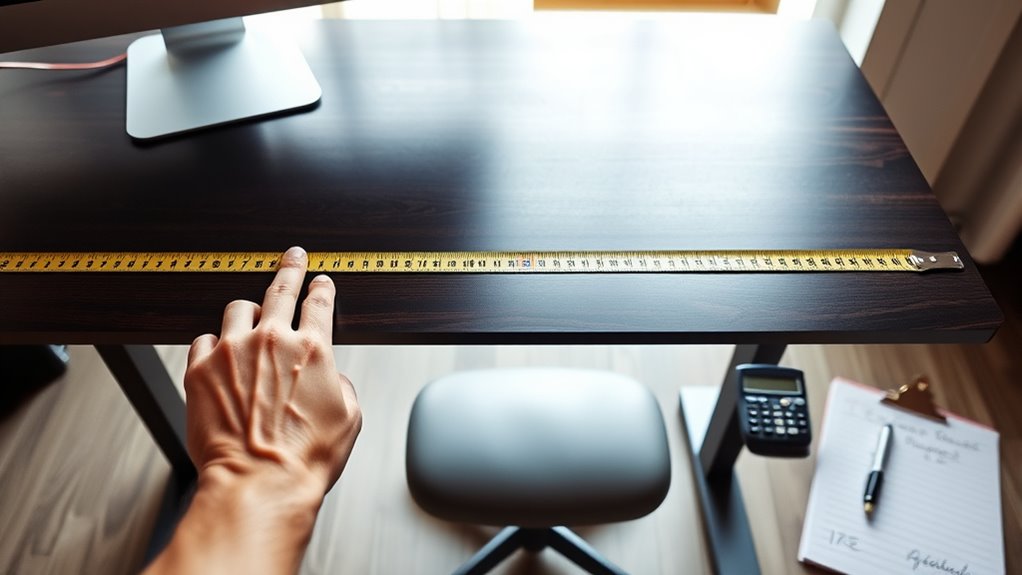
To adjust your desk for maximum comfort, start by measuring your arm length to determine the right height. Next, find your proper elbow height when your arms are relaxed at your sides. Finally, set your desk so that it aligns with your elbow height for a comfortable, ergonomic workspace. Be sure to consider ergonomic principles to optimize your setup and prevent strain during long periods of work.
Measure Your Arm Length
Knowing your arm length is essential for setting your desk height correctly, as it guarantees your elbows stay comfortably at a 90-degree angle while typing or using your mouse. To get accurate measurements, sit upright with your arm relaxed at your side, palm facing inward. Then, measure from your shoulder to your wrist. Use this number to adjust your desk height for proper posture correction and proper keyboard positioning. Keep these tips in mind:
- Measure both arms to find the longer length for accuracy.
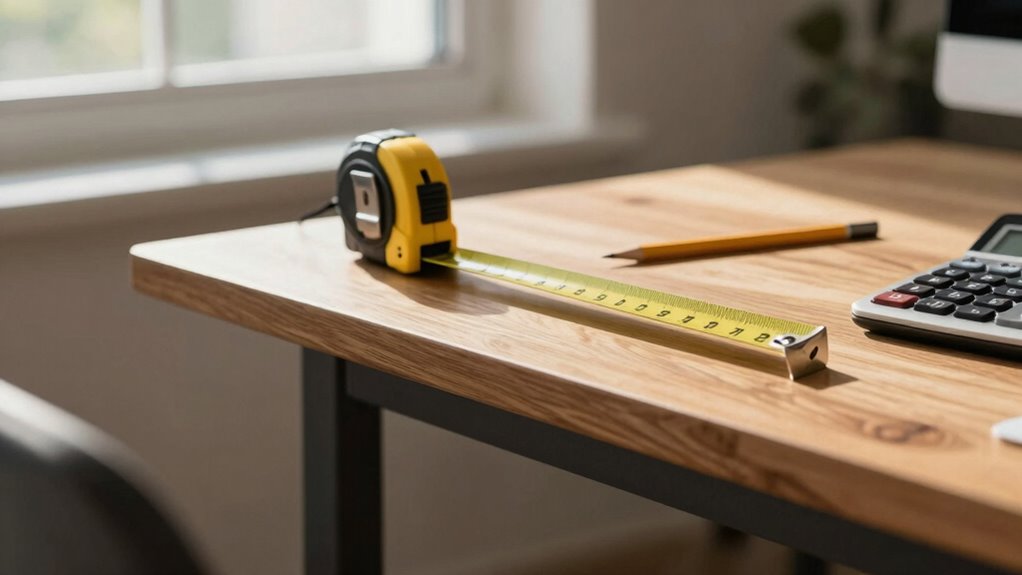
- Use a flexible tape measure for precise results.
- Remember, correct desk height supports natural arm position, reducing strain.
- Incorporating ergonomic principles ensures your workspace remains safe and comfortable during long periods of work.
Getting your arm length right helps you maintain good posture, minimizes discomfort, and ensures your workspace is ergonomically sound.
Find Proper Elbow Height
Adjusting your desk to match your elbow height guarantees maximum comfort and reduces strain during extended computer use. To find the proper elbow height, sit with your arms relaxed at your sides and bend your elbows at a 90-degree angle. Your desk surface should align with this height for ideal posture correction. Using ergonomic accessories like adjustable armrests or keyboard trays can help fine-tune this position. Keep in mind that maintaining proper elbow height minimizes shoulder tension and promotes better blood flow. Proper ergonomic setup ensures a healthier workspace and can prevent long-term injury. Here’s a quick reference:
| Your Elbow Height | Ideal Desk Surface | Recommended Accessories |
|---|---|---|
| Slightly above | Level with elbows | Adjustable keyboard tray |
| Slightly below | Slightly below | Ergonomic armrest |
| Same height | Level with elbows | Height-adjustable desk |
| Slightly above | Slightly above | Wrist supports |
| Slightly below | Level with elbows | Posture correction tools |
Adjust Desk Accordingly
Once you’ve determined the correct desk height based on your elbow position, it is *essential* to set your workspace accordingly. First, adjust your desk so your forearms are parallel to the floor, ensuring comfort. Next, incorporate ergonomic accessories like a keyboard tray or adjustable monitor stand to support proper posture. Additionally, ergonomic design principles can help you create a workspace that minimizes strain and promotes long-term comfort. Finally, consider workspace decoration that promotes organization and minimizes clutter, making it easier to maintain good ergonomics. Remember these key steps:
- Verify your desk height matches your elbow height for *ideal* comfort
- Use ergonomic accessories to support your posture and reduce strain
- Keep your workspace tidy to prevent unnecessary reaching or awkward positions
Adjusting your desk properly helps prevent discomfort and boosts productivity, creating a more comfortable work environment.
Common Mistakes When Setting Your Desk Height
Many people make the mistake of setting their desk height based solely on visual guesswork rather than proper measurements. This often leads to poor posture correction, causing discomfort or strain over time. Relying on guesswork ignores individual differences in body size and workspace setup. Additionally, some underestimate the importance of adjusting desk accessories, like keyboard trays or monitor stands, to achieve an ergonomic position. Incorrect desk height can force you to hunch or stretch, increasing the risk of musculoskeletal issues. To avoid these mistakes, take precise measurements of your elbows, wrists, and eye level, and incorporate ergonomic accessories where needed. Proper setup ensures your posture stays aligned and reduces fatigue, making your workspace more comfortable and efficient. Paying attention to correct ergonomic principles helps prevent long-term health problems associated with poor desk height.
What Tools Can Help You Get It Right
Using the right tools can make setting your desk height much easier and more accurate. Ergonomic accessories are key to achieving a comfortable workspace, guaranteeing your desk is at the right level. To help, consider these tools:
Using the right tools simplifies and improves your desk height setup for better comfort and productivity.
- Adjustable measuring tape – helps you quickly determine the ideal height based on your body measurements.
- Ergonomic desk height chart – provides a visual guide tailored to different body types and tasks.
- Level or spirit bubble – guarantees your desk is perfectly horizontal, preventing uneven surfaces that disrupt desk organization.
- Proper ergonomic setup relies on understanding your body measurements to achieve optimal comfort.
These tools simplify the process, making it easier to set a desk height that promotes good posture and efficiency. Proper use of ergonomic accessories and organization tools ensures your workspace supports your comfort and productivity.
How to Adapt the Formula for Different Workspaces
You’ll need to adjust the desk height formula based on the type of desk you choose and your specific needs. Different desk designs, like standing desks or traditional tables, require different calculations. By customizing the formula, you guarantee your workspace promotes comfort and productivity.
Adjusting for Desk Types
Adjusting the desk height formula for different workspace types requires considering the specific design and function of each desk. For standing desks, you might need to add extra height to accommodate accessories like monitors or ergonomic mats. For sit-stand desks, verify the formula accounts for movement and varying postures. When working with desks integrated into office decor, consider aesthetic elements that might influence height, like built-in shelves or decorative panels. Keep in mind these key points:
- Adjust height for desk accessories like monitor arms or keyboard trays.
- Factor in the style and design of your workspace, balancing functionality with decor.
- Ensure your adjustments support ergonomic comfort during different activities.
Customizing for User Needs
To truly optimize your workspace, it’s important to personalize the desk height formula based on your specific needs and how you work. Consider ergonomic accessories like adjustable monitor stands, keyboard trays, or footrests to enhance comfort and support proper posture. These additions help tailor your setup, ensuring your desk height promotes efficient movement and reduces strain. Additionally, good desk organization keeps essentials within easy reach, minimizing unnecessary stretching or twisting. Think about your work style—if you frequently switch between sitting and standing, incorporate height-adjustable features. Adjust the basic formula as needed, factoring in these ergonomic accessories and organization tips. This customization creates a workspace that not only fits your body but also boosts productivity and comfort throughout your day.
Tips to Maintain Ergonomic Comfort Over Time
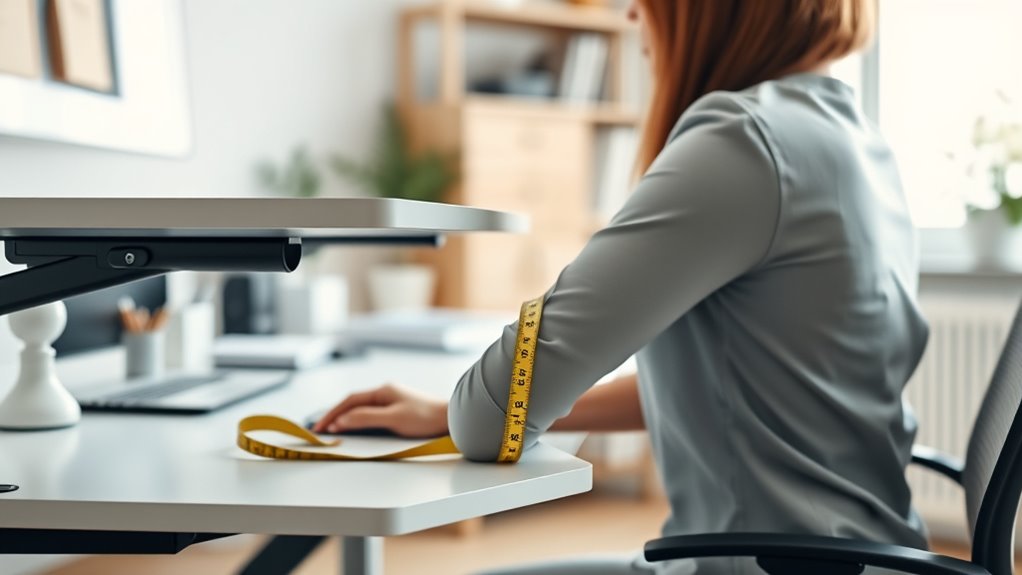
Maintaining ergonomic comfort over time requires regular attention and adjustments, as your body and workspace can change with prolonged use. To keep your keyboard ergonomics optimized and posture alignment correct, consider these tips:
- Periodically reassess your desk and chair height to prevent strain.
- Take frequent breaks to stretch and reset your posture.
- Adjust your keyboard and monitor positions to ensure your wrists stay straight and your eyes align with the screen.
Frequently Asked Questions
Can the Desk Height Formula Be Used for Standing Desks?
Yes, you can use the desk height formula for a standing desk. Since standing desks are adjustable height, this formula helps you find the ideal height for ergonomic comfort. By applying it, you’ll find the right level where your elbows stay at a 90-degree angle and your monitor is at eye level. This ensures proper posture, reduces strain, and makes your standing desk more comfortable for long periods.
How Often Should I Reassess My Desk Height?
You should reevaluate your desk height every few months or whenever you notice discomfort, fatigue, or changes in your workspace ergonomics. Regular ergonomic adjustments help optimize comfort and prevent strain. Keep an eye on how your body feels, and make small tweaks to your desk height as needed. This ensures your workspace ergonomics stay aligned with your current needs, promoting better posture and long-term comfort.
Is the Formula Suitable for Children or Teenagers?
Think of the desk height formula as a helpful guide, but not a one-size-fits-all solution. For children and teenagers, it’s essential to prioritize child safety and teenage ergonomics. You should adjust the desk based on their growth spurts and comfort, rather than relying solely on the formula. Regular reassessments ensure they maintain good posture, preventing strain and promoting healthy habits as they grow.
What Ergonomic Accessories Can Enhance Comfort at My Desk?
To enhance comfort at your desk, consider ergonomic accessories like keyboard accessories, which improve wrist positioning and reduce strain. Monitor risers are also essential, as they help elevate your screen to eye level, preventing neck and shoulder pain. Additionally, ergonomic mouse pads and footrests can boost comfort. Using these accessories together creates a more supportive workspace, making prolonged work sessions more comfortable and reducing the risk of repetitive stress injuries.
How Do Different Chair Heights Affect the Desk Height Calculation?
Think of chair height as the keystone of your desk setup; it directly impacts desk ergonomics. When your chair height varies, you’ll need to modify your desk height accordingly to maintain proper alignment. A higher chair height elevates your seated position, requiring a higher desk, while a lower chair height calls for a lower desk to keep your arms and wrists comfortable. Consistent adjustments ensure your workspace supports your body effectively.
Conclusion
Getting your desk height right isn’t just about comfort; it’s backed by ergonomic science that shows proper setup can boost productivity and reduce strain. By following the simple formula and measuring carefully, you align your workspace with your body’s natural posture. Remember, even small adjustments can make a big difference over time. Trust the data—your body will thank you for taking the time to optimize your desk height for long-term well-being.