
🔍 Read the full analysis: Can A Mac Mini Handle Your AI Work, Or Do You Need More? on ThorstenMeyerAI.com

Prime made for students and young adults
- Fast, free delivery for dorm and study essentials
- Prime Video and Amazon Music included
- Member-only deals
TL;DR
A Mac mini can be a practical low-power host for an always-on AI agent that sends requests to a cloud model, but local workloads depend on how much memory the model needs. The source’s November 19, 2026 comparison says larger local models may call for a Mac Studio, while Nvidia PCs can be a better fit for CUDA-focused tools; no direct speed test establishes a universal winner.
A Mac mini can handle some AI work, but it is not a universal substitute for a larger workstation or cloud service, according to a November 19 comparison of Apple and Nvidia specifications and AI software documentation. The dividing lines are model memory requirements, software compatibility and workload: a small Mac may host an agent that uses a cloud model, while large local models and CUDA-focused tools can require different hardware.
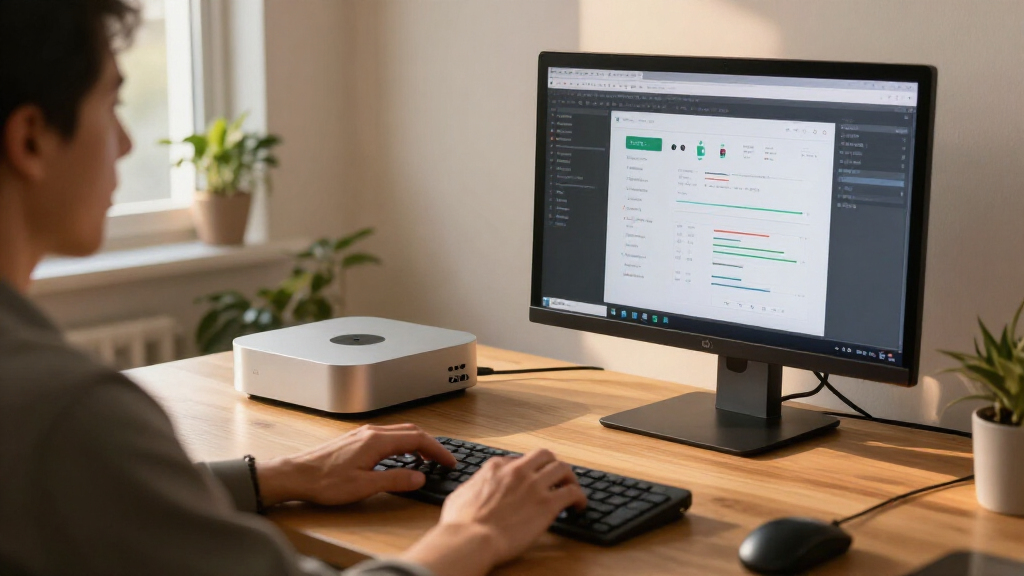
For an agent that sends prompts to a cloud-hosted model, the computer mainly runs the agent’s control loop, files and connected tools. The source says Apple lists the base Mac mini at 4 watts when idle; that figure describes idle power, not energy use while actively running an AI workload. In this arrangement, the model itself runs remotely, so the mini’s memory ceiling is less central than it is for local inference.
For local models, the source’s main rule is that the model’s weights and working room for a conversation must fit in memory the processor can access quickly. Its estimate is that 4-bit weights take about 0.5 GB per billion parameters, before overhead and context. On that arithmetic, a 70-billion-parameter model needs roughly 35 GB for weights alone, while a 671-billion-parameter model needs about 336 GB. These are estimates, not guarantees that a model will run well at those sizes.
The comparison lists the Mac mini’s maximum unified memory as 64 GB. A Mac Studio can be configured with up to 512 GB, while Nvidia’s GeForce RTX 5090 has 32 GB of graphics memory. The source says models exceeding the card’s memory may be split between GPU and system memory. It also notes that Apple’s MLX tools support LoRA and QLoRA fine-tuning, and that PyTorch supports GPU training on macOS; that does not mean every training job or precision is supported on a Mac.
Decision guide · local AI hardware
Which machine fits which AI job?
Five common jobs, one after another, with the machine that fits each best on today’s specifications.
First question: does the model run in the cloud, or on your own machine? If it runs in the cloud, the box only keeps the agent going.
The job
- 1An agent that calls cloud models, running around the clock
→ Mac mini - 2A private assistant with a small open model
→ Mac mini - 3Huge open models with hundreds of billions of parameters
→ Mac Studio - 4Tools built for Nvidia’s CUDA, training, serving many users
→ GPU PC - 5The strongest models and the hardest tasks
→ Cloud API
The machine
Mac mini
up to 64 GB · 4 W at idle
Mac Studio
up to 512 GB · 385 W at most
GPU PC
32 GB on the card · 575 W card
Cloud API
strongest models · per-token bills
Sources: Apple, Mac mini and Mac Studio technical specifications and power pages; Nvidia, GeForce RTX 5090 specifications; all retrieved November 19, 2026. Matching of jobs to machines: our reading, not a buying recommendation.
Graphic: Powered by Thorsten Meyer AI
Memory, Software and Workload
The practical choice is not simply “Mac or PC”; it is whether the computer needs to host the model locally, which tools must run, and how many people or tasks it must serve. A Mac mini may suit a user who wants an always-on agent that calls a cloud service, or who runs local models that fit its available memory. Moving to a larger machine without identifying that need can add cost and power use without solving a software limitation.
For larger local models, the Mac Studio’s higher memory configurations may matter more than a graphics card’s speed if the model does not fit on that card. The source reports Apple’s listed memory bandwidth as 1.2 TB/s for M5 Ultra and 460 or 614 GB/s for M5 Max. It does not provide a comparable RTX 5090 bandwidth figure or a direct token-speed test, so these specifications do not establish which system is faster across AI workloads.
Software support can tip the decision. The article says common local tools including LM Studio, Ollama, llama.cpp and MLX work on Apple silicon, generally using Apple’s Metal framework or Apple-specific software. By contrast, vLLM ships CUDA binaries and points Apple silicon users to a community-maintained plugin. Teams relying on CUDA-first serving tools may find an Nvidia system a more direct fit, even if a Mac offers more total memory.
Popular right now

Bose QuietComfort Ultra Headphones (2nd Gen), Wireless Noise-Cancelling Over-Ear Headphones, Driftwood Sand

Shark Pet Cordless Stick Vacuum, Up to 40-Minute Runtime, Grey, IX141

Vitamix VX1 Professional-Grade Blender, 64 oz, Black
As an affiliate, we earn on qualifying purchases.
The Mac Mini’s Actual Role
The source frames the Mac mini discussion around a product Apple introduced on August 25, 2026, describing it as “the leading desktop for always-on agentic computing.” That phrase is Apple’s positioning, not independent evidence that the computer is suitable for every AI task. The November 19 article follows an earlier piece on what Mac mini configurations with 16 GB to 64 GB of memory can run, then compares the mini with a Mac Studio, an Nvidia PC and cloud services.
Its figures are drawn from Apple and Nvidia specification pages and documentation for the named AI tools, checked November 19, 2026. The author identifies the decision matrix as an interpretation of those materials, not a buying recommendation or a substitute for testing a user’s own workload. Apple’s US list prices cited in the source start at $2,499 for a Mac Studio with M5 Max and $5,499 with M5 Ultra. It gives no RTX 5090 price, and the cost of a complete PC depends on its other components.
Large-model training is a separate question from running an already trained model or doing a small fine-tune. The source says small fine-tuning can work with Apple’s MLX tools, but notes that the software warns large LoRA fine-tunes need substantial memory. It also identifies constraints in PyTorch’s Mac backend, including the lack of torch.float64 support; computations that genuinely require double precision must run on the CPU, according to the documentation cited.
Performance Depends on the Test
The cited specifications and documentation do not settle which machine delivers the best speed for a particular model. The source says neither Apple nor Nvidia publishes a token-speed comparison between the M5 Ultra or M5 Max and RTX 5090, and it reports no independent head-to-head tests. Results may vary with model size, quantization, software, memory use and the number of users.
Some claims are vendor statements, not independently verified findings. In particular, Apple’s description of the M5 Ultra’s ability to run models with hundreds of billions of parameters does not, on its own, specify response speed, practical limits or performance under sustained workloads. The supplied material also does not establish the cost or reliability of operating cloud models over time.
Multi-Mac setups remain another unresolved practical option. The source says clustering is documented but requires Thunderbolt 5 links between every pair of Macs and a setting changed in macOS recovery; it also says the base Mac mini with M6 has Thunderbolt 4. It does not provide cluster performance tests or explain how much setup and maintenance a typical user should expect.
Test the Model You Need
For a purchase decision, the next step is to identify the actual model, software and workload, then test them on the intended machine. Check whether the model’s weights and conversation context fit in available memory, whether the required serving or training framework supports Apple silicon or CUDA, and whether the job needs local execution at all. A cloud model, Mac mini, Mac Studio and Nvidia PC solve different combinations of those needs.
The cited material offers no announced benchmark or product launch as a next milestone. Users should treat the November 19 specifications as a snapshot, check current vendor and tool documentation before buying, and compare measured performance on their own workload. For cloud-dependent agents, ongoing service availability, pricing and data-handling terms also need to be checked with the provider; those details are not covered in the source.
Key Questions
Can a Mac mini run an AI agent around the clock?
It can host an agent that sends requests to a cloud model, because the computer runs the agent loop and tools rather than the model itself. The source lists 4 watts as the base Mac mini’s idle power; that is not its power draw under active work.
What limits local AI models on a Mac mini?
Available memory is a key limit. The source lists the mini’s maximum unified memory as 64 GB and estimates that 4-bit weights alone require about 0.5 GB per billion parameters, before conversation context and other overhead.
Should I choose a Mac Studio or an RTX 5090 PC?
The source’s comparison points to a Mac Studio when larger unified memory capacity matters and to an Nvidia PC when CUDA-first tools or a model that fits within the RTX 5090’s 32 GB of graphics memory are priorities. It provides no direct speed test, so neither is a universal winner.
Can a Mac be used for AI fine-tuning?
Yes, some fine-tuning is supported. The cited MLX documentation describes LoRA, QLoRA and full fine-tuning, while warning that large LoRA jobs need a machine with substantial memory. Support does not mean every model or training workload will fit.
Does the comparison prove which computer is fastest?
No. It compares published specifications and software documentation, but reports no head-to-head token-speed benchmarks between Apple silicon and the RTX 5090. Performance depends on the specific model, software and workload.
Source: ThorstenMeyerAI.com