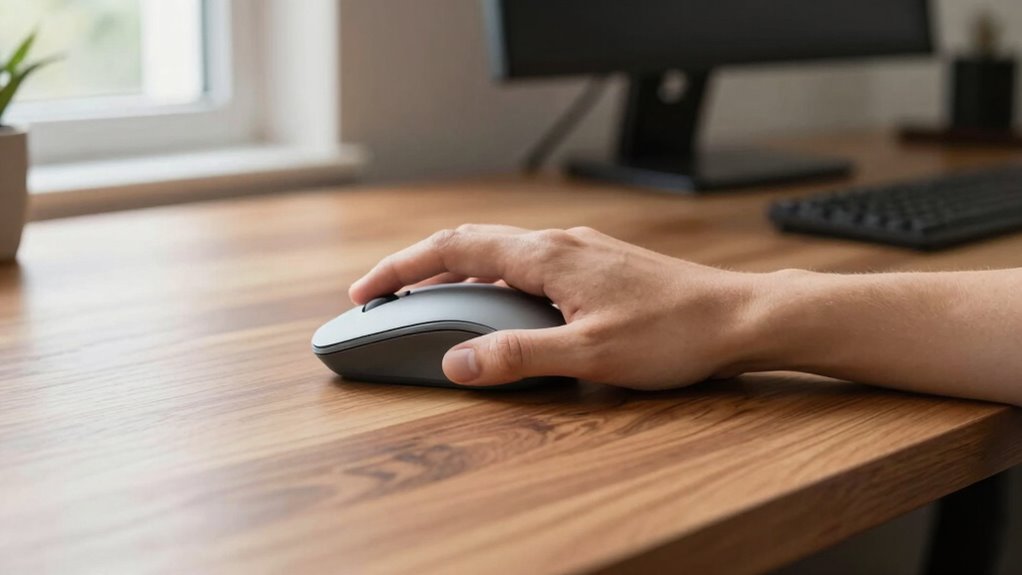

Your desk height plays a key role in getting the most out of a vertical mouse, as it helps keep your wrists and hands in a neutral, comfortable position. When your desk is at the right height, your forearms stay parallel to the ground and your elbows form roughly a 90-degree angle, reducing strain and unnecessary twisting. This setup allows for smoother, more natural hand movements, maximizing the ergonomic benefits—if you want to find out how further adjustments can improve your comfort, keep exploring.

Prime made for students and young adults
- Fast, free delivery for dorm and study essentials
- Prime Video and Amazon Music included
- Member-only deals
Key Takeaways
- Proper desk height ensures neutral wrist positioning, maximizing the ergonomic benefits of using a vertical mouse.
- Correct desk height reduces wrist twisting, enhancing comfort and reducing strain during vertical mouse use.
- An optimal desk setup promotes natural hand movement, improving vertical mouse precision and reducing fatigue.
- Properly aligned desk height minimizes compensatory postures that can undermine the vertical mouse’s benefits.
- Adjusting desk height supports sustained ergonomic posture, increasing the vertical mouse’s effectiveness for long-term use.
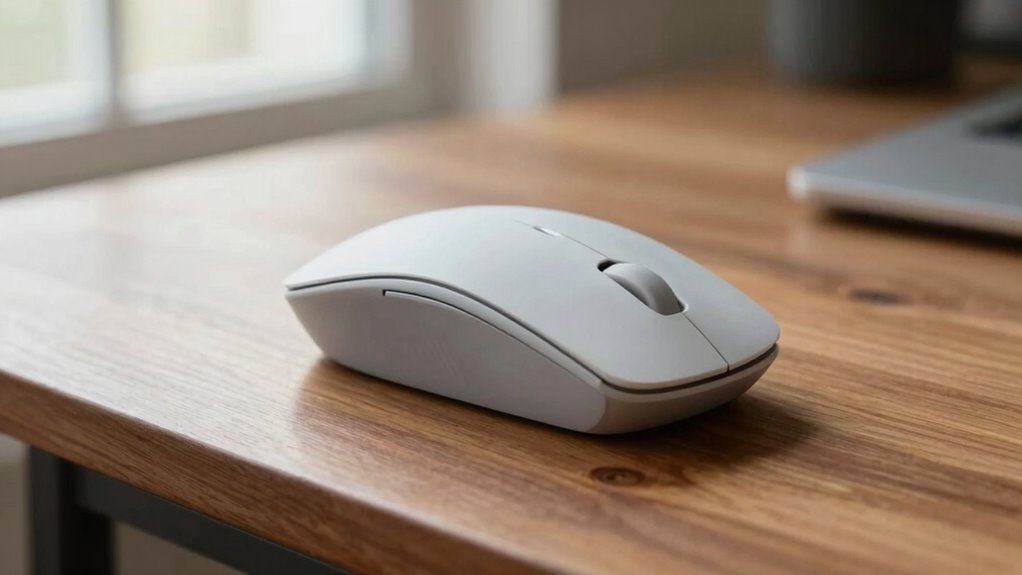
Have you ever experienced discomfort or pain after long hours at your computer? If so, you’re not alone. Many people overlook how their desk setup impacts their comfort, especially when it comes to using a vertical mouse. One key factor that influences its effectiveness is your desk height. When your desk isn’t aligned properly, it can interfere with your ergonomic wrist and hand posture, making even the most innovative mouse less beneficial.
Proper desk height is essential for comfort and effective use of a vertical mouse.
A vertical mouse is designed to promote a more natural hand position, reducing strain on your wrist and forearm. But, if your desk is too high or too low, you might find yourself compensating in ways that negate these benefits. For example, if your desk is too high, you may have to lift your shoulders or extend your arm, which increases tension in your neck and shoulder muscles. Conversely, if it’s too low, you might slouch or bend your wrist awkwardly to reach the mouse, compromising your ergonomic wrist position and leading to discomfort or repetitive strain injuries.
Getting your desk height right is crucial. Ideally, your forearms should be parallel to the ground when you’re seated comfortably, with your elbows at roughly a 90-degree angle. When this alignment is achieved, your hand posture remains neutral, allowing the vertical mouse to function optimally. This setup minimizes wrist twisting and encourages a more natural, relaxed grip, reducing the risk of developing conditions like carpal tunnel syndrome. You’ll notice that with proper desk height, your hand moves more freely, and your wrist stays in a comfortable, ergonomic position. Maintaining proper workstation ergonomics can help prevent unnecessary strain and discomfort. Additionally, choosing correct ergonomic accessories, such as wrist supports or adjustable chairs, can further enhance your setup.
Adjusting your workspace to match your body is key. If your desk is adjustable, take the time to find that perfect height where your forearms are supported and your hand remains in a neutral position. If not, consider adding a height-adjustable keyboard tray or a desk riser. These small changes can significantly improve your hand posture and overall comfort. When your desk height aligns with your body, your vertical mouse feels more intuitive to use, and you’ll experience less fatigue after long sessions. Ensuring proper workspace ergonomics can make a substantial difference in your comfort and health. Also, being mindful of individual body dimensions can help you customize your setup for maximum ergonomic benefit. Additionally, understanding the importance of cultural and spiritual symbols can help you create an environment that promotes both physical well-being and mental harmony.
As an affiliate, we earn on qualifying purchases.
Frequently Asked Questions
How Does Desk Height Influence Vertical Mouse Ergonomics?
Your desk height substantially influences vertical mouse ergonomics by affecting your wrist and hand positioning. When your desk is at the right height, it allows your ergonomic wrist to stay in a neutral position, reducing strain. If the desk is too high or low, you may bend your wrist or stretch awkwardly, increasing discomfort and fatigue. Proper desk height ensures your vertical mouse supports natural hand movement, boosting comfort and productivity.
Can Adjusting Desk Height Improve Vertical Mouse Comfort?
Yes, adjusting your desk height can dramatically boost your vertical mouse comfort, almost like transforming your workspace into a haven of ergonomic bliss. When your desk aligns perfectly, it minimizes strain and maximizes efficiency. Incorporate ergonomic accessories and fine-tune your desk alignment to guarantee your wrist stays in a natural position, reducing fatigue and enhancing precision. Proper setup isn’t just a tweak; it’s a game-changer for your comfort and productivity.
What Is the Ideal Desk Height for Using a Vertical Mouse?
You should set your desk height so that your forearms are parallel to the floor, keeping your wrist in a neutral position. This position allows your ergonomic keyboard and vertical mouse to work together comfortably, reducing strain. Make sure your wrist support is properly aligned, and your desk isn’t too high or low. This setup encourages better posture, minimizes wrist fatigue, and enhances overall comfort during extended use.
Does Desk Height Affect Vertical Mouse Pressure Points?
Desk height definitely influences vertical mouse pressure points, much like a dance partner guides your moves. When your desk’s height is just right, your hand posture and wrist alignment stay relaxed, preventing unnecessary strain. If your desk is too high or low, it throws off your natural hand position, causing pressure points to develop. Adjusting your desk height helps maintain proper alignment, making your vertical mouse experience smoother and more comfortable.
How Do Different Desk Heights Impact Long-Term Vertical Mouse Use?
Different desk heights considerably influence your long-term vertical mouse use. When your desk is too high or low, it disrupts ergonomic wrist positioning, causing strain. Proper desk height aligns your keyboard placement and mouse, reducing tension and fatigue. Maintaining a suitable height ensures your wrist stays neutral, preventing discomfort over time. Adjusting your setup promotes healthier habits, making long-term vertical mouse use more comfortable and sustainable.
As an affiliate, we earn on qualifying purchases.
Conclusion
Imagine your wrist as a tightrope walker balancing perfectly when your desk height matches your arm’s natural angle. A vertical mouse, like that steady balancing pole, keeps you aligned and comfortable, reducing strain. Studies show users report less fatigue with proper setup. When you adjust your desk height to fit your body, you’re fundamentally giving your wrist that steady pole it needs, turning everyday tasks into a smooth, effortless dance rather than a shaky balancing act.
As an affiliate, we earn on qualifying purchases.
As an affiliate, we earn on qualifying purchases.
Halloween Picks
halloween
As an affiliate, we earn on qualifying purchases.