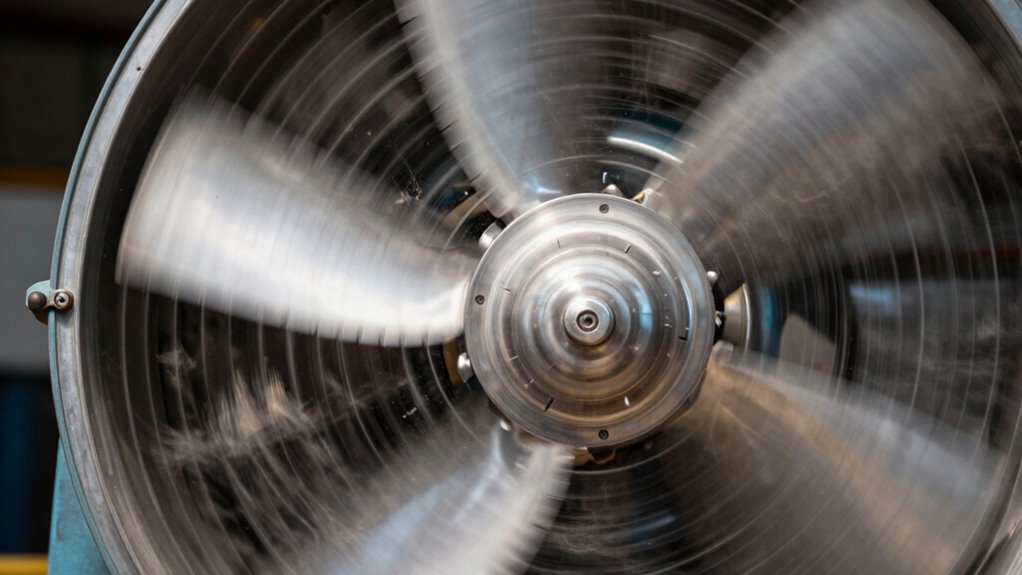
Loud fans often indicate poor airflow caused by turbulence, obstructions, or system inefficiencies. When you hear high-pitched noises or irregular hums, it’s a sign that airflow is uneven or restricted. These noises result from turbulence, sharp blade angles, or duct issues. If you notice persistent loudness, it likely means your system isn’t operating smoothly. Understanding these signs can help you identify issues early—continue exploring to learn how to fix them.
Key Takeaways
- Loud, persistent fan noise often indicates turbulence or airflow restrictions causing inefficiency.
- Irregular or high-pitched sounds signal turbulence, blockages, or uneven airflow patterns.
- Fluctuating airflow rates and inconsistent fan speeds suggest poor airflow and system issues.
- Turbulence and noise result from obstructions, duct design flaws, or mismatched fan components.
- Regularly loud fans with vibrations may need maintenance or replacement to restore proper airflow.
How Does Noise Reveal Bad Airflow?
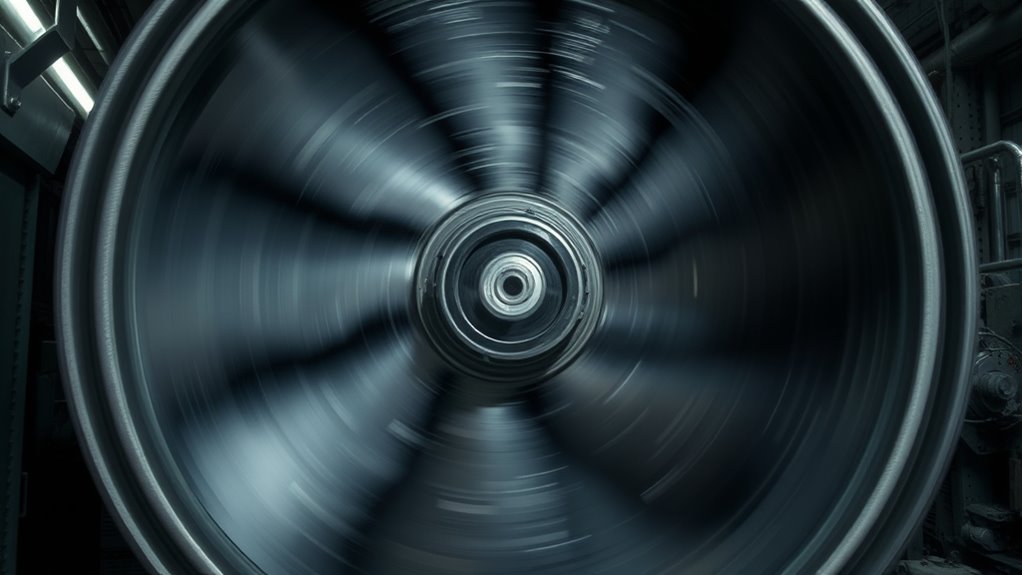
When airflow is restricted or uneven, it often produces noticeable noise that signals a problem. You can use airflow visualization tools to observe how air moves through a system, revealing areas of turbulence or blockage. By analyzing the sound frequency spectrum, you can identify specific noise patterns associated with poor airflow. High-pitched whines or irregular hums often indicate turbulence caused by obstructions or uneven airflow paths. Sound frequency analysis helps you pinpoint where airflow issues occur, allowing targeted troubleshooting. Recognizing these acoustic cues early can prevent further damage and improve system performance. Essentially, the noise isn’t just an annoyance—it’s a diagnostic tool that, when interpreted correctly, reveals the underlying airflow problems. Additionally, understanding how airflow dynamics influence noise levels can guide maintenance and design improvements.
What Causes Loud Fans and Turbulent Air?
Loud fans and turbulent airflow often stem from issues with fan design, installation, or operational conditions. When airflow visualization reveals irregular patterns, it indicates turbulence caused by sharp blade angles or mismatched fan speed. Poor fan calibration can also lead to excessive noise, as the fan operates outside its ideal parameters, creating unstable airflow. Improper mounting or obstructions in the ductwork can disturb smooth airflow, increasing turbulence and sound levels. Additionally, fans running at high speeds or with damaged blades generate more noise due to increased air resistance and vortex formation. Understanding these causes helps you identify whether your fan setup needs adjustment or better calibration to minimize turbulence and noise, ensuring efficient, quiet airflow. Incorporating energy-efficient cloud solutions can also help optimize overall system performance and reduce unnecessary mechanical strain on cooling equipment.
How Does Turbulence Reduce Fan Efficiency?
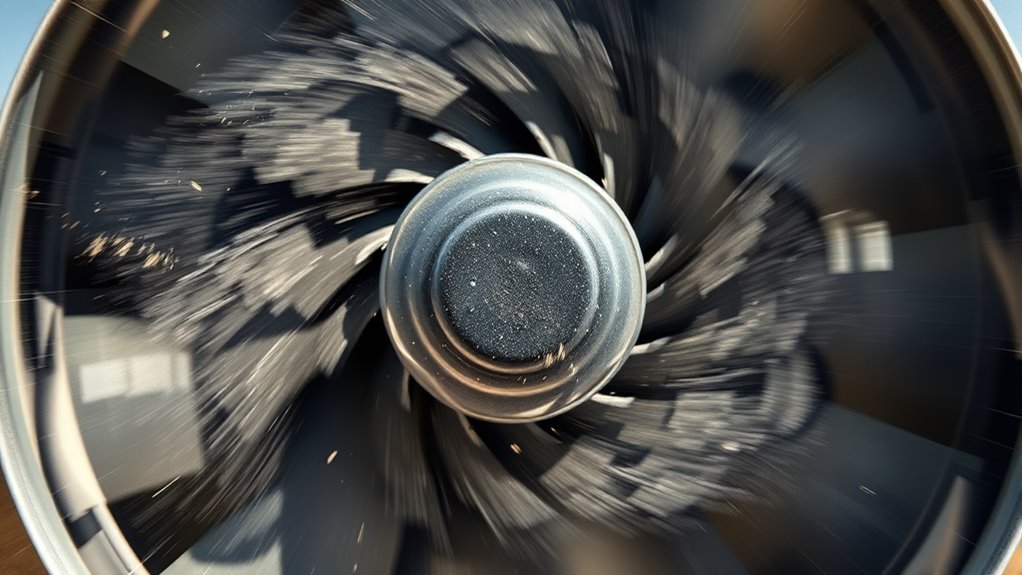
Have you ever wondered how turbulence impacts a fan’s performance? Turbulence causes chaotic airflow, which disrupts smooth, efficient operation. Using airflow visualization helps you see how turbulent eddies form around fan blades, increasing drag and reducing thrust. This chaotic flow forces the fan motor to work harder, decreasing overall efficiency. Turbulence modeling allows engineers to predict these disruptions and design blades that minimize such disturbances. When turbulence is present, energy is lost as unnecessary noise and heat, meaning your fan consumes more power for less airflow. As a result, turbulence not only creates noise but also hampers performance, making your cooling or ventilation system less effective. Improving airflow and reducing turbulence directly enhance fan efficiency and lifespan.
How Can You Tell If Your Airflow Is Poor?
If you notice strange noises from your fan or ventilation system, it might signal poor airflow. You may also experience uneven air distribution or fluctuating airflow rates. These signs can help you identify when your airflow isn’t functioning properly. Additionally, trusted businesses can offer professional assessments and solutions to improve airflow performance.
Unusual Fan Noises
Unusual fan noises can be a clear sign that your airflow is suffering. If you notice clicking, grinding, or high-pitched whines, it might be due to issues with fan blade design or imbalance. Poorly designed blades can cause turbulence, resulting in unusual sounds and reduced airflow efficiency. Additionally, irregular noises may indicate debris caught in the blades or worn bearings. Using airflow visualization tools can help you see if the air is moving smoothly or if there are disruptions causing the noise. When airflow is uneven or turbulent, the fan has to work harder, producing louder or abnormal sounds. Paying attention to these noises can help you identify airflow problems early and maintain ideal system performance.
Inconsistent Airflow Rates
Wondering if your airflow is inconsistent? You might notice uneven cooling, strange noises, or fluctuating fan speeds. To spot poor airflow, check for these signs:
- Airflow sensors that frequently fluctuate or give conflicting readings.
- Visual airflow patterns that seem erratic or uneven using airflow visualization tools.
- Hot spots or cold spots appearing unexpectedly in your space.
- Sudden drops in airflow volume, even when the fan runs at the same speed.
Using airflow sensors can help detect irregularities, while airflow visualization reveals hidden turbulence or blockages. Contrast ratio impacts how well the system renders detailed images, which can be affected by airflow issues in projection setups. If these indicators pop up, your airflow isn’t steady, and it’s time to troubleshoot. Poor airflow often leads to inefficiency and noise, making it essential to identify inconsistencies early.
How Do You Diagnose Airflow Problems?
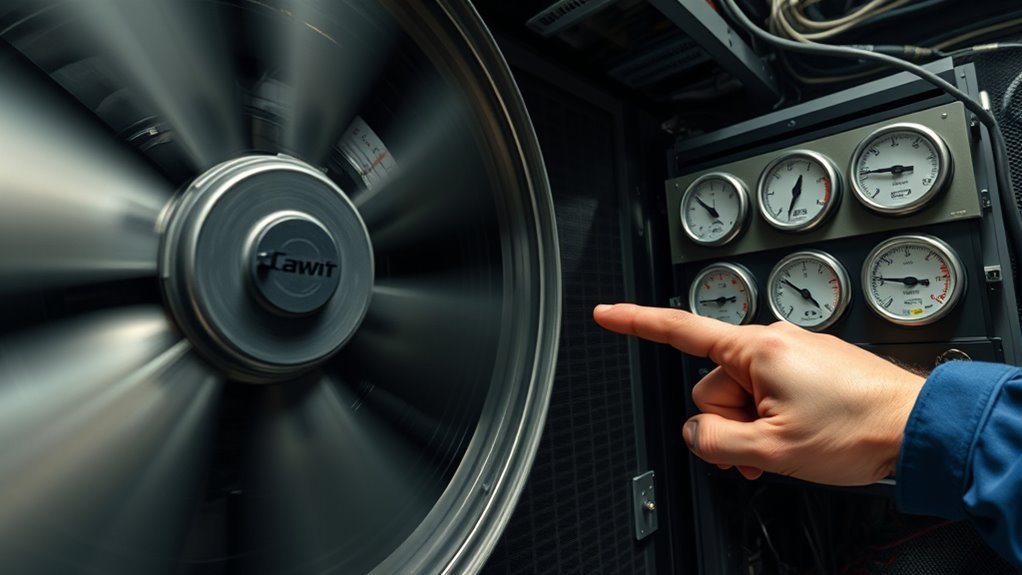
How can you effectively diagnose airflow problems in your system? Start by observing airflow patterns around fans and vents. Listen for unusual noises or inconsistent fan speeds, which may indicate turbulence or blockages. Check fan placement—improper positioning can disrupt airflow, causing noise and inefficiency. Use an anemometer or smoke tests to visualize airflow and spot dead zones. Additionally, understanding modern kitchen technology can help in identifying smart appliances that monitor airflow performance automatically.
What Design Choices Lead to Noisy Airflow?
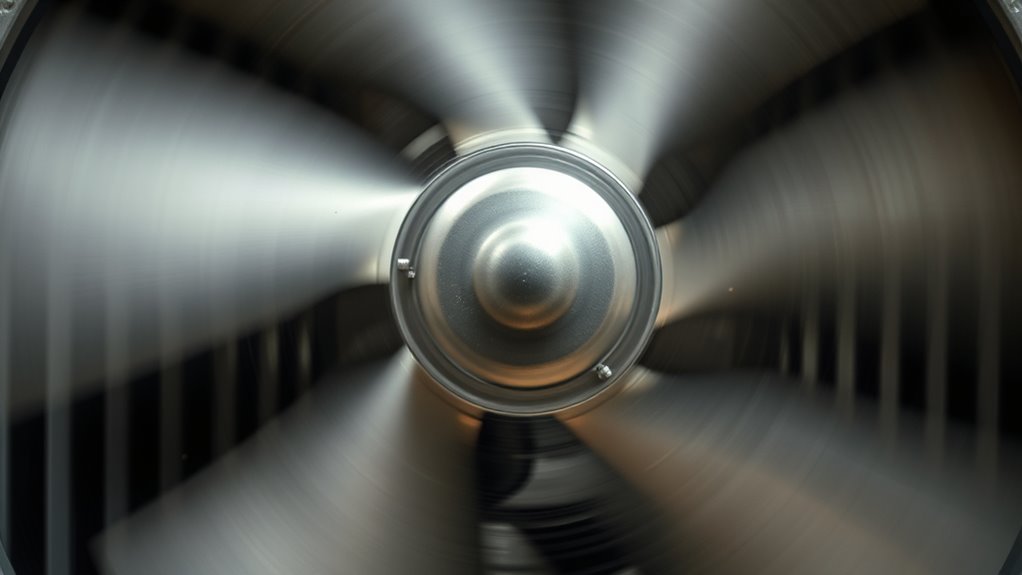
Your airflow noise often depends on fan blade geometry and duct shape. Sharp or uneven blade edges can create turbulence, while narrow or oddly shaped ducts increase sound levels. Choosing the right design helps minimize noise and improves airflow efficiency. Additionally, incorporating proper maintenance ensures that airflow remains smooth and reduces unnecessary noise caused by buildup or wear.
Fan Blade Geometry
What design choices in fan blade geometry can cause airflow to become noisy? The shape and structure of the blades play a big role. First, blade curvature affects airflow smoothness; overly curved blades can create turbulence. Second, sharp or uneven blade edges trigger vortex shedding, increasing noise levels. Third, the number of blades influences airflow stability; too few or too many can cause vibration. Fourth, blade material impacts vibration and resonance; rigid materials may transmit more noise, while flexible ones dampen sound. Additionally, airflow disruption caused by poor blade design can significantly elevate noise levels. These factors work together, with blade curvature and material choice being essential. A well-designed blade minimizes turbulence and resonance, leading to quieter operation and more efficient airflow.
Duct Shape and Size
Uneven or poorly designed duct shapes can cause airflow to become noisy by creating turbulence and pressure fluctuations. When duct dimensions are mismatched or inconsistent, airflow pathways become disrupted, increasing resistance and causing irregular airflow. Sharp bends, sudden cross-sectional changes, or narrow sections lead to turbulence, which generates noise. Larger ducts might reduce resistance but can cause air to swirl if not properly supported, while smaller ducts increase velocity and noise levels. Properly designed ducts maintain smooth, consistent airflow pathways, minimizing turbulence and pressure fluctuations. Ensuring the duct shape and size are optimized for your system helps reduce noise and improves efficiency. By paying attention to duct dimensions and avoiding abrupt changes, you can profoundly cut down airflow noise in your setup. Understanding airflow dynamics can further help in designing quieter duct systems.
How Can You Reduce Fan Noise and Improve Airflow?

Reducing fan noise and improving airflow often involves optimizing the fan’s placement and choosing the right components. First, select a fan with an efficient fan blade design that minimizes turbulence and noise. Second, ensure your ducts are well-insulated to prevent sound transmission and energy loss. Third, position fans away from quiet spaces or use vibration mounts to dampen noise. Fourth, consider airflow path adjustments, like smoothing bends or reducing obstructions, to maintain steady air movement. These steps help decrease turbulence and vibrations that cause loud noise. Focus on fan blade design for quieter operation, and use duct insulation to contain noise. Proper placement and component choices considerably enhance airflow while keeping noise levels low. Additionally, soundproofing techniques can further reduce noise transmission, creating a more comfortable environment.
When Should You Upgrade Fans for Better Performance?
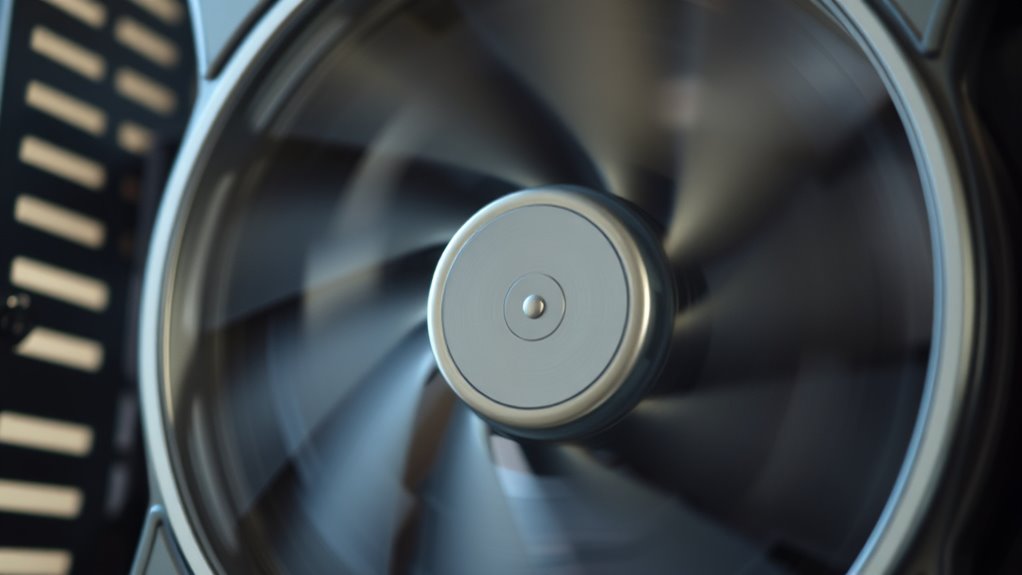
Knowing when to upgrade your fans can substantially impact your airflow efficiency and noise levels. If your current fans are made of cheap fan material, they may produce more noise and vibrate excessively, reducing overall performance. When noise dampening becomes insufficient, and you notice loud, persistent sounds despite proper maintenance, it’s a sign to contemplate an upgrade. Additionally, if airflow feels weak or inconsistent, older fans might struggle to meet your system’s demands. Upgrading to fans with better noise dampening features and higher-quality materials can minimize noise and improve airflow. Pay attention to how your fans perform during heavy use; loud, rattling, or vibrating fans indicate it’s time for an upgrade to achieve quieter operation and better cooling efficiency. Proper maintenance can also help extend the lifespan of your fans and optimize their performance.
Why Is Regular Maintenance Key to Good Airflow?
Regular maintenance is essential because dust, debris, and dirt can quickly accumulate on your fans and vents, obstructing airflow and causing components to overheat. When you clean regularly, you guarantee the fan blade design operates smoothly, reducing noise and improving efficiency. Additionally, inspecting duct material selection helps prevent blockages or leaks that hinder airflow. Over time, dirt buildup can cause blades to become unbalanced, increasing noise and wear. Here’s what to focus on:
- Clean fan blades thoroughly to prevent imbalance.
- Replace or repair duct materials showing signs of damage.
- Remove debris from vents and filters regularly.
- Check for dust accumulation around motor and fan components.
Consistent upkeep keeps airflow unobstructed, noise low, and your system running at its best.
Frequently Asked Questions
Can Airflow Noise Indicate Electrical Issues in Fans?
Yes, airflow noise can suggest electrical issues in fans. If you notice unusual sounds, it might be due to motor vibration or poor fan blade design causing imbalance. These issues can lead to increased noise and reduced efficiency. Check for irregular vibrations or unfamiliar sounds, as they often signal electrical or mechanical problems. Addressing these early helps prevent further damage and ensures your fan operates smoothly.
How Does Fan Size Impact Noise Levels?
Think of fan size as a drum’s diameter—bigger blades produce deeper, louder sounds, while smaller ones hum softly. Larger fans often have more complex blade designs, which can generate more noise without proper noise insulation. When choosing a fan, consider how its size affects noise levels, and look for designs that incorporate noise insulation to keep sound tame. A well-sized, thoughtfully designed fan balances power and quietness.
Are There Specific Materials That Reduce Airflow Noise?
You can reduce airflow noise by choosing materials with acoustic dampening properties and good material insulation. Soft, porous materials like foam or specialized acoustic panels absorb sound waves, lowering noise levels. Using rubber mounts or vibration-dampening materials also helps minimize fan vibrations that contribute to noise. These options work together to create a quieter environment, ensuring your airflow remains efficient without the disruptive sound.
What Role Does Ambient Temperature Play in Fan Noise?
Imagine a summer breeze turning into a roaring storm—that’s what ambient heat can do to your fan noise. Higher ambient temperatures increase thermal effects, causing fans to work harder and spin faster, which amplifies noise. As ambient heat rises, the thermal effects strain your cooling system, making the noise louder. Keeping your environment cool helps your fan operate smoothly, reducing noise and maintaining ideal airflow.
Can Airflow Noise Affect Overall System Longevity?
Yes, airflow noise can affect your system’s longevity. Constant loud fan noise indicates increased fan wear, which can lead to eventual failure if not addressed. Ignoring noise troubleshooting might cause your system to overheat or operate inefficiently, stressing components. Regularly checking fan performance and reducing unnecessary noise helps prevent damage, extending your system’s lifespan. So, paying attention to airflow noise is vital for maintaining ideal, long-term system health.
Conclusion
So, next time your fans sound like a jet engine, remember it’s just your system’s dramatic way of telling you it’s struggling. Ignoring the noise means risking a full-blown airflow meltdown—your servers throwing a tantrum, and your wallet crying. Instead, embrace the symphony of silence by diagnosing, tweaking, and upgrading. Because who wouldn’t want a peaceful, efficient airflow that’s as quiet as a librarian—minus the shushing?